DOWNLOAD IS NOT SUPPORTED IN WEB STORE!
Use the latest version of 9Apps to download APK&OBB file of games in one click!
DOWNLOAD 9APPS


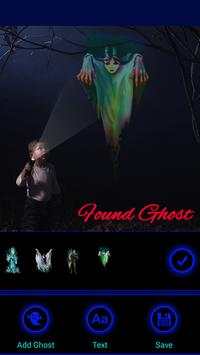
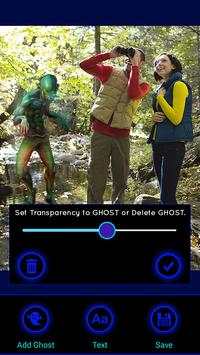
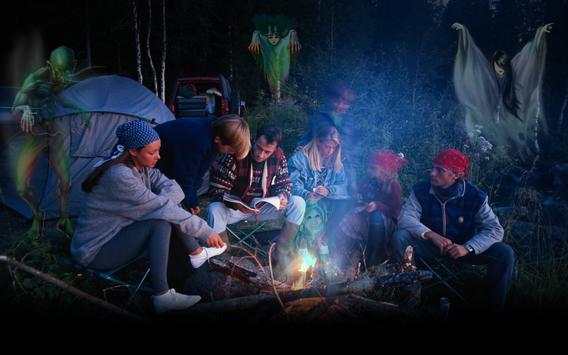
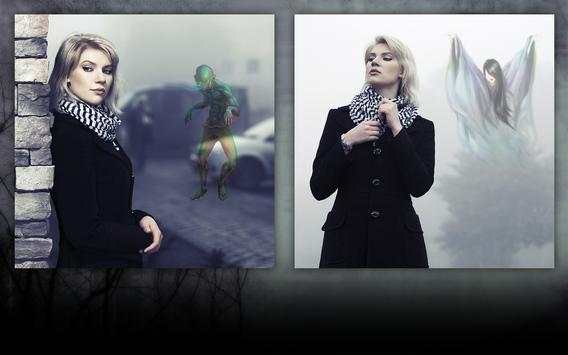
Ghost Photo Stickers lets you add Ghosts to your Photos and adjust them in your Ghost Photos with two finger gestures and lets your add transparency to your ghost photos to make them realistic.
Ghost Photo Stickers is easy to use to make your photos into Ghost Photos:
1. Select a photo where you want to add Ghosts to your photos.
2. Add one of many Ghosts to your photos to Create Ghosts in Photos.
3. Adjust the Ghosts in Photos with two finger gestures to resize, rotate and move the ghosts in photos.
4. Add Transparency to ghosts by double tapping on Ghost Stickers.
5. Save and Share the Ghost photos with friends and family.
Ghost Photo Stickers are the best way to create Ghost Photos.