DOWNLOAD IS NOT SUPPORTED IN WEB STORE!
Use the latest version of 9Apps to download APK&OBB file of games in one click!
DOWNLOAD 9APPS
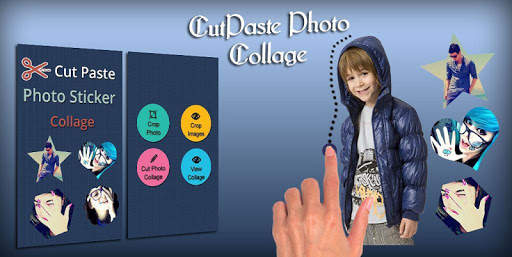
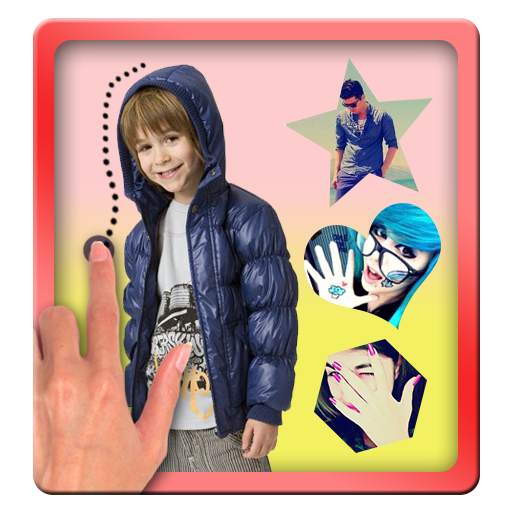
Now create a collage using different kind of photo collage. A very interesting way of creating a collage. Stop making traditional photo collage and create photo collage using different types of photo stickers.
App Features :
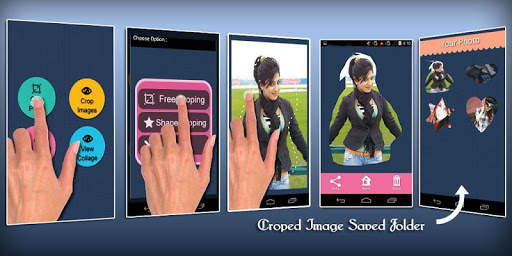
- Cropping a photo : There are 2 ways to crop a photo: 1st is crop using your finger. draw a perforated line around your image to be cropped. The image will be cropped as per the line you drew around the image. 2nd method is shape cropping. Just select a portion of the image and crop them into given shapes.
- You can view all your cropped images in in the "Crop Photo" section of the app.
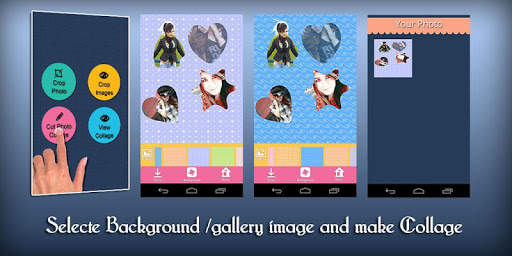
- Creating a collage: You can use normal photos to create you collage as well as use the cropped photos in your collage.
- There are many collage features available. You can adjust the size and position of the photos within your collage,
- You can change background of the collage. There are default backgrounds already available in your app. You can use any image or photo as a background from your mobile gallery too.
-You can browse your cropped stickers to use it in you collage.
-Create as many cropped stickers or collages and share them with your friends or your loved ones.
We will provided your more and more features through our latest updated.