











DOWNLOAD IS NOT SUPPORTED IN WEB STORE!
Use the latest version of 9Apps to download APK&OBB file of games in one click!
DOWNLOAD 9APPS

👉 Some of online mobile games are very popular.
👉 And we can play online games with friends around the world anywhere and anytime.
👉 But we need a fast & stable Gaming VPN to boost your gaming speed.
👉 Higher ping or slower connections is a distracts. In these conditions, you need Gaming VPN to fix your ping.
Fully support ipv6 network, Fastest - Connect successfully.
Host File Example: 👇👇👇
127.0.0.1 localhost
::1 ip6-localhost
127.0.0.1 localhost
127.0.0.1 localhost.localdomain
0.0.0.0 local
255.255.255.255 broadcasthost
::1 localhost
::1 ip6-localhost
::1 ip6-loopback
fe80::1%lo0 localhost
ff00::0 ip6-localnet
ff00::0 ip6-mcastprefix
ff02::1 ip6-allnodes
ff02::2 ip6-allrouters
ff02::3 ip6-allhosts
0.0.0.0 0.0.0.0
0.0.0.0 domain.com
0.0.0.0 domain2.com
0.0.0.0 domain3.com
How to use MR VPN - Gaming Host Changer
1. Create the hosts file by it self or download from Internet.
2. Save the host.txt file into your phone anywhere you can choose.
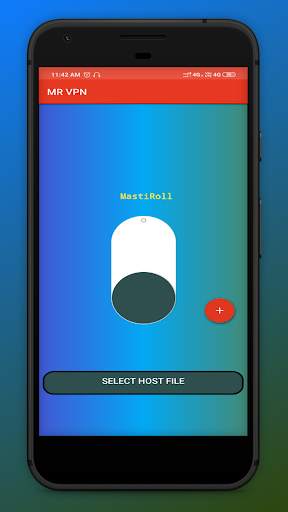
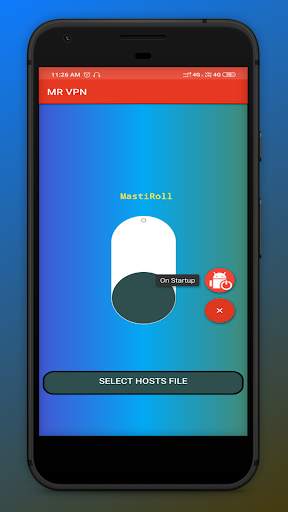
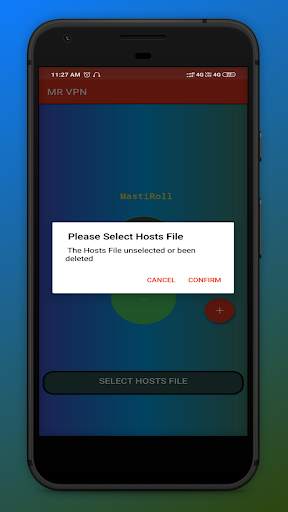
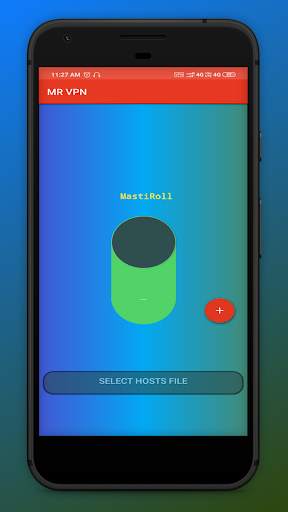
3. Open MR VPN app. click the button at the bottom of the scree , now select the hosts file which you created or downloaded from Internet.
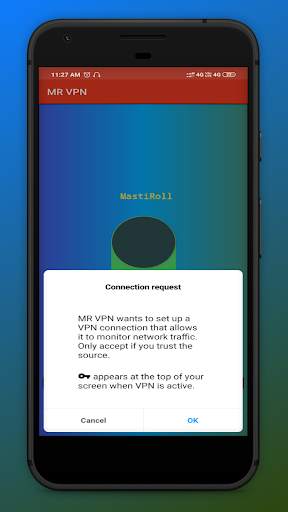
4. Click the big Round button which like a switch for running and the White area will turn into green.
Bug fixes.
Now it's Anti-ban
Pro Game Changer


