

DOWNLOAD IS NOT SUPPORTED IN WEB STORE!
Use the latest version of 9Apps to download APK&OBB file of games in one click!
DOWNLOAD 9APPS

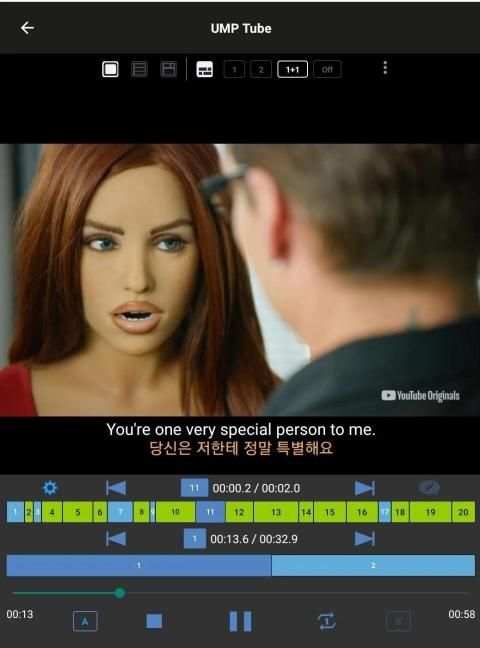
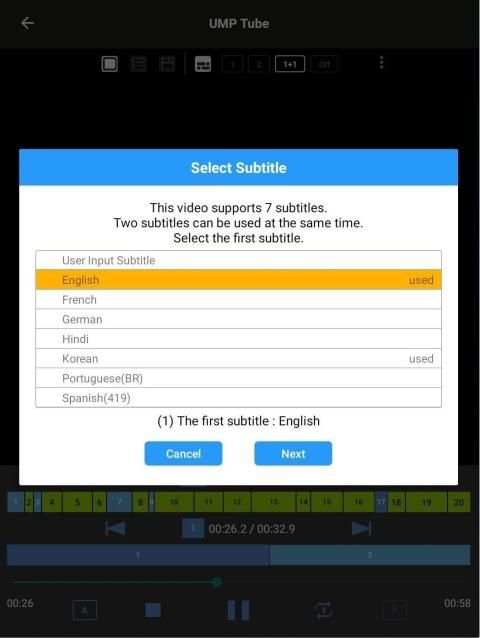
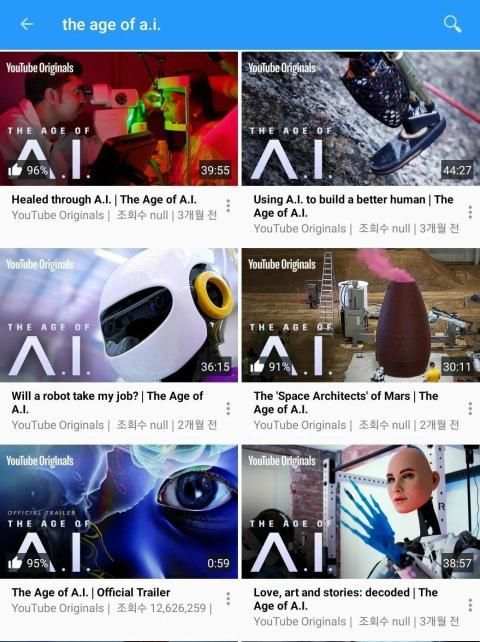
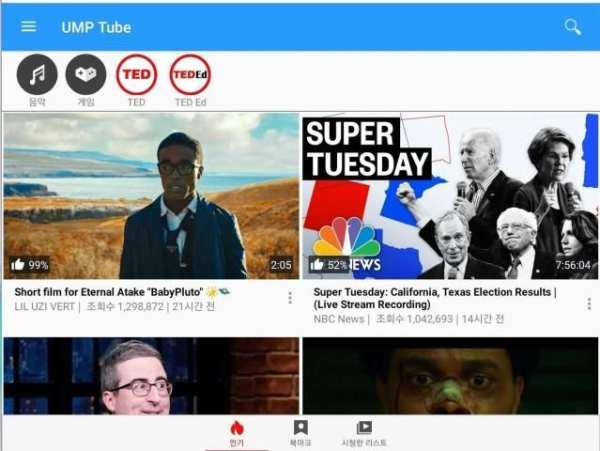
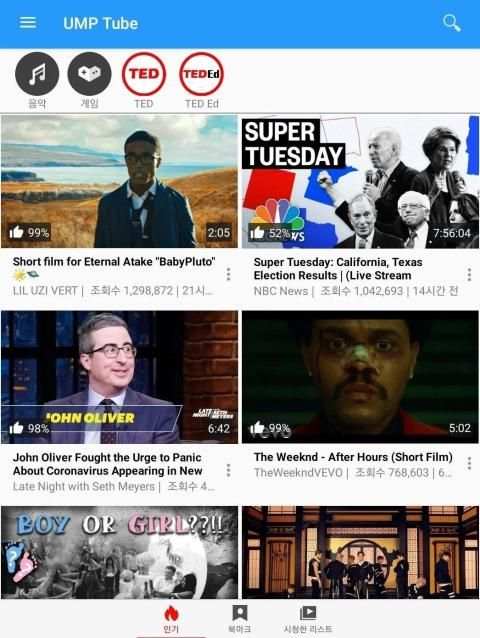
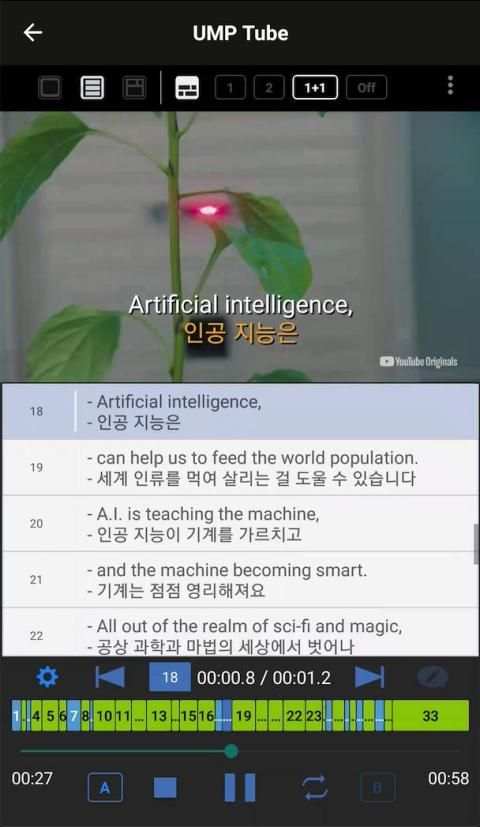
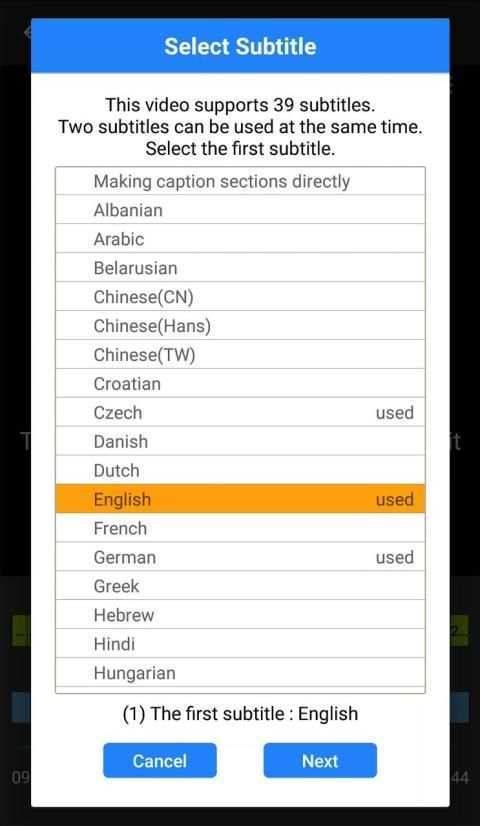
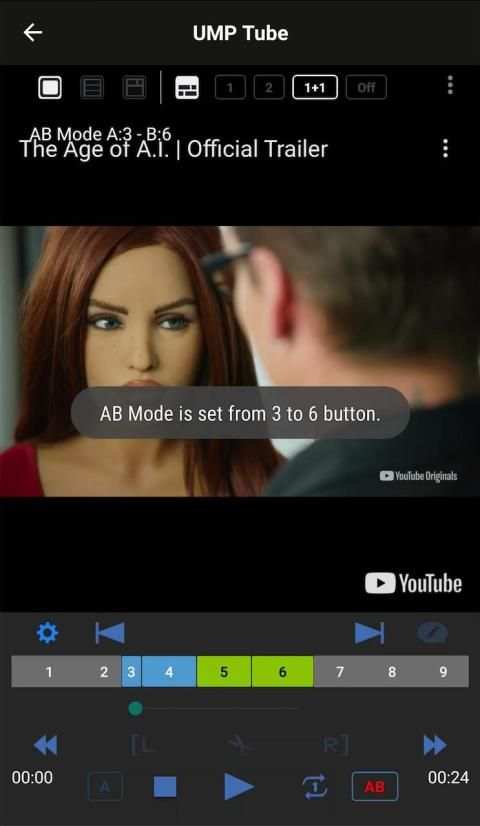
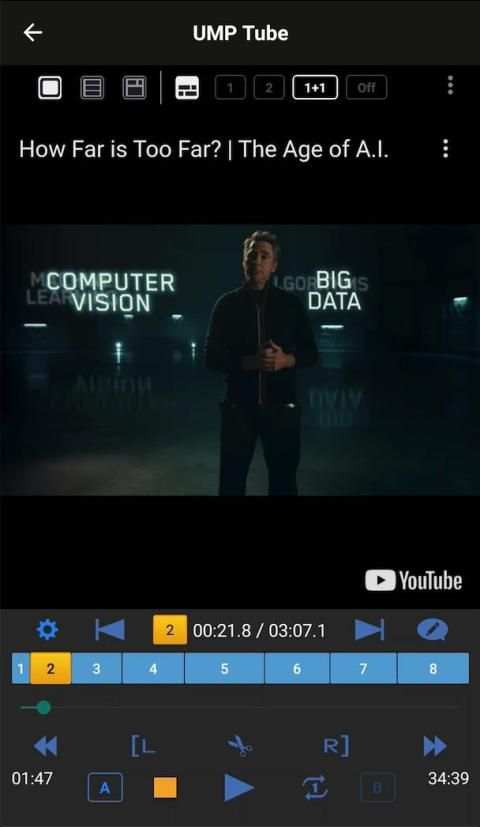
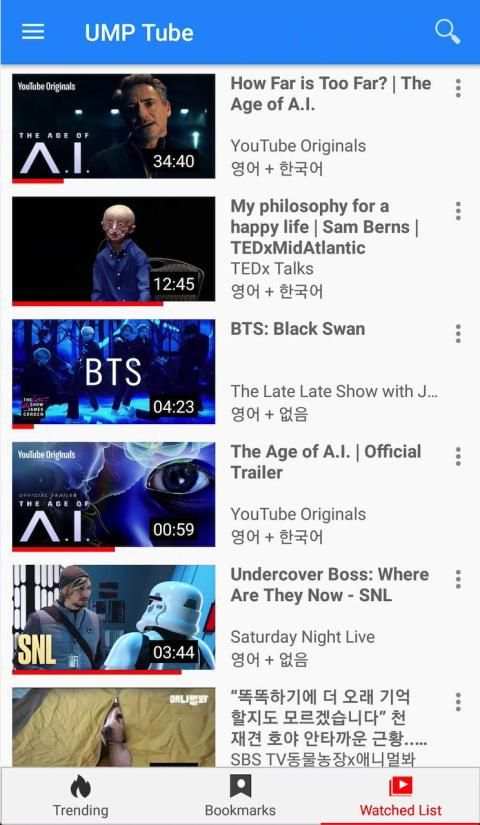
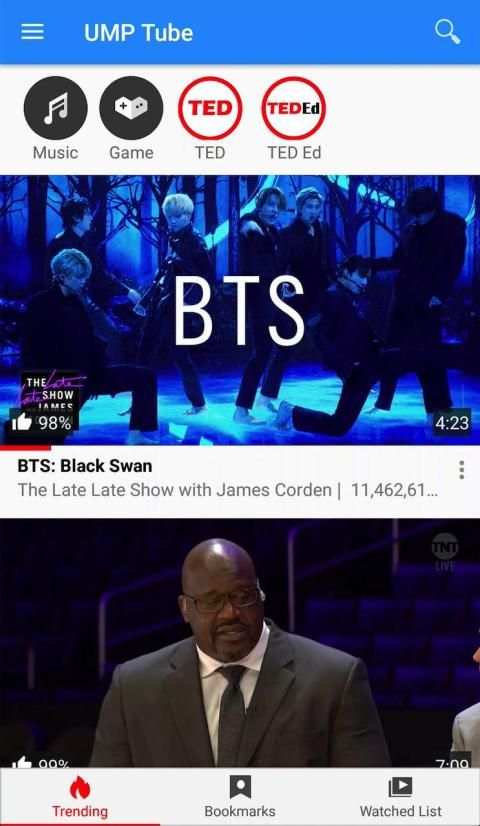
The main features of the UMP Tube app are:
First,
- You can directly specify the desired playback section in the YouTube video and play the specified section repeatedly.
- You can also play specific sections repeatedly by setting them to AB mode.
- You can even enter subtitles in two languages in this designated section.
Second,
- If subtitles are provided in the YouTube video, you can play all the dialogue of the subtitles with a button click.
- Subtitles in two languages can be specified at the same time and viewed on the subtitles list.
- You can switch among screen mode, screen and entire subtitle view mode, and only entire subtitle view mode.
-You can use subtitles in various languages provided, which is useful for language learning of listening and speaking not only English but all languages.
And,
- YouTube videos from UMP Tube are automatically added to the watched list.
- You can bookmark the videos you want to see again or save so you can always use them at any time.
UMP Tube uses the official YouTube API and complies with YouTube policy.
* The method of specifying the playback sections and repeating them, and the method of creating and repeating all the dialogues of the subtitles using the dynamic button implemented in this UMP Tube app, is currently patented.



Sharing UMP Tube at YouTube app



Temple Run 2
4.4122.1MB

Candy Crush Saga
4.491.1MB

ShopClues
3.816.4MB

Mushroom Takeover
4.569.0MB

Facebook Lite
4.02.5MB

Quikr – Search Jobs, Mobiles,
4.120.8MB

Dearmet: Video Chat, Live Talk
4.043.4MB

imo beta -video calls and chat
4.394.0MB

Talking Tom
3.963.0MB

Offline Music Mp3 Player- Muso
4.535.9MB