












DOWNLOAD IS NOT SUPPORTED IN WEB STORE!
Use the latest version of 9Apps to download APK&OBB file of games in one click!
DOWNLOAD 9APPS
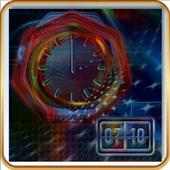
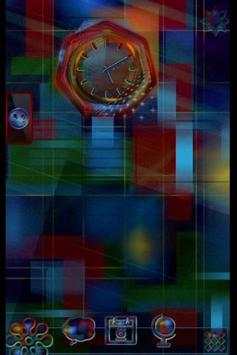
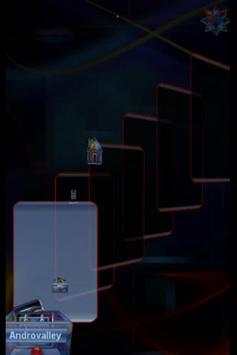
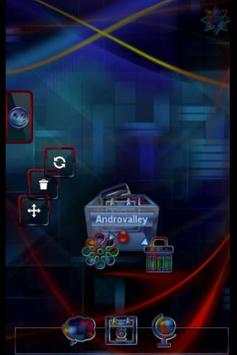
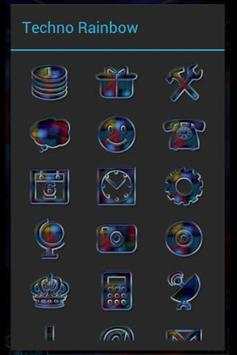
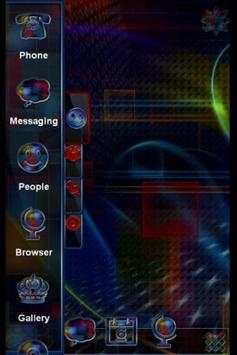
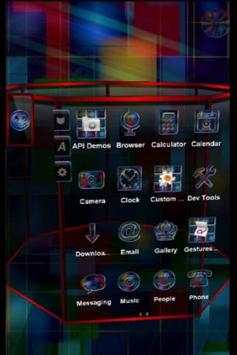
TSF Shell Launcher Theme Techno rainbow
The Theme includes four wallpapers, clock and package of icons.
To install the Theme:
- Install TSF Shell Launcher (it must be obtained separately).
- Install the Theme.
- Tap on Settings and choose Theme.
- Select the Theme and apply it.
To Change the Wallpaper: Find Theme's wallpaper and apply it.
To Open the Clock: Select "Widgets" and find the Theme's Alarm clock.
Added support: TSF Shell V3


