DOWNLOAD IS NOT SUPPORTED IN WEB STORE!
Use the latest version of 9Apps to download APK&OBB file of games in one click!
DOWNLOAD 9APPS
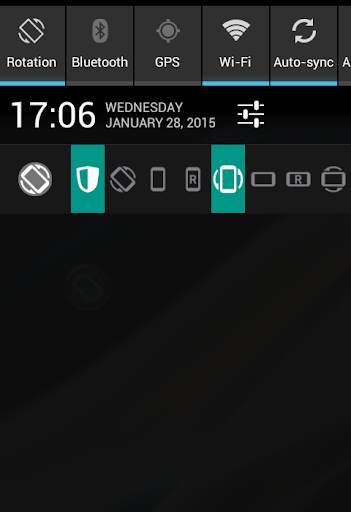
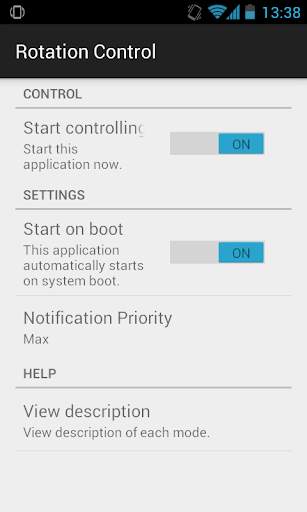
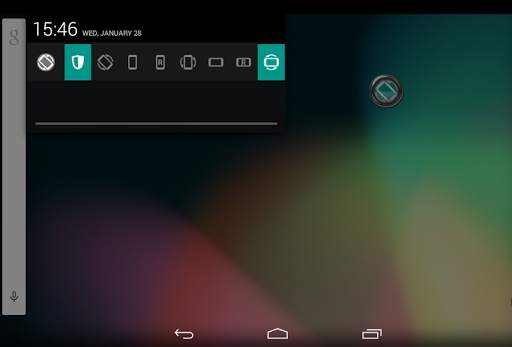
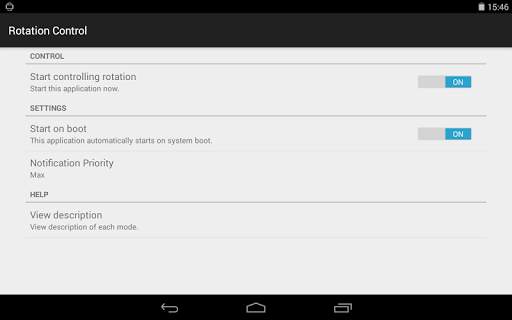
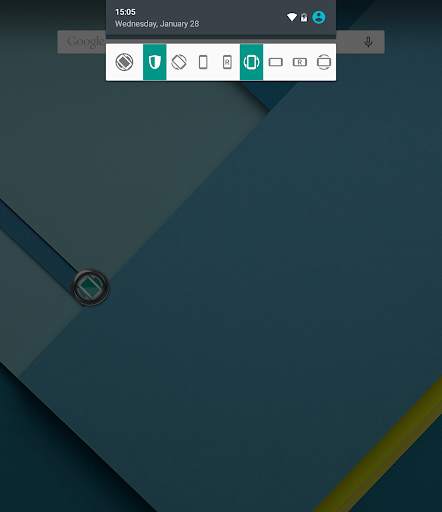
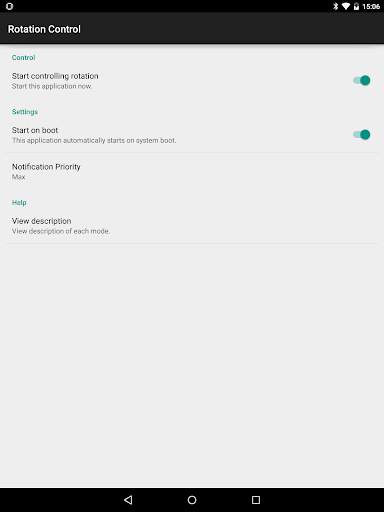
You can control screen orientation from notification area easily.
You also can prevent the other application from changing screen orientation.
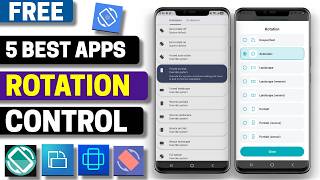
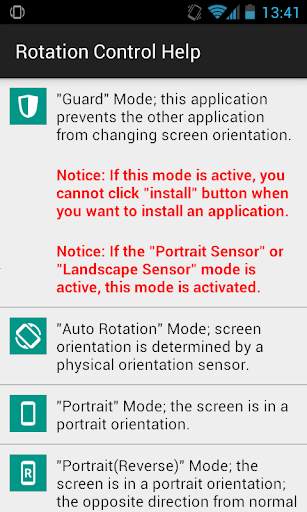
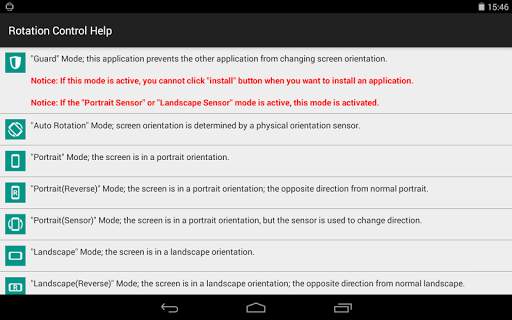
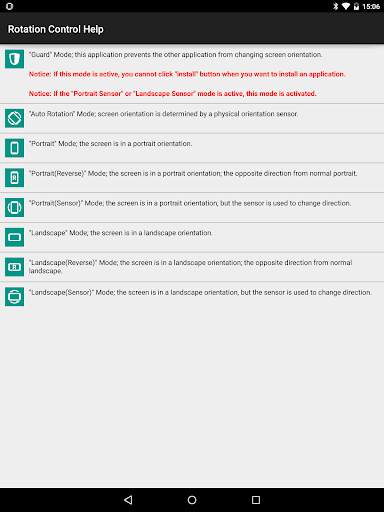
The following rotation modes are available.
- Guard: this application prevents the other application from changing screen orientation.
- Auto Rotation: screen orientation is determined by a physical orientation sensor.
- Portrait: the screen is in a portrait orientation.
- Portrait (Reverse): the screen is in a portrait orientation; the opposite direction from normal portrait.
- Portrait (Sensor): the screen is in a portrait orientation, but the sensor is used to change direction.
- Landscape: the screen is in a landscape orientation.
- Landscape (Reverse): the screen is in a landscape orientation; the opposite direction from normal landscape.
- Landscape (Sensor): the screen is in a landscape orientation, but the sensor is used to change direction.
* Depending on the device, you may not be able to use several modes.
* If "Guard" mode is active, you cannot click "install" button when you want to install an application. When you want to install an application, you should inactivate "Guard" mode or this application.