










DOWNLOAD IS NOT SUPPORTED IN WEB STORE!
Use the latest version of 9Apps to download APK&OBB file of games in one click!
DOWNLOAD 9APPS
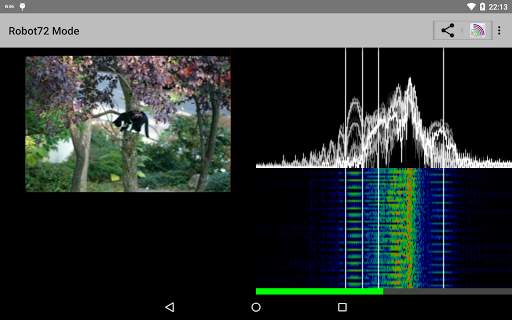
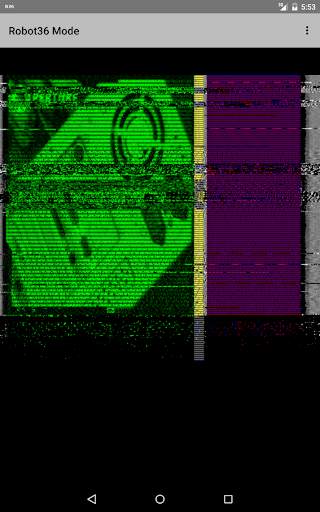
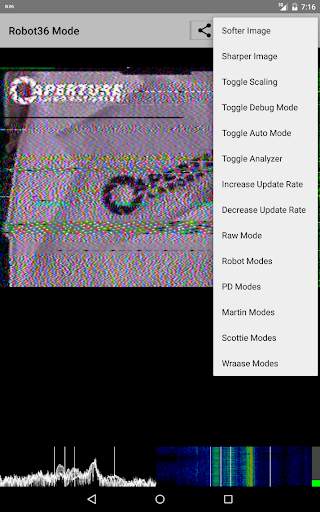
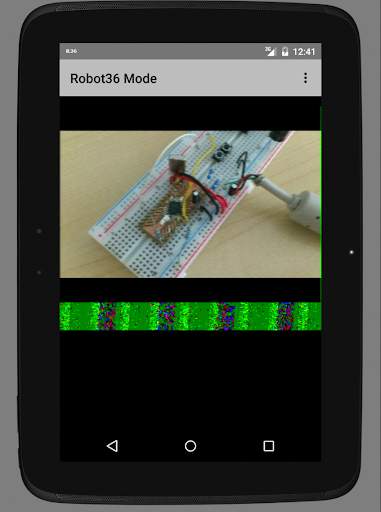
Following modes are supported:
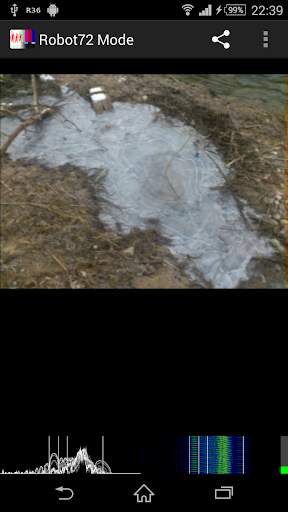
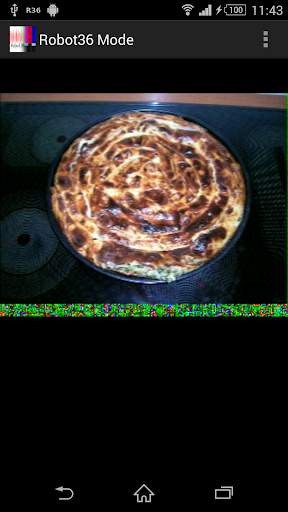
Robot Modes: 36 & 72
PD Modes: 50, 90, 120, 160, 180, 240 & 290
Martin Modes: 1 & 2
Scottie Modes: 1, 2 & DX
Wraase Mode: SC2 180
Old B/W or unsupported modes can be viewed in "Raw Mode".
If an calibration header gets detected, the resulting image will be saved in the "Pictures" directory and can be immediately seen in the Image gallery.
Switching away to another application will not stop the decoder and it will continue to run in background.
To stop the decoder, you can either press pause or exit via the "back" button of Android.
Here you can find my wife's free open source SSTV Encoder:
https://play.google.com/store/apps/details?id=om.sstvencoder
- updated libraries and tools
- fixed zero file size bug when storing picture
- fixed permission problems on Android 13


