
How to use this App:
install a barcode scanner
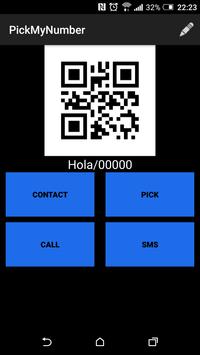
click on PickMyNumber to choose between the following actions:
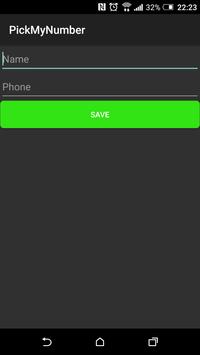
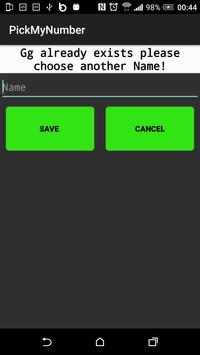
1 click contact update and insert your name and your phone number.
2 click sms to scan a qr code and send an sms
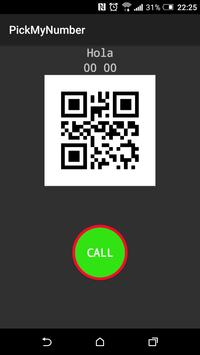
3 to make a phone call, scan the qr code
4 click on the contact icon to display all contacts, select a contact or make a phone call
5 click on the icon pick to scan a qr code contact, this will be stored on your contact list automatically.
Advantages:
This App helps us to quickly store a phone number by scanning the QR-code of another smartphone that uses the same App. Amongst other things, this App can be used to scan a QR-code, to send an SMS, and better still to make a phone call without touching the smartphone. It can also be used to exchange a number with another user of PickMyNumber. Click on the contact icon,select a contact, this will appear on the screen in the form of a QR-Code. On the contrary other users will have to click on Pick and then scan the QR-code. This will be registered on the contact list automatically with the name of the person and his or her phone number which is in the form of a QR-code.



9Apps 4.9