














DOWNLOAD IS NOT SUPPORTED IN WEB STORE!
Use the latest version of 9Apps to download APK&OBB file of games in one click!
DOWNLOAD 9APPS

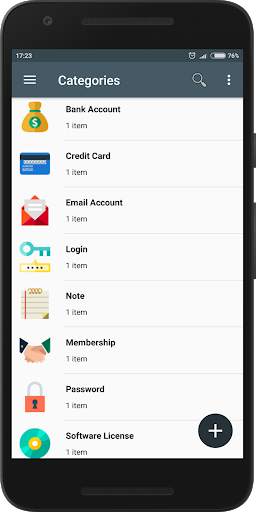
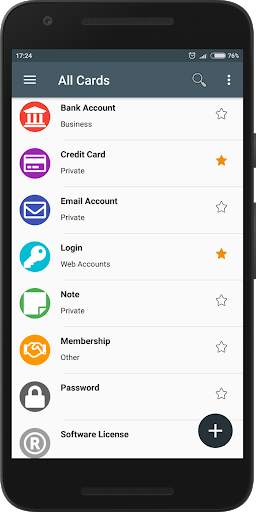
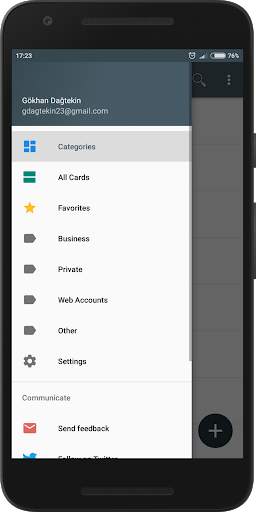
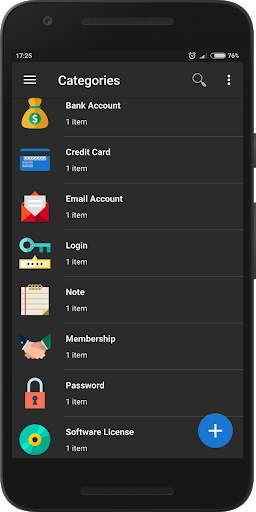
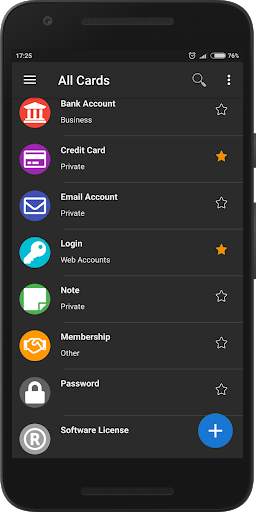
GD Password Manager securely stores your passwords with the AES (256-bit Advanced Encryption Standard) standard. When your device is corrupted or lost, you can re-enter your account and get all your passwords and data.
Features
• Material Design
• Dark Theme
• Strong Encryption (256-bit Advanced Encryption Standard)
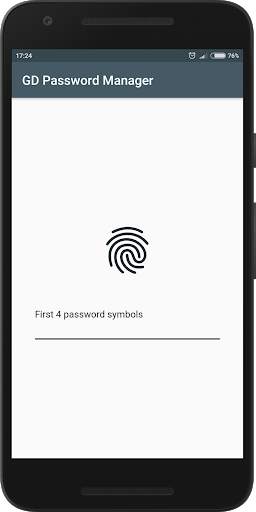
• Login with Fingerprint
• Password Strength Analysis
• Password Generator
• Backup and restoring data
• Copy password to notification panel
• Automatic panel cleaning
STRONG ENCRYPTION
Your data is always encrypted with the powerful 256-bit Advanced Encryption Standard (AES). This algorithm is used by the US Government for protection of a top secret information. AES is also widely adopted worldwide and became the de facto encryption standard.
ENTRY WITH FINGERPRINT
You can instantly unlock GD Password Manager with a fingerprint on devices with a fingerprint sensor. Your device must have a fingerprint sensor and must be Android 6.0 or higher.
PASSWORD STRENGTH ANALYSIS
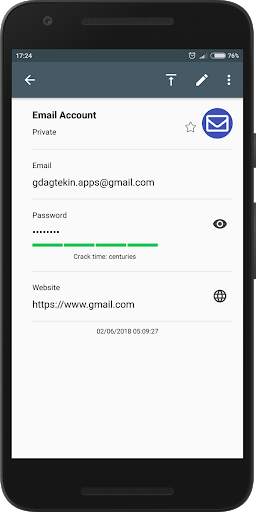
GD Password Manager analyzes your password strengths and
indicator next to each password. The strength indicator displays an estimated crack time for a password.
PASSWORD GENERATOR
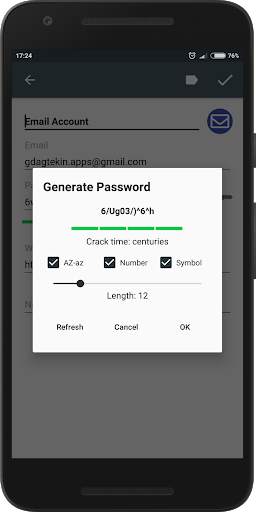
The password generator helps you generating random and secure passwords.
App publish.


