









DOWNLOAD IS NOT SUPPORTED IN WEB STORE!
Use the latest version of 9Apps to download APK&OBB file of games in one click!
DOWNLOAD 9APPS

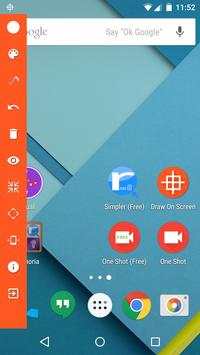
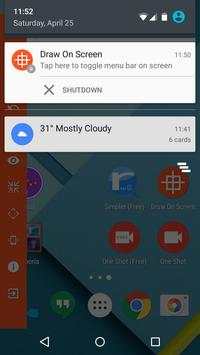
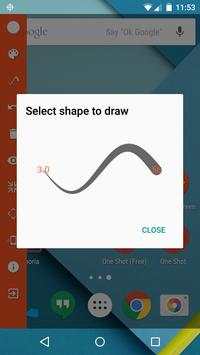
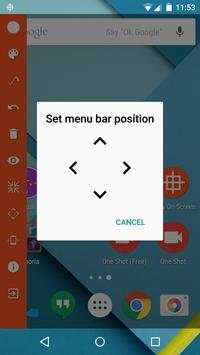
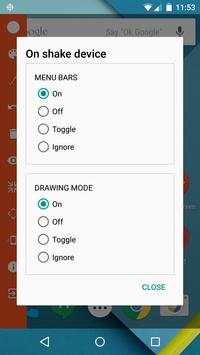
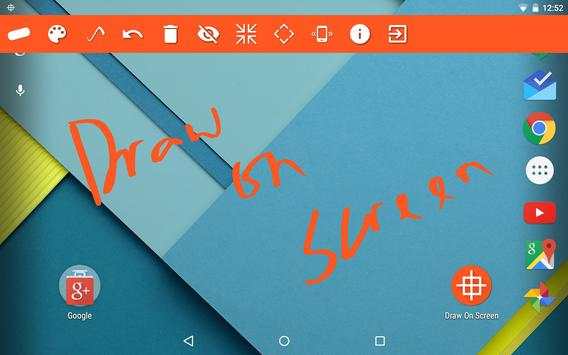
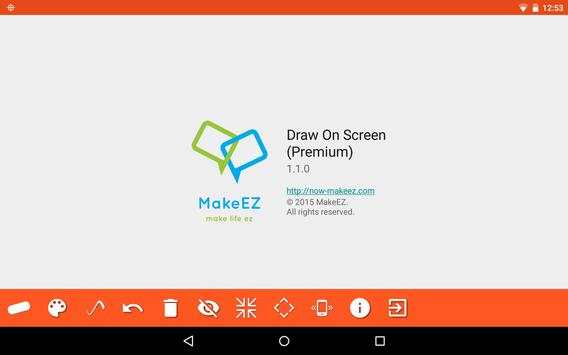
Draw anywhere on screen with "Draw on screen".
Draw on screen allows you to draw freely on your device screen during run-time. Wherever you are, whatever you are doing on the screen, you can always wake up the drawing mode with ease and start drawing.
Draw on screen reverses the way you would usually do to draw on a screenshot.
Old way: take screenshot > draw in image editor > save > share
New way: draw on target screen > take screenshot > share
Draw on screen is a supplementary for anyone who do video recording (or screen recording) when touch indicator alone is insufficient to indicate the needs.
** Primary usage **
- Making tutorial screenshot (draw and shoot)
- Making tutorial video (draw while shooting)
** Premium features **
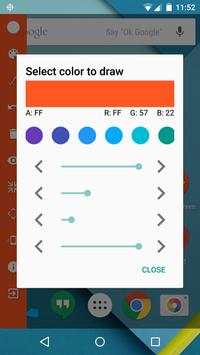
- Draw with different colors (ARGB configurable)
- Draw with different sizes
** Disclaimer **
Draw on screen is based on markers-for-android licensed under Apache License.
markers-for-android: https://code.google.com/p/markers-for-android/
Apache License 2.0: http://www.apache.org/licenses/LICENSE-2.0.html
** Follow us **
Home: http://now-makeez.com
Facebook: https://www.facebook.com/NowmakeezIT
Google : https://plus.google.com/ NowmakeezIT
Twitter: https://twitter.com/MakeEZ_Now



* All actions can be performed in a single menu bar now!
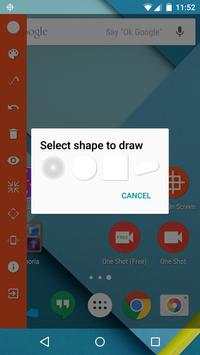
* Shape and shake function unlocked!


