

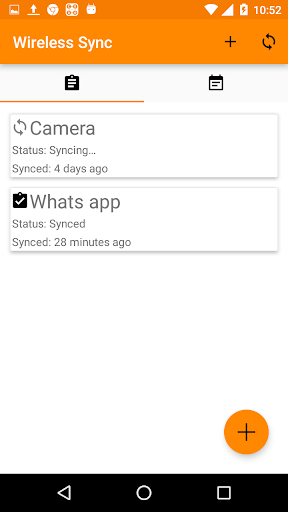
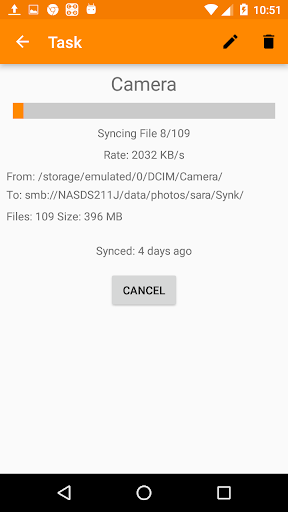
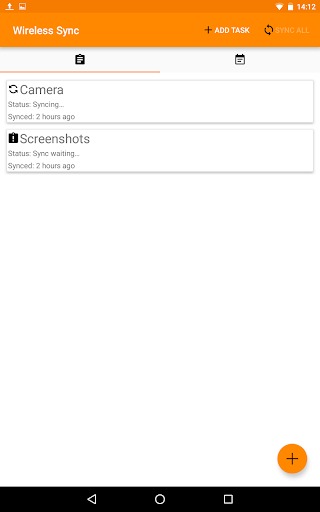
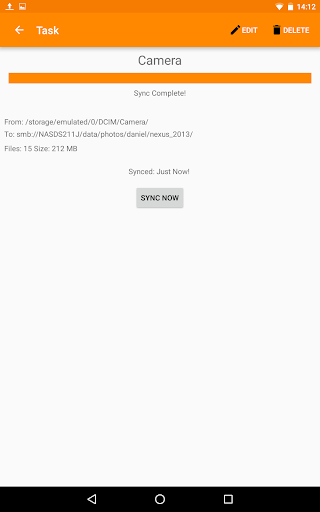
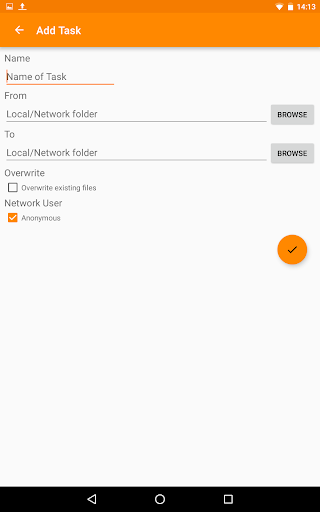
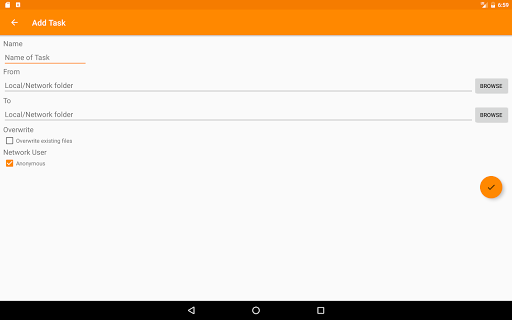
Sync files to your computer or NAS.
Sync your photos from your phone to your computer. No need for any cables. It runs on your wireless network (Wi-Fi).
Can be used to communicate with a NAS, Windows computer, MAC computer or basically anything that runs a SMB/CIFS server. SMB/CIFS is the standard Windows file sharing protocol.
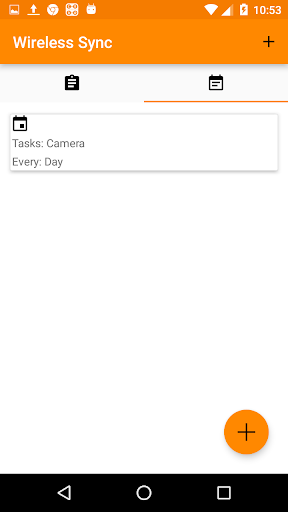
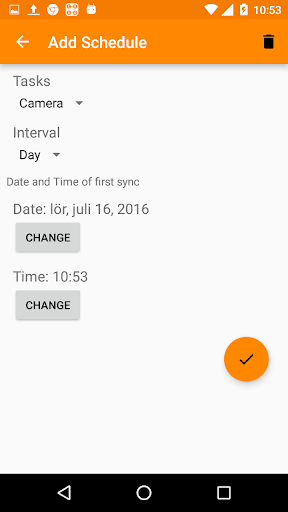
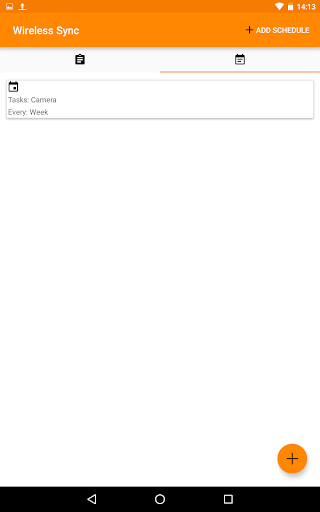
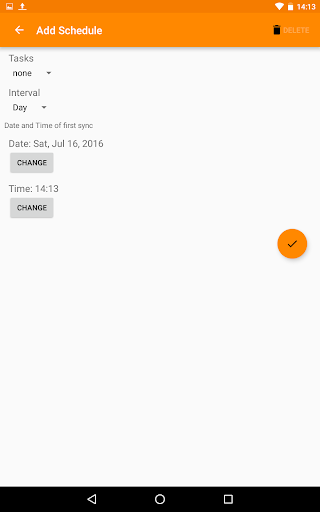
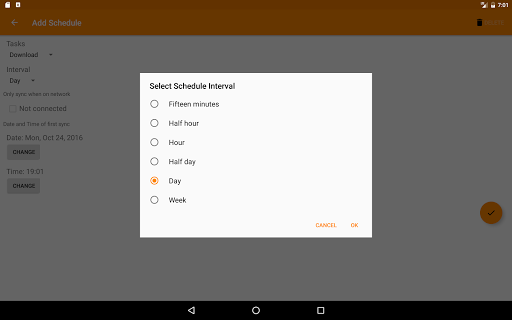
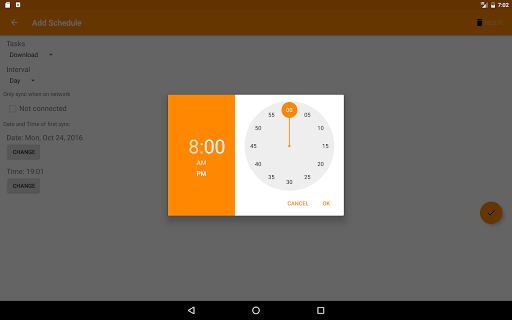
Set up a schedule to automatically sync your files periodically.
Features:
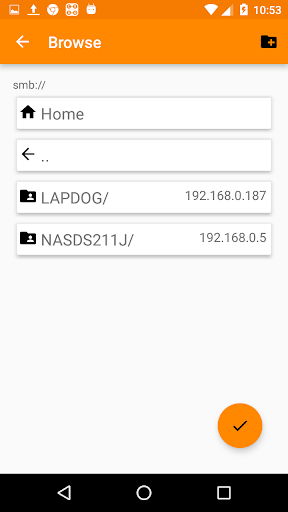
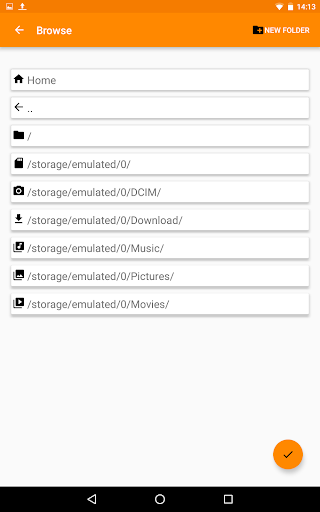
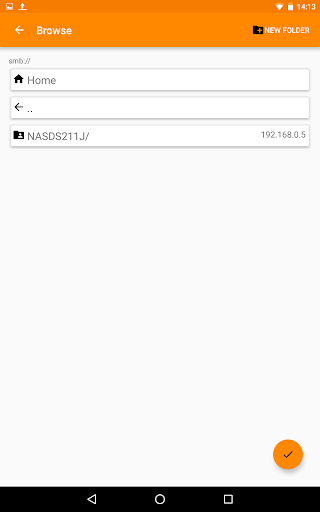
- Browse your local network for Network shares.
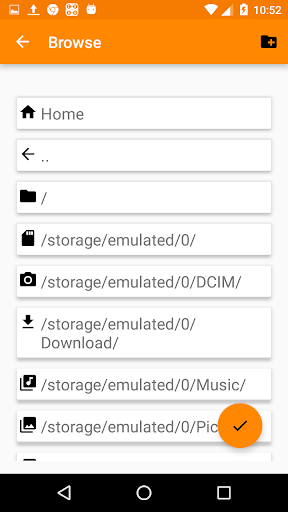
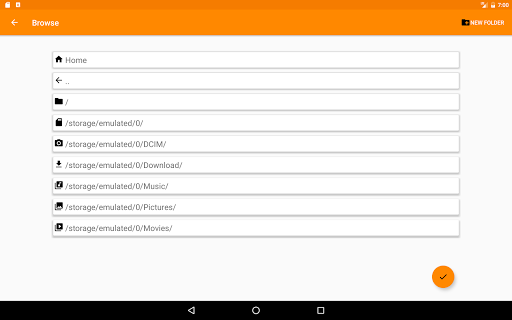
- Browse local folders.
- Sync files from device to computer.
- Sync files from computer to device.
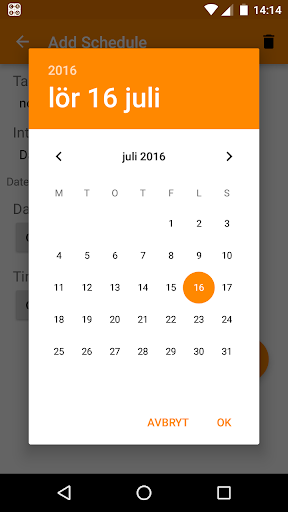
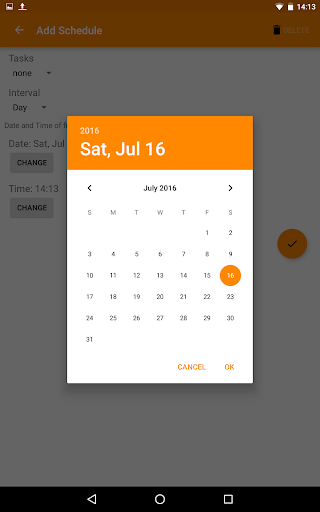
- Schedule file transfers, e.g. once a day or once a week. The scheduling is inexact to save battery.
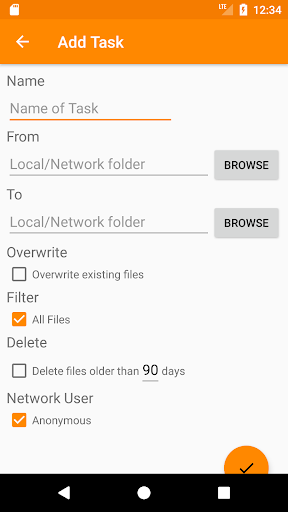
- Filter on file type. This will only sync the given file type. Select file when browsing to set filter.
- Bidirectional / two-way syncing (using two tasks with opposite From/To paths).
- Support for removable devices (e.g removable sd card).
- Delete files older than a given number of days.
- Trigger sync through Tasker or from other app, see https://gist.github.com/krmkrl/174f9b186a997d59a160dcf5e61933e1
Tips & Tricks:
- If network share cannot be found you can enter the computer name or ip address manually.
Example smb://192.168.0.4/ or smb://COMPUTER_NAME/
- For Windows 10, the same username and password used for login should work.
- To sync a single file only, manually enter the complete filename in Filter.
- To directly delete synced files, set "Delete files older than " to 0 days.
Target Android 11.0.
Schedule tasks with WorkManager.
Need permission to FINE_LOCATION to get wifi ssid.



9Apps 4.9










