













DOWNLOAD IS NOT SUPPORTED IN WEB STORE!
Use the latest version of 9Apps to download APK&OBB file of games in one click!
DOWNLOAD 9APPS

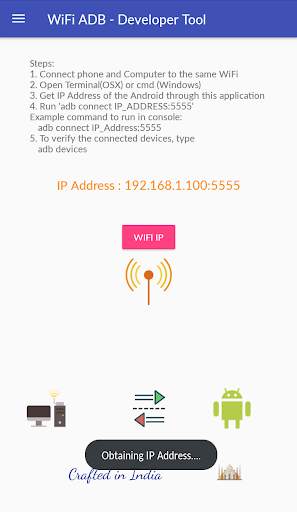
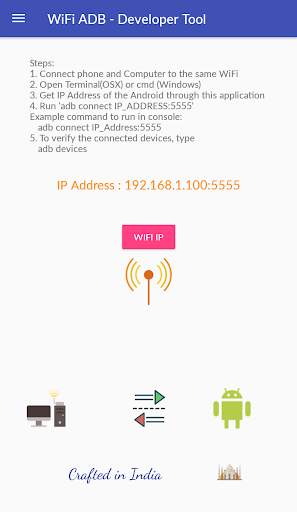
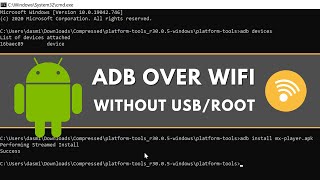
WiFi ADB - Developer Tool makes it easy to debug your apps directly on device via WiFi connection. No need to use USB cable to connect to Android Phone anymore. After enabling ADB over WiFi, to connect your computer follow below steps to open this feature.
1. Connect phone and Computer to the same WiFi
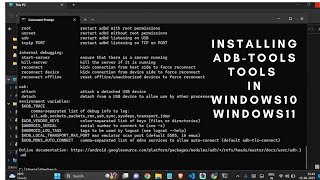
2. Open Terminal(OSX) or cmd (Windows)
3. Get IP Address of the Android through this application
4. Run "adb connect IP_ADDRESS:5555"
Example command to run in console:
adb connect 192.168.1.1:5555
5. To verify the connected devices, type
adb devices
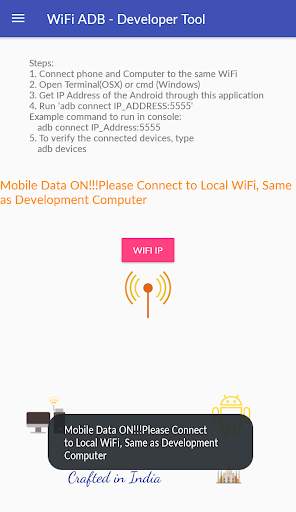
Check Connection : Your Computer and Android Device which you need to debug over wifi both need to connect on same Wifi Connection.


