









DOWNLOAD IS NOT SUPPORTED IN WEB STORE!
Use the latest version of 9Apps to download APK&OBB file of games in one click!
DOWNLOAD 9APPS

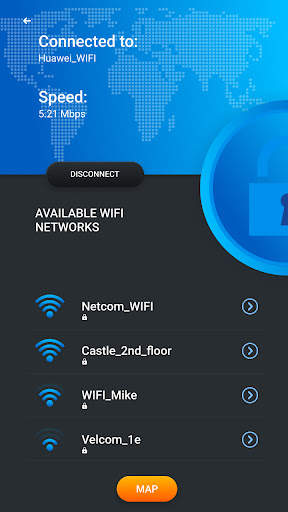
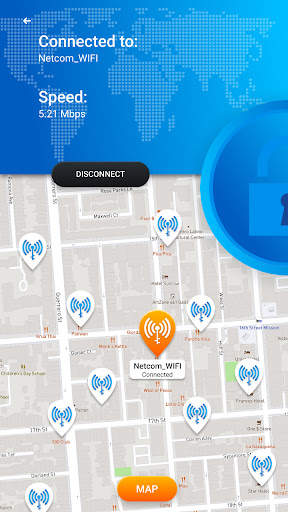
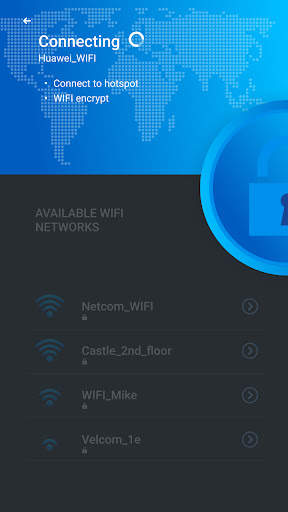
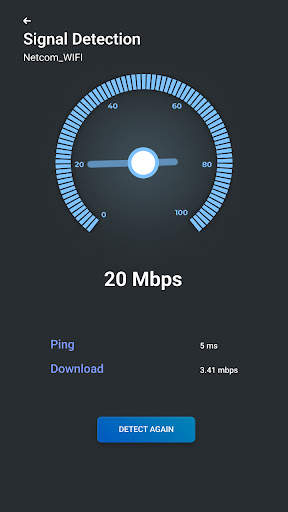
The "Connection" tab displays information about the connected Wi-Fi access point:
• name (SSID) and identifier (BSSID)
• router manufacturer
• connection speed
• request delays (ping)
• signal strength
• frequency and channel number
• security settings
• IP address and MAC address of the device
• subnet mask, default gateway and DNS
The "Networks" tab allows you to compare available wireless Wi-Fi networks by the following parameters: type, manufacturer, signal strength, security protocol. It is possible to group access points with the same name (SSID).
On the "Channels" tab, you can see the distribution of available networks by frequency range channels. The spectra of signals with close frequencies can overlap and affect the quality of signal reception, so when setting up a router, it is important to ensure operation in a free range.
The signal strength graph allows you to compare the signal levels of available Wi-Fi access points and track the dynamics of their changes.
Using the speed graph, you can check the actual data transfer speed in the connected Wi-Fi network.
The "Scanning" section allows you to monitor devices connected to the current network and view their parameters. If foreign devices are detected, block them in the router settings.


