









DOWNLOAD IS NOT SUPPORTED IN WEB STORE!
Use the latest version of 9Apps to download APK&OBB file of games in one click!
DOWNLOAD 9APPS
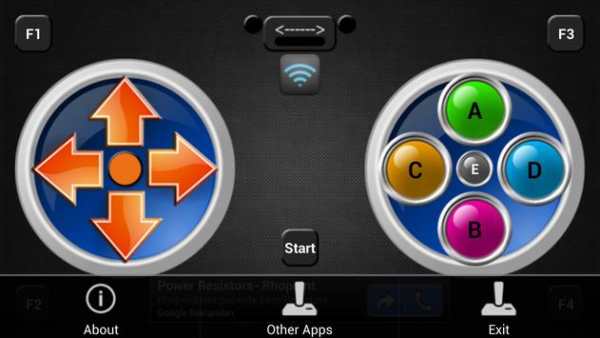
Use Your Android Phone for Controlling Your PC Games.
1-Download the PC Joystick Server from :
http://www.elektroarge.com/android-programlari/wifi-computer-joystick-t258.html
2-Install the
PC Joystick Server Software to Your Computer.
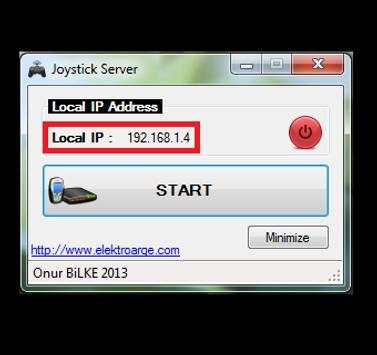
3-Open PC Joystick Server Software and Press Start Button
4-Open Android Wifi Joystick Software from Your Phone
5-Press Connection Button and Enter Your PC's Local IP Address. (You Can Learn PC's Local IP Address from PC Joystick Server Software)
6-Watch the video for details.
7-Enjoy it.
Not: Your Phone and PC must be in the same Network. if you have a connection problem you should turn off the windows's Firewall.


![Connect PS4 Controller to PC [Quick & Easy] screenshot 4](https://i.ytimg.com/vi/URw88NguXek/mqdefault.jpg)
bugs fixed


