
DOWNLOAD IS NOT SUPPORTED IN WEB STORE!
Use the latest version of 9Apps to download APK&OBB file of games in one click!
DOWNLOAD 9APPS

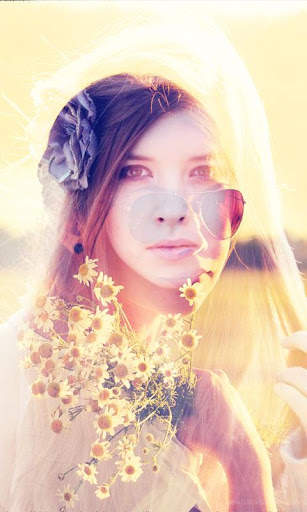

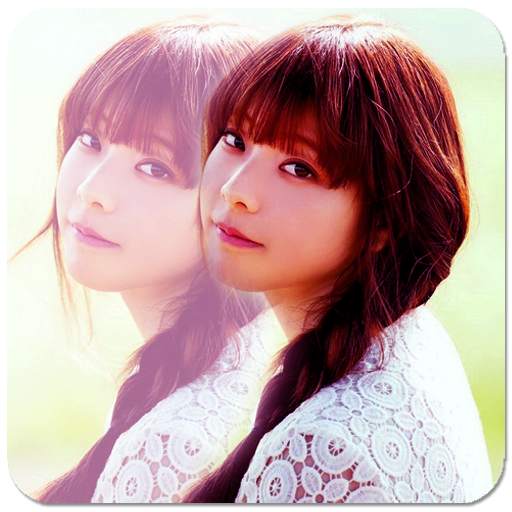
Create double exposed images by blending two photos with pic Blend. Blend two of your Photos into a single Photo.
Choose your two different posed pohtos and blend into one. An intuitive crop adjustment step before blending makes all the photos match in proportions. Adjust blend image transparency as required.
1. Pic blend is easy to use app!
2. Select two pictures from the gallery.
3. Pictures can be resized and moved to create images of different proportions.
4. Adjust Blend Level or which Photo need to be on top of another
5. Blend two pictures quickly, using blend-fade.
6. Save and share the Blended Photos.





Quikr – Search Jobs, Mobiles,
4.120.8MB

Konuşan Tom
3.963.0MB

Dearmet: Video Chat, Live Talk
4.043.4MB

Facebook Lite
4.02.5MB

Candy Crush Saga
4.491.1MB

Offline Music Mp3 Player- Muso
4.535.9MB

imo beta -video calls and chat
4.394.0MB

ShopClues
3.816.4MB

Stickman Fighting
3.059.6MB

Temple Run 2
4.4122.1MB