










DOWNLOAD IS NOT SUPPORTED IN WEB STORE!
Use the latest version of 9Apps to download APK&OBB file of games in one click!
DOWNLOAD 9APPS


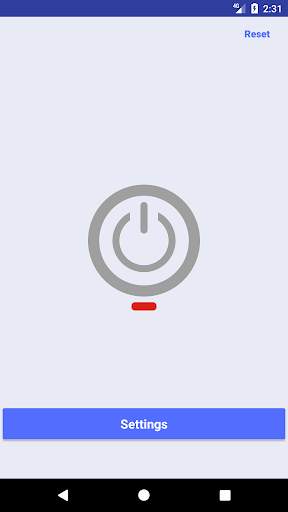
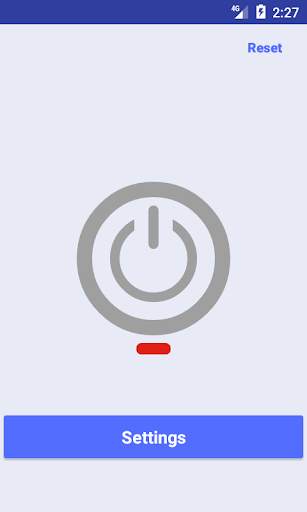
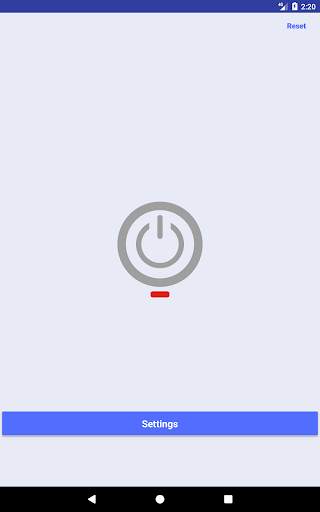
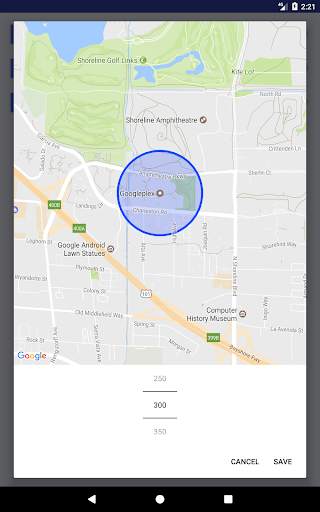
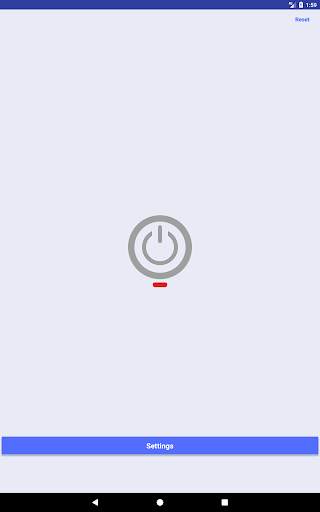

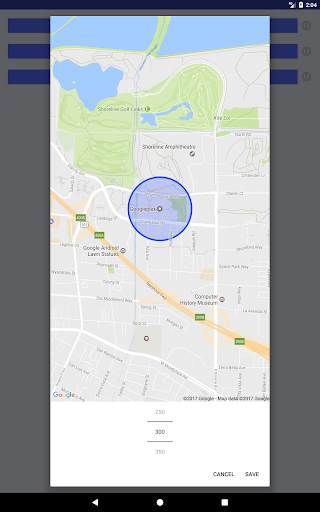
Forget the days where you had to manage manually the device's connection, now your smartphone is even smarter and more secure.
By simply few settings your device will be able to automatically manage how and when to connect to the predetermined wireless network, so to save the usage of mobile data.
"Why don't we simply leave the device's WiFi always ON?", you might ask. Below there are few reasons why it's not a good idea to do it:
1. Security: there might be malicious access points that can steal information (password, username, etc) while the device is connected to surfing net.
2. Battery: the device keeps scanning to find an access point to connect to and this process sips battery juice more than usual.
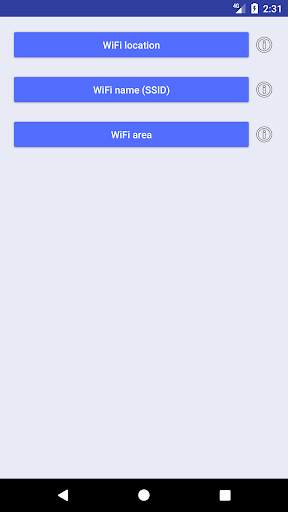
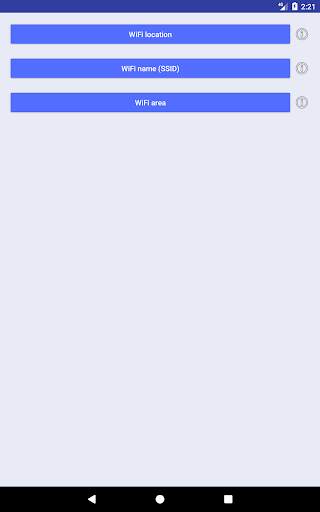
The application makes sure that your device is connected to the predetermined WiFi network. Three is the number of steps you'll need to perform to configure this app:
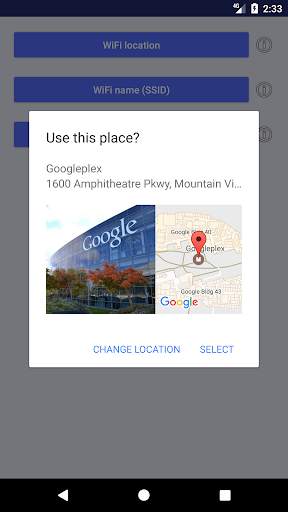
1 - Select the access point's location
2 - Select the network (SSID) to which you want your device be connect to
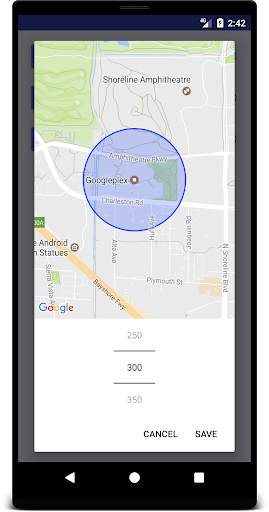
3 - Approximate selection of the area used as reference by the device for the connection process (For example: 150 meter for home networks, 300 meters for business networks, etc)


![Wifi Adapter Testing [monitor mode, packet injection, soft AP mode] screenshot 5](https://i.ytimg.com/vi/iYDX1Tv-UQA/mqdefault.jpg)
Added a tutorial to show users how to setup the app


