DOWNLOAD IS NOT SUPPORTED IN WEB STORE!
Use the latest version of 9Apps to download APK&OBB file of games in one click!
DOWNLOAD 9APPS

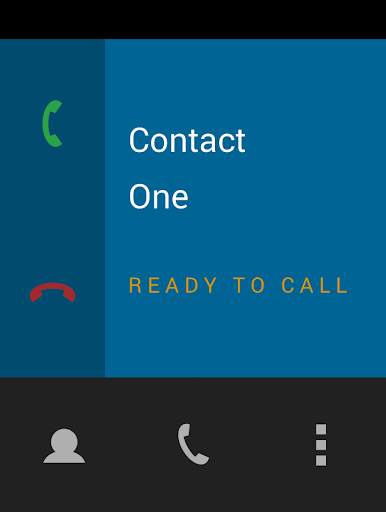
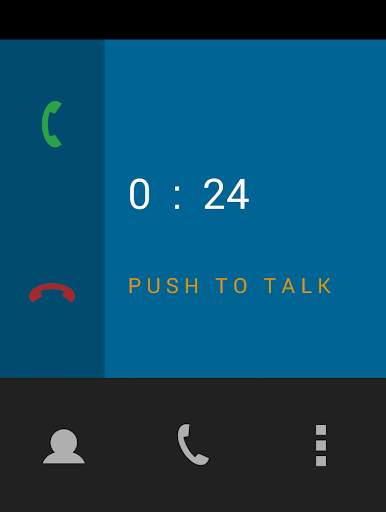
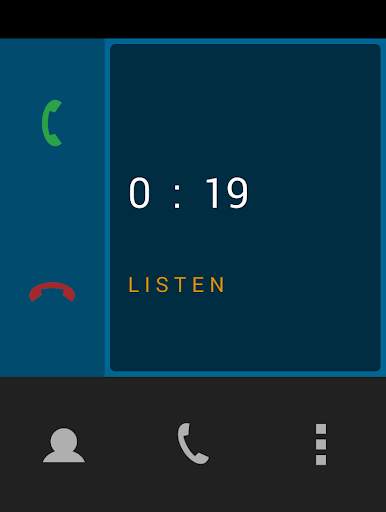
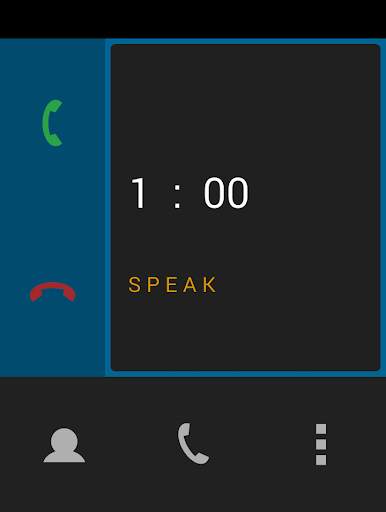
Call another Android user within a range of 100 meters using WiFi.
Two modes are supported : Wireless LAN Router and WiFi Direct.
WiFi Direct is a feature found on Android 4.0 or newer devices which establishes
a direct Peer-to-Peer (P2P) connection between two devices without any intermediate access point.
This allows short-range voice communication in the middle of nowhere.
How it works :
1) WIRELESS LAN ROUTER
● Connect two phones via WiFi to the same LAN Router (access point)
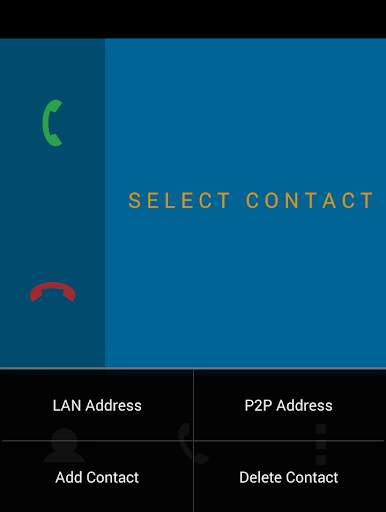
● Open WiFi Phone and click on [ Options -> LAN Address ]
If your LAN Address isn't displayed here, you can find it by clicking on the LAN that
you're connected to at [ Android Settings -> WiFi -> LAN name ]
Share this address with the person that you want to call (similar to a phone number).
You will need the other user's LAN Address to create a contact.
● Create a new contact [ Options -> Add contact ] and enter "Name" and LAN address.
● Select contact and press call.
2) WIFI DIRECT
● Connect two phones via WiFi Direct [ Android settings -> WiFi -> WiFi Direct]
● Open WiFi Phone and click on [ Options -> P2P Address ]
Share this address with the person that you want to call (similar to a phone number).
You will need the other user's P2P Address to create a contact.
● Create a new contact [ Options-> Add contact ] and enter "Name" and P2P Address.
● Select contact and press call.
The app MUST be running on both phones in order to send/receive calls.
The speaker volume can be adjusted using the hardware audio buttons.
Plug in headphones to turn off the loudspeaker.
WiFi Phone will NOT collect any of your personal data.
An internet connection is ONLY used to display Google Ads.