












DOWNLOAD IS NOT SUPPORTED IN WEB STORE!
Use the latest version of 9Apps to download APK&OBB file of games in one click!
DOWNLOAD 9APPS

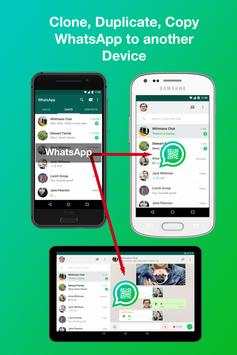
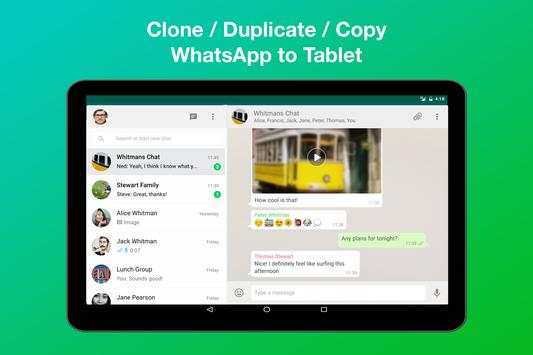
WhatsWeb for WhatScan - Sync/Clone/Duplicate WhatsApp into another phone or device!
With this app, you can:
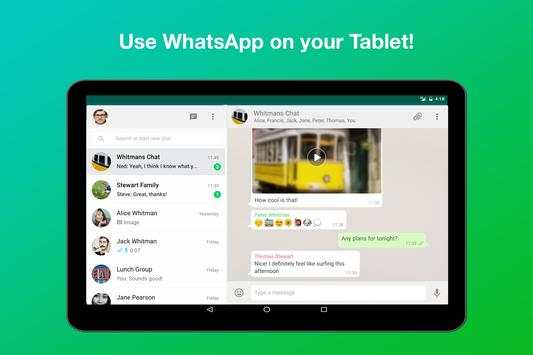
- Sync/Clone/Duplicate WhatsApp Account from one phone to another phone/tablet.
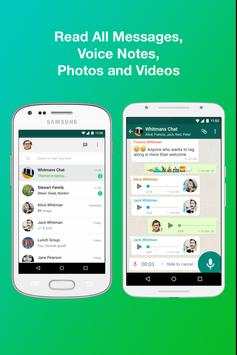
- After clone, you can read all chat, send messages and see all photos, videos and voice messages.
- Open and have the same WhatsApp from multiple phones and tablets.
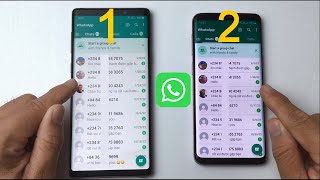
- 1 WhatsApp in 2 Phone OR 2 WhatsApp in 1 Phone
EASY TO USE! NO NEED ROOT! JUST SCAN QR CODE AND READY TO USE!
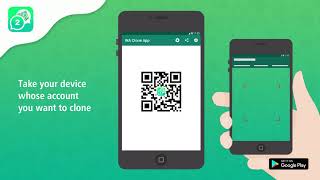
1. Prepare your target WhatsApp and the device you want to clone the WhatsApp into (install WhatsWeb for WhatScan in this phone).
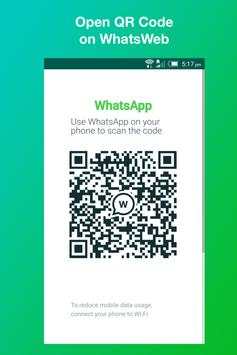
2. Open "WhatsApp Web" on your target WhatsApp.
3. Open WhatsWeb for WhatScan on the device you want to clone WhatsApp into
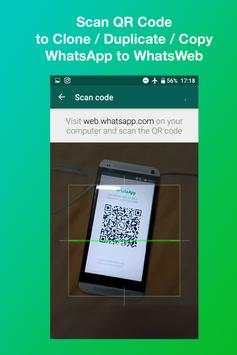
4. Scan the QR code displayed on WhatsWeb for WhatScan with the QR Scanner in your target phone's WhatsApp
5. Done! Clone is complete!
To ensure best performance:
1. Ensure that the main phone with the WhatsApp account you wish to sync to is connected to the internet. Wifi is best.
2. Remove un-used chat list and chat groups. This reduces the data required to transfer, therefore speeding up performance.
PS: WhatsWeb is a third party app and is not affiliated to WhatsApp Inc.


