








DOWNLOAD IS NOT SUPPORTED IN WEB STORE!
Use the latest version of 9Apps to download APK&OBB file of games in one click!
DOWNLOAD 9APPS
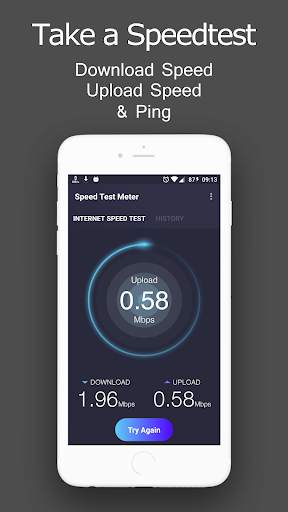
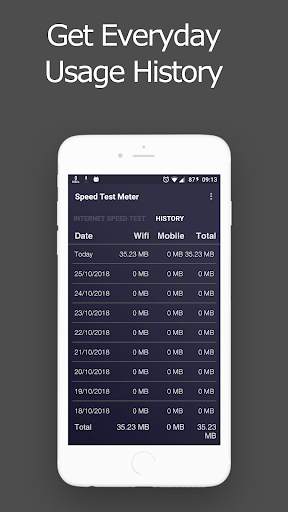
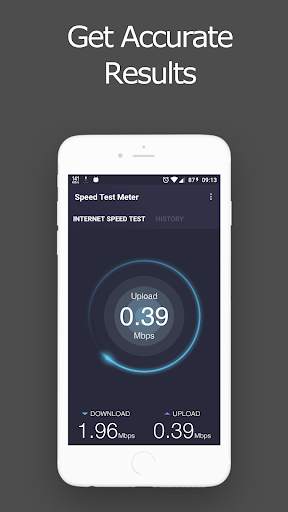
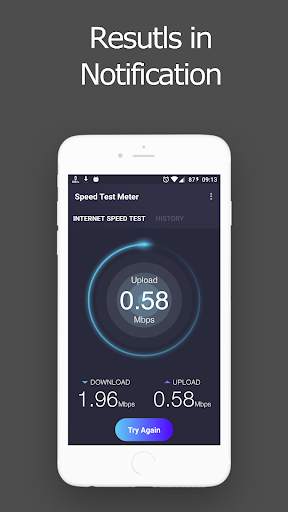
SpeedTest Lite: Internet Speed Meter displays your internet speed in status bar and shows the amount of data used in notification pane. This helps you to monitor network connection anytime while using your device.
Pro Features
Notification Dialog
A notification dialog appears when you tap the notification having
- Graph to monitor last minute internet activity
- Time and usage of current session
- Today's app usage for mobile and wifi
- Realtime speed of running applications
Smarter notifications
Notification appears only when you are connected to internet. You can change priority of notification. You can also hide the notification when connection is idle for specified amount of time.
Upload and Download Speed
Option to show upload and download speed in separate notifications.
Key features:
• Real-time internet speed in status bar
• Track and monitor daily data and WiFi usage from notification
• Hide when not connected to any network
• Unobtrusive notification to let you focus on what's important
• Highly customizable
• Battery and memory efficient


![Monitor Cellular & Wi-Fi Internet Speeds on Your Samsung Galaxy Note 2 [How-To] screenshot 4](https://i.ytimg.com/vi/yj3tg0A9Iq8/mqdefault.jpg)

Performance Improvement
Bug Fixes


