












DOWNLOAD IS NOT SUPPORTED IN WEB STORE!
Use the latest version of 9Apps to download APK&OBB file of games in one click!
DOWNLOAD 9APPS

Requirements?
You need Google Chrome 45 or greater installed.
You can download it here: https://play.google.com/store/apps/details?id=com.android.chrome
Why using chrome custom tabs?
• Smooth transition between apps.
• Pages load faster.
• You are automatically logged in to your websites and forms are autofilled.
• Your browsing experience is always secure!
Compared to Google Chrome?
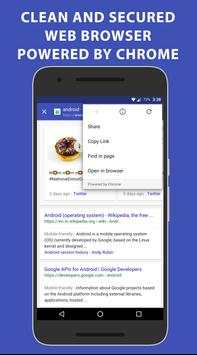
Web Bubble is essentially loading a light weight version of chrome that is designed to load a single page quicker. You can always open it in Chrome of course from the menu.
How to use?
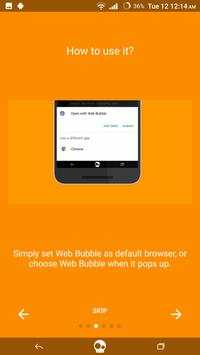
Set Web Bubble as the default browser.
Web Bubble Features:
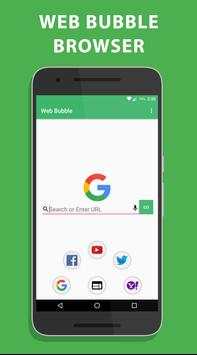
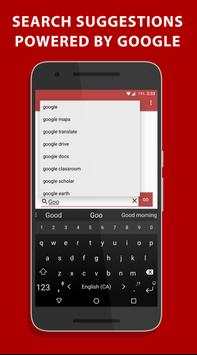
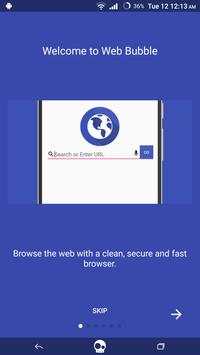
- Type in any website or do a Google Search
- Voice commands
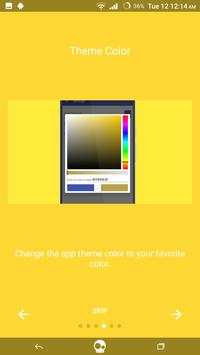
- Change App Color Theme
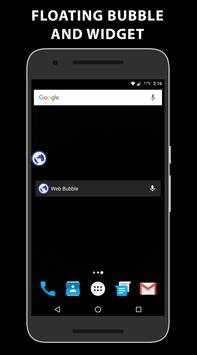
- Change bubble color and visibility
- Add home screen widget
- Choose which Chrome you want to use for the custom tap: Chrome, Chrome Dev, Chrome Beta etc...
- 5 popular websites to load by tapping on them
- Like Us on Facebook
- Rate the app
- Share the app
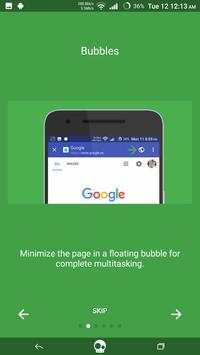
- Put the app in a bubble for later use
- Preload the link in a bubble
Custom Tab new features:
- Copy the Link
- Set current page as homepage
- Share current page
More on chrome custom tabs : https://developer.chrome.com/multidevice/android/customtabs
VERSION 2.0
Complete Redesing to make the app even cleaner!
New Bubble icons.
Intro added and permissions are fixed.
The app is 6.0 optimized.
Support development with a donate option from the menu.
Enjoy!


