












DOWNLOAD IS NOT SUPPORTED IN WEB STORE!
Use the latest version of 9Apps to download APK&OBB file of games in one click!
DOWNLOAD 9APPS

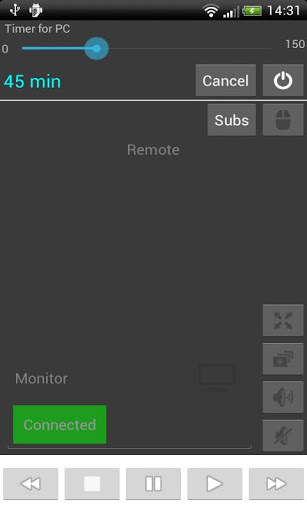
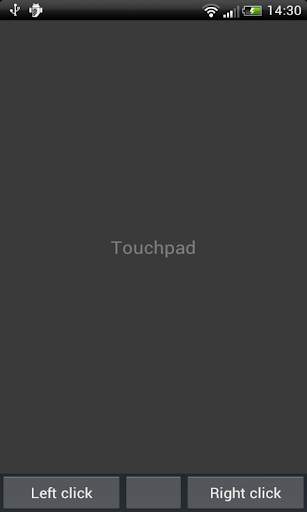
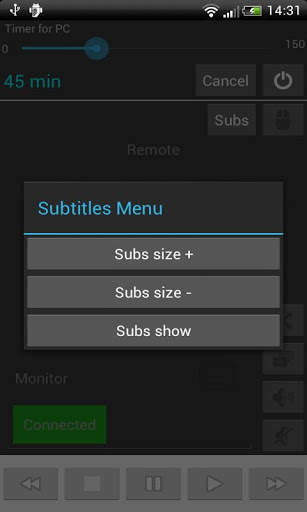
Remote control for pc allow you to control your BS palyer (pc) from your android phone.
To get this app working you MUST download the server
app for your pc. You can find the file here:
http://giorgos-oikonomou.weebly.com/index.html
Follow the steps:
1) Open the windows application
2) Copy the IP andress that is given in the app and let it opened
3) Open the android application and set up the IP from the options menu.
4) Restart both apps and it's done!
Now you can:
Set you computer turn off automatically from your android phone.
Play,Stop,Pause,Fullscreen,Change window, Tune volume and control subtittles and some other things.
Hope you enjoy this!


