












DOWNLOAD IS NOT SUPPORTED IN WEB STORE!
Use the latest version of 9Apps to download APK&OBB file of games in one click!
DOWNLOAD 9APPS

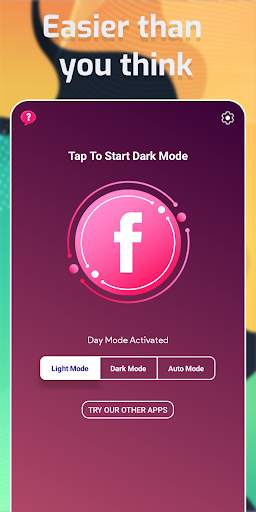
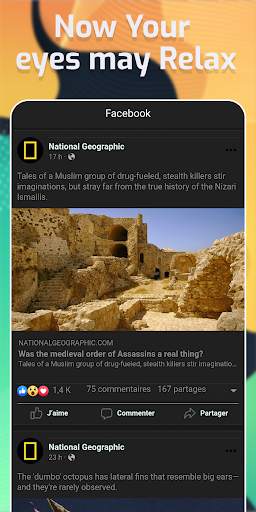
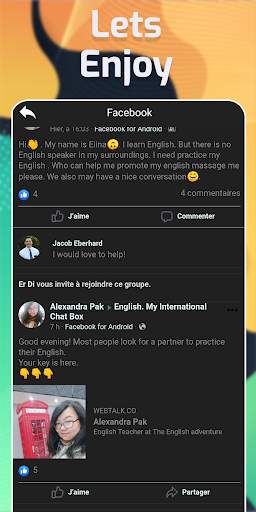
Using Facebook Dark Mode on Android phones to Switch your Facebook to dark mode is not a complicated process anymore.
Now with just One click you can enjoy your favorite Facebook Dark mode on most of your Android devices
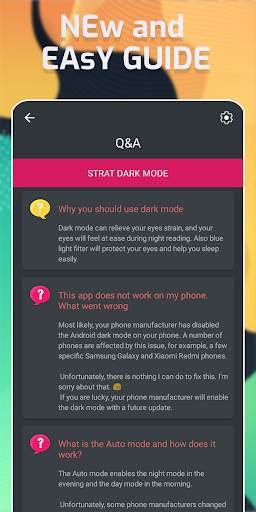
How to Use Night mode?
▶ Start FBDarkMode app
▶ Click on the "Dark mode” option. Enjoy
Night mode is applied throughout the app, so there are no inconsistencies or annoying changes from dark to light themes as you navigate and interact with friends and loved ones on Facebook. In all, having this enabled is highly recommended, especially if you're a heavy Facebook user, to give your eyes a break.
Night mode for Facebook
With FBDarkMode enabled, you're now free to enjoy Facebook as you normally would. This time, however, the app will now have a dark theme, which is a lot more appealing visually but also easier on your eyes thanks to the significant reduction of white and blue light.
Note: Our Night mode app is called Night mode for Facebook but, it supports many other Google apps like Google Play, Google Photos, Chrome etc. and supports the night mode equally well for all these.
Disclaimer- Our FBDarkMode is not an official Night mode for Facebook. We are an alternative app and are not sponsored, endorsed or administered by, or associated with Facebook.


