

DOWNLOAD IS NOT SUPPORTED IN WEB STORE!
Use the latest version of 9Apps to download APK&OBB file of games in one click!
DOWNLOAD 9APPS

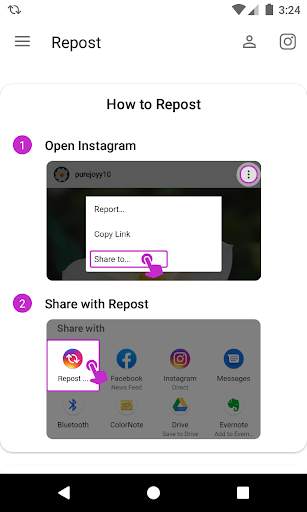
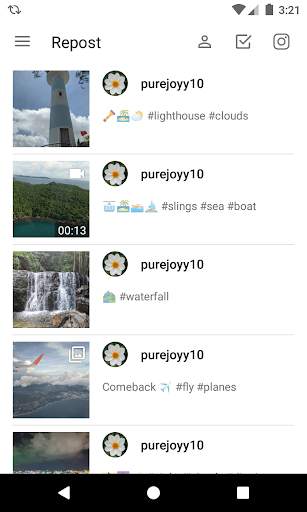
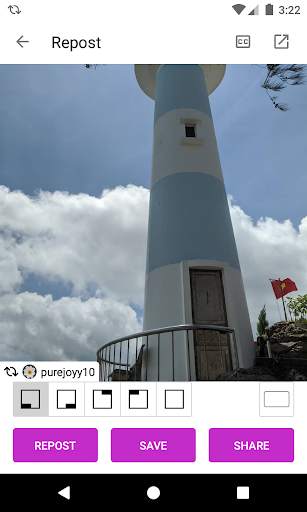
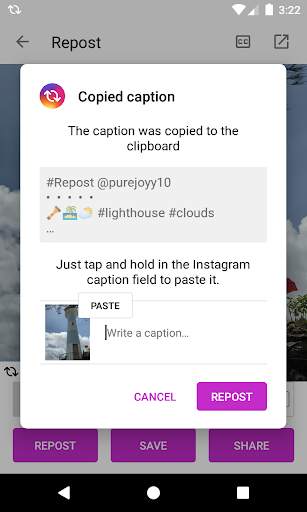
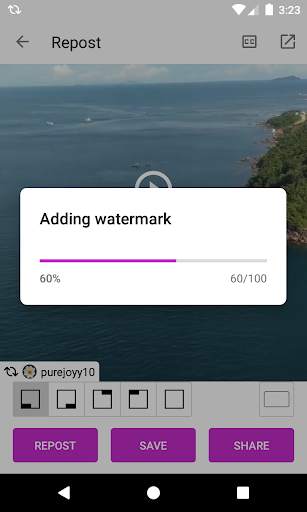
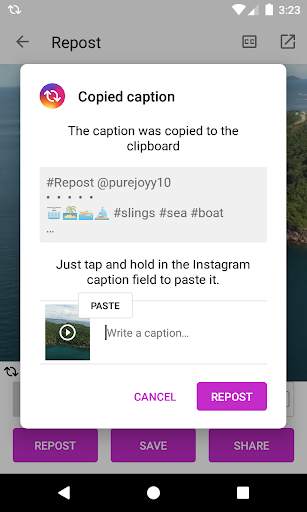
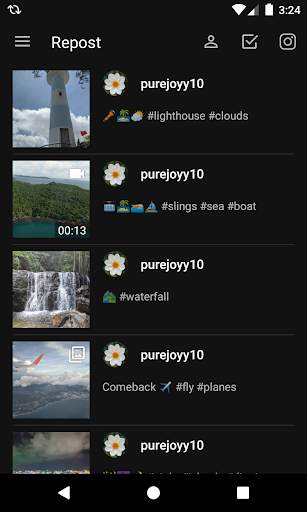
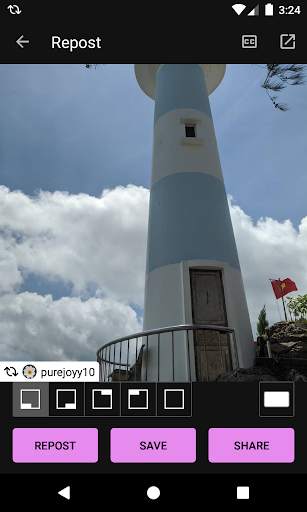
Repost is easy to use app can help you repost Instagram photos or videos with watermark or not easiest.
How to Use:
1. On Instagram photo/video post you want to repost.
2. Click three dots icon and click
Share Link
3. Select Repost to share
Or
1. On Instagram photo/video post you are interested in.
2. Click three dots icon and click
Copy Link
3. Open Repost
Then, the Instagram photo or video will be downloaded automatically!
Features:
- Repost photo and video with watermark or not.
Disclaimer:
This app is not affiliated with Instagram.
We respect the copyright of the owners. Please do not save or repost the photos and videos without the permission of the owners.
If you need support, please email us via daniscold68@gmail.com
Many thanks!



Quikr – Search Jobs, Mobiles,
4.120.8MB

ShopClues
3.816.4MB

Facebook Lite
4.02.5MB

Stickman Fighting
3.059.6MB

Temple Run 2
4.4122.1MB

Candy Crush Saga
4.491.1MB

Offline Music Mp3 Player- Muso
4.535.9MB

imo beta -video calls and chat
4.394.0MB

Talking Tom Cat
3.963.0MB

Dearmet: Video Chat, Live Talk
4.043.4MB