
![[Multi SUB] (全集)重來一世,他決定不再當校花的舔狗後,她後悔了!#逆袭 #MiniDrama #精彩大陆短剧 screenshot 2](https://i.ytimg.com/vi/aGW6XswI1t0/mqdefault.jpg)












DOWNLOAD IS NOT SUPPORTED IN WEB STORE!
Use the latest version of 9Apps to download APK&OBB file of games in one click!
DOWNLOAD 9APPS
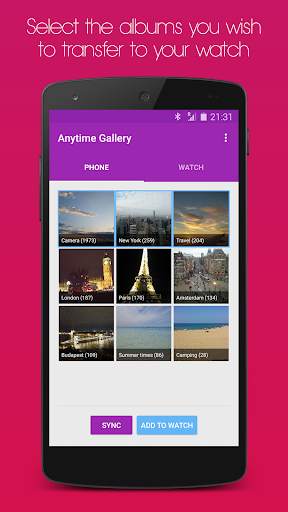
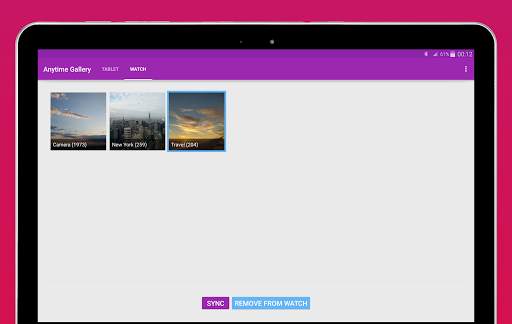
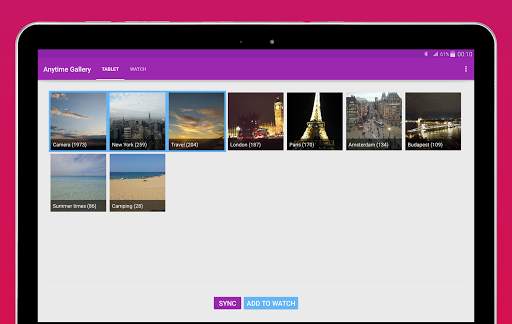
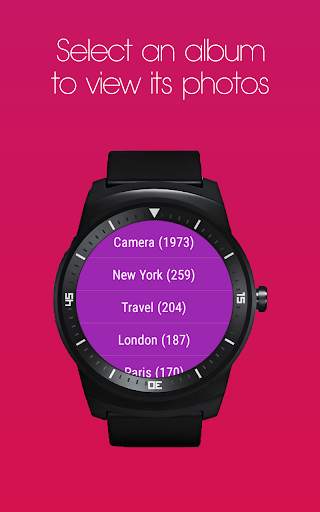
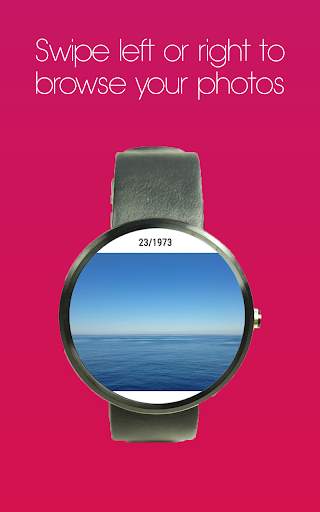
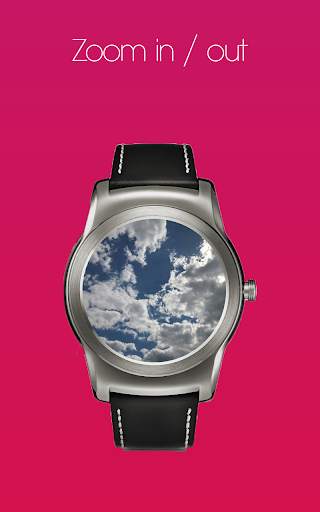
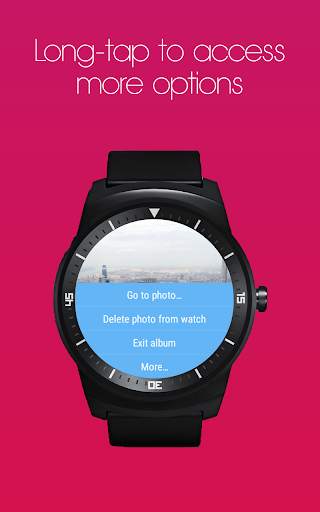
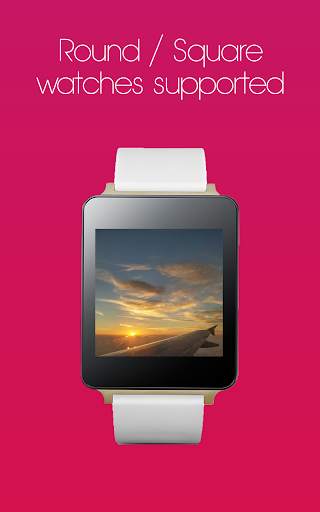
Transfer and sync your photos from your phone or tablet to your Android Wear watch, so that you enjoy your favorite moments on your wrist. Simply, easily, intuitively.
✔ Select the albums you wish to transfer and sync
✔ Set auto-sync interval period
✔ Add a photo directly to your watch face (Android Wear 2.0 complications)
✔ All photos on the internal storage and the SD card are supported
✔ Zoom feature supported
✔ Slideshow
✔ Material design look & feel
With the free version of the app you can transfer and sync up to 20 images. For an unlimited number of albums and images on your watch, upgrade to the premium version through a single in-app purchase. If you upgrade and you change your mind later, don't worry. Simply send us an email and we will instantly refund you. We offer a lifetime return policy.
Need any help? Please feel free to contact us at support@moletag.com. Our friendly team will be happy to assist you.
Version 4.0 is now available!
· Sync will now perform much faster
· Fixed an issue where the phone could not connect to the watch
· Fixed an issue where some images could not be transferred to the watch
· Fixed an issue where the autosync wasn't working in Android Oreo
· Fixed zoom in/out on the watch
· Optimized layout for phones with 18:9 displays
· Optimized layout for phones with small displays
· Several other bug fixes and improvements


