









DOWNLOAD IS NOT SUPPORTED IN WEB STORE!
Use the latest version of 9Apps to download APK&OBB file of games in one click!
DOWNLOAD 9APPS

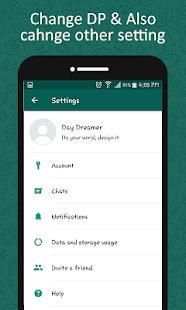

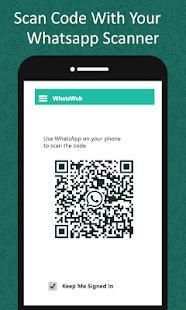
WhatsWeb QR scan is the simple and easy app that you can open whatzapp web on your mobile and Control another whatzapp with the same device.
WhatsWeb QR scan is an app with use of it you can browse dual whatszapp account in your phone easily and securely. Its easy to use second whatzapp account in your phone with Dual Whatzweb app
How to use WhatsWeb QR scan
Open WhatsApp on your computer or visit web.whatsapp.com on your computer.
When prompted with a QR code, use the QR scanner within WhatsApp to scan the QR code.
To do so, open WhatsApp on your phone.
in the Chats screen > Menu > WhatsApp Web.
Scan the QR Code on your computer screen from your phone.
How to logout desktop from whatsapp
Go to WhatsApp on your phone > Go to Settings or Menu.
Tap on WhatsApp Web.
Tap Logout from all devices.
Read forward sms of whatsapp via whatsweb. Whatsclone can clone any whatsweb and can be used on any device
What you can make by WhatsWeb QR scan:
- SMS seen / reply and forward
- DP and Status Changes
- Photo / Videos Downloads and send
- Forward photo from Gallery, camera
- document Files and Contacts Forward
.
whatscan is best app to open Whazapp on different devices or Tablets. whatsweb can be used on any device.
Whatsclone by Scan the Qr code in the official website whatsweb for any device. enjoy this amazing feature of whatsweb qr scan. Filter the QR code to match to dual Messenger by whatscan.
Features of WhatsWeb QR scan :
Dual whats up account on same / different phone / tablet
- Whats Web Scan is Full secure
- Scan the QR Code from whats up Web and load instantly
- Open same account on another phones /tablets
- Double whats up, double the fun!
- You can have dual whats up in 1 device!
- Clon app Messenger is Fully secure with change Status
- You can change Dp
Hint: WhatsWeb QR scan is created by us, and it not an official WhatsApp application and not associated with WhatsApp Inc.


