




DOWNLOAD IS NOT SUPPORTED IN WEB STORE!
Use the latest version of 9Apps to download APK&OBB file of games in one click!
DOWNLOAD 9APPS




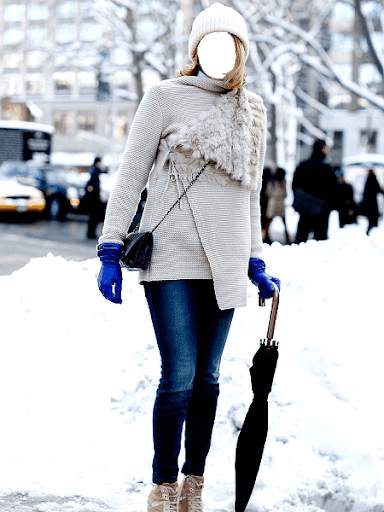
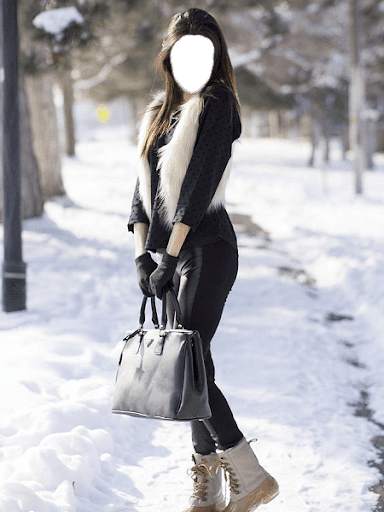

1- Kindly download, install and run the app.
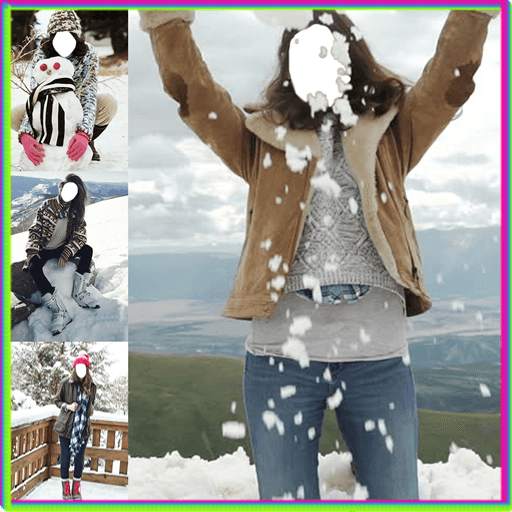
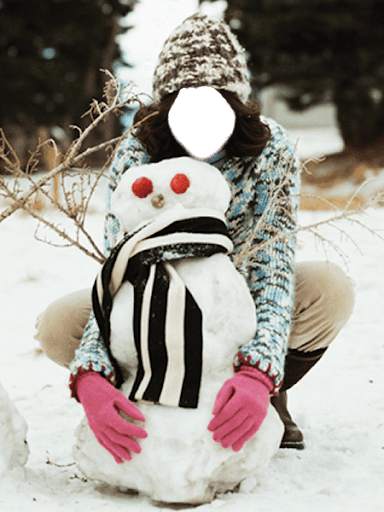
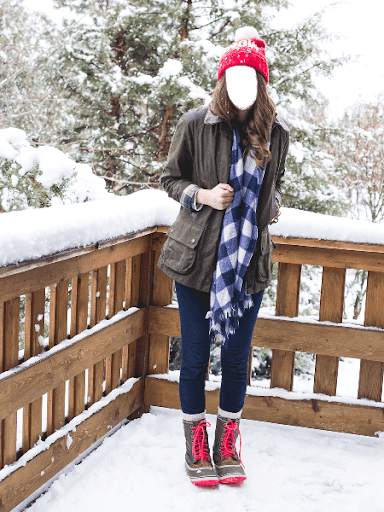
2- Select the frame from a list you like most in which you want to set your photo. Go next.
3- Adjust the frame according to your screen by clicking adjust button. Go next.
4- Now select your photo from your gallery or from camera. Then go next.
5- Here you can set your photo in the frame. Click the eye button to view the photo. You can change the size direction of your photo according to the frame. Go next.
6- Click sticker button to select a sticker that you like to paste on your frame/photo. Go next.
7- Click on border button to select a border to frame your picture with beautiful border. Go next.
8- Here you can filter you picture with different color shades for different look.
Go next.
9- Now save your modified picture and enjoy by sharing it with your family and friends.
Disclaimer:
This application complies with US copyright law guidelines of fair use. If you feel there is a direct copyright or trademark violation that doesn't follow within the fair use guidelines, please contact us directly.