









DOWNLOAD IS NOT SUPPORTED IN WEB STORE!
Use the latest version of 9Apps to download APK&OBB file of games in one click!
DOWNLOAD 9APPS

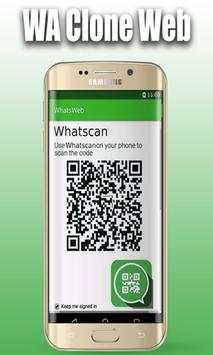
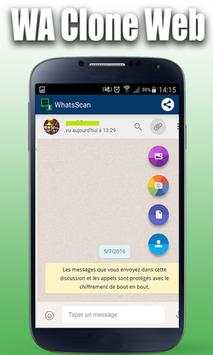
Some people might want to open multiple WhatsApp account in same device or same WhatsApp account in multiple devices then this is DOWN TO EARTH for them. You can use same WhatsApp account in multiple device or multiple WhatsApp account on same device.
What Web Features:
- read WhatsApp message
- message to other user
- change WhatsApp status
- change WhatsApp profile picture
- download images/videos
Why I Need What Web?
- open more than one WhatsApp account in the same mobile.
- open one account in more than one devices.
- parental control other WhatsApp account
How to use What Web:
1 open What Web application on your mobile.
2 open Preferred Whats-App.
- on Android: in the Chats screen > Menu > Whats-App Web.
- on Nokia S60 and Windows Phone: go to Menu > Whats-App Web.
- on iPhone: go to Settings > Whats-App Web.
- on BlackBerry: go to Chats > Menu > Whats-App Web.
- on BlackBerry 10: Swipe down from top of the screen > Whats-App Web.
- on Nokia S40: Swipe up from bottom of screen > Whats-App Web.
3 scan the QR Code on What Web.
4 enjoy!
Keywords :
- WhatsApp
- Dual WhatsApp
- Whats Web
- WhatsApp Web
- GB WhatsApp
- Multi Account For WhatsApp
- 2nd Account For WhatsApp
- Whats Scanner
- Whatsapp Web Scanner
- WhatsWeb Scanner
Note: What Web is not official WhatsApp Application or not associated with WhatsApp and/or WhatsApp Inc.. This Application is just for public interest, for easily spy/ parental control/ monitor/ knowledge purpose only. This Application is using web interface of official WhatsApp website only.
What Web not use to hack Anything it just display save files in application.


