














DOWNLOAD IS NOT SUPPORTED IN WEB STORE!
Use the latest version of 9Apps to download APK&OBB file of games in one click!
DOWNLOAD 9APPS


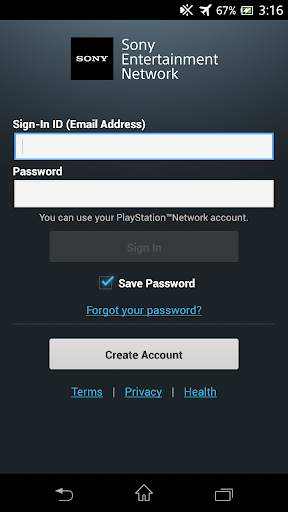
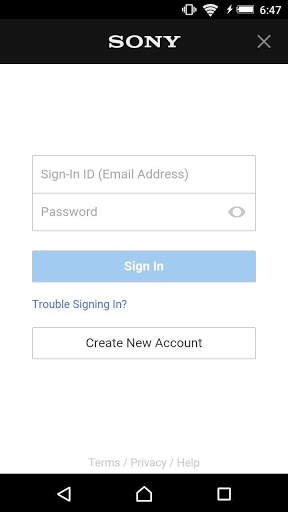
With Account Manager, you can share a single Sony Entertainment Network account across all applications on your device that require a Sony Entertainment Network account.
After installation, you can easily link your Sony Entertainment Network account with your device in any of the following ways:
- by signing in to one of the supported applications
- by navigating to your Android device's [Settings] > [Accounts] menu, and then selecting [Add an Account].
After you have linked your account, you can sign in to any supported application without having to type in your account information again.
If you are an existing PlayStation™Network or Qriocity user, you can use your existing account as a Sony Entertainment Network account.


