











DOWNLOAD IS NOT SUPPORTED IN WEB STORE!
Use the latest version of 9Apps to download APK&OBB file of games in one click!
DOWNLOAD 9APPS

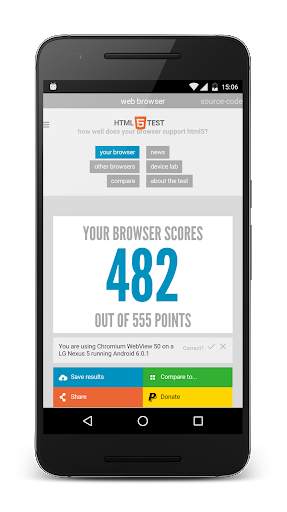
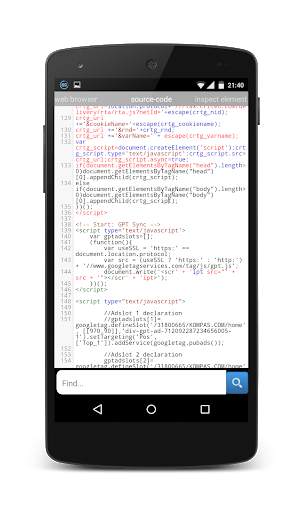
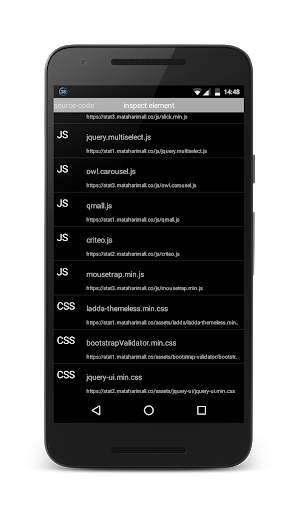
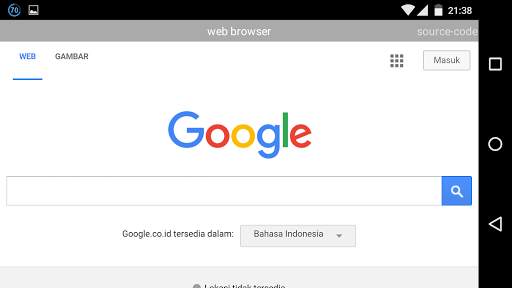
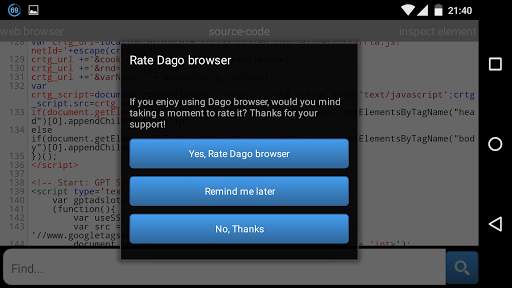
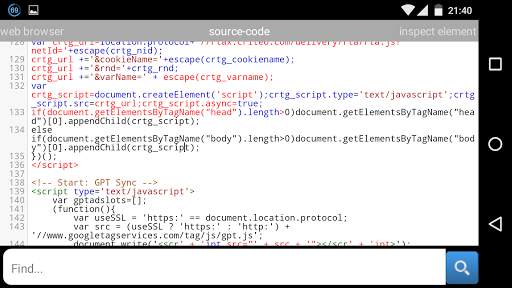
Dago Browser is a web browser with web inspector that can be opened by swipe right from a web browser page and choosing Inspect Element. Once open, it highlights the node on the page as it is selected in the hierarchy. You can also search for nodes by node name, id and CSS class name on page source.
Various CSS and JavaScript properties, including length of text nodes, offsetWidth/Height, class names, and parent/sibling information are vieweable in inspect element and page source.
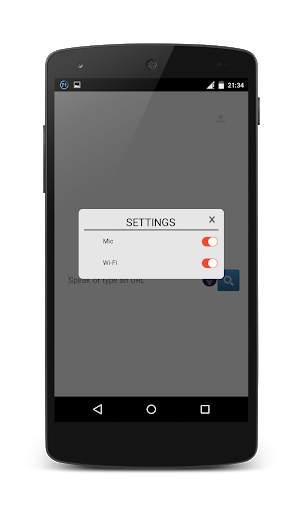
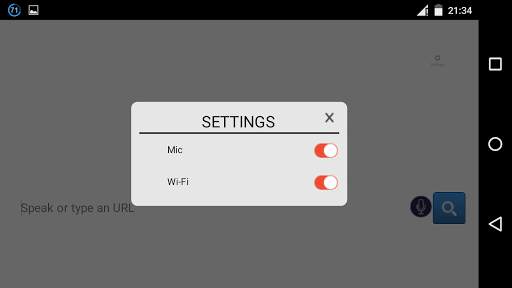
You can change Mic and Wi-Fi settings on top right of the screen.
Note: Some websites are restricted their node and script so on some websites, inspect element cannot get anything from it.
You can change use offline mic mode (but cannot search for website offline) with update/download more offline langguage from settings->language & input->voice input->gear settings button->offline speech recognition->all and download offline languages that you want.
If the mic error, you could repair it on settings->apps->Dago Browser->clear cache and clear data.
This Dago Browser can be use as potrait and landscape orientation, it will detect your device orientation with its sensor. But sometimes its sensor broken and the app sometimes stopped. But it can restarted back when you click Dago Browser again.
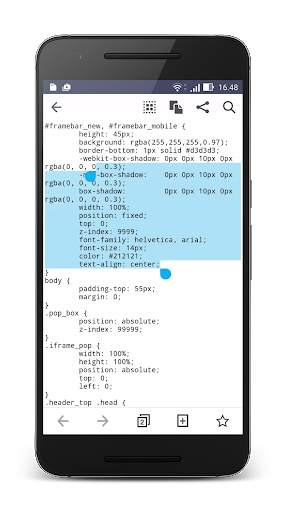
To copy, click CSS or JS in inspect element section, hold long on the start of the code text that you want to copy. It will show you the start and the end dots, just drag the end dots to the end of the code text that you want to copy. It will auto copy to clipboard.


