










DOWNLOAD IS NOT SUPPORTED IN WEB STORE!
Use the latest version of 9Apps to download APK&OBB file of games in one click!
DOWNLOAD 9APPS

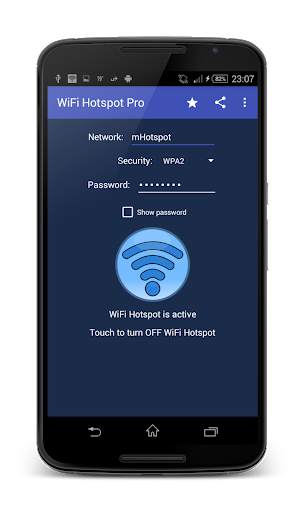
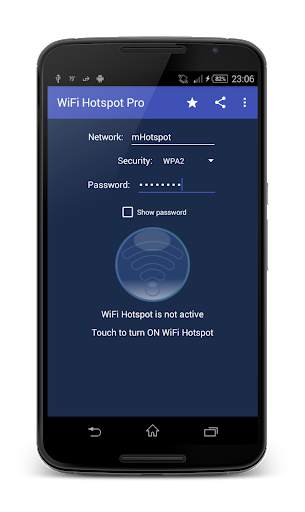
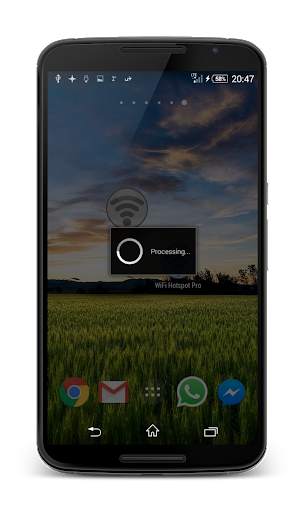
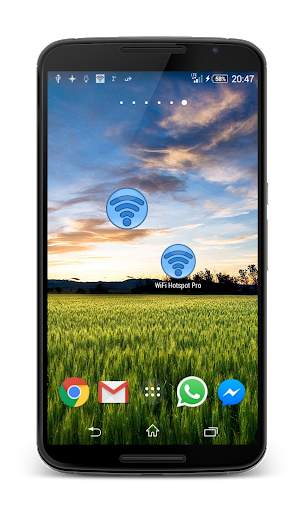
WiFi Hotspot allows you to fast enable/disable Wifi Hotspot on your device. Simply enter SSID and password, then tape the Turn On button and after a few seconds the hotspot will be activated. Now you can connect other devices to use internet from your device.
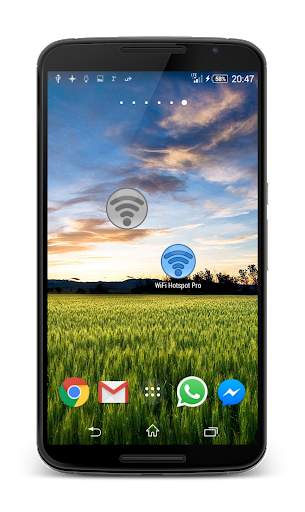
If you need to turn on the hotspot many times, then just put a widget on the screen and you can do the same just by one click. You can also turn on/off WiFi Hotspot automatically just by plugging device to PC via USB.
Functionalities:
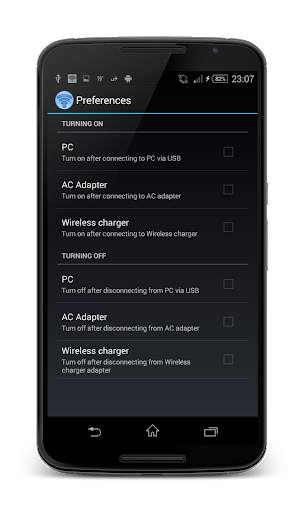
* turning on WiFi Hotspot automatically after:
* connecting to PC via USB
* connecting to AC Adapter
* connecting to Wireless charger
* turning off WiFi Hotspot automatically after:
* disconnecting from PC via USB
* disconnecting from AC Adapter
* disconnecting from Wireless charger
* turning on/off by using a widget
* allows to create WPA2 WiFi Hotspot
* allows to create Open WiFi Hotspot without password
****************************
Note for Xiaomi users:
WiFi Hotspot will turn on/off automatically (if enabled) only if Autostart permission is set (Settings -> Permissions -> Autostart).


Version 2.1 Sep 04, 2019
- Bugfixes
Version 2.0 Mar 28, 2017
- Redesigned app
- Added security options (Open, WPA2)
- Bugfixes


