
DOWNLOAD IS NOT SUPPORTED IN WEB STORE!
Use the latest version of 9Apps to download APK&OBB file of games in one click!
DOWNLOAD 9APPS
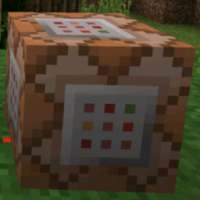
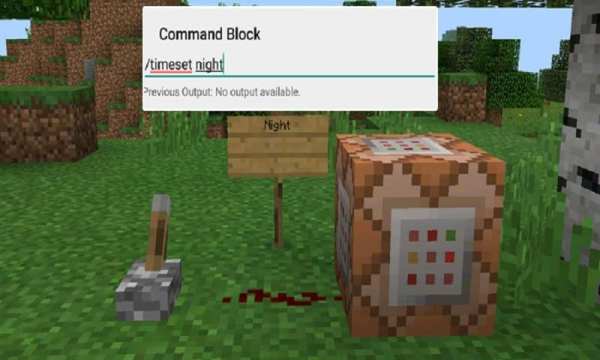
The Command Block is incredibly useful because it can be used for executing text commands in Minecraft. And it’s only triggered when there’s a redstone signal active. The block can process javascript and custom commands found in other mods.
It’s one of those features which the PC version of Minecraft has by default but is not likely to be an official part of Pocket Edition for a long time.The Command Block (ID 137) can be obtained by using the creative inventory. It’s a block which when triggered by a redstone signal can execute both javascript and custom mod commands.
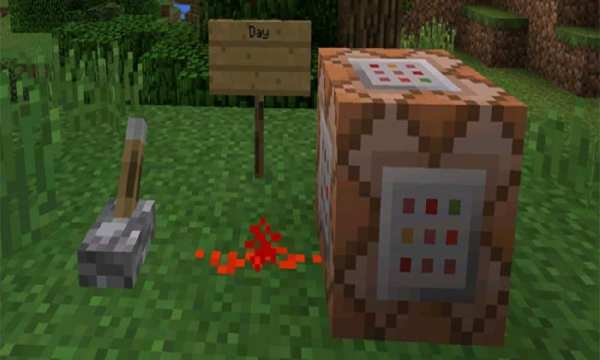
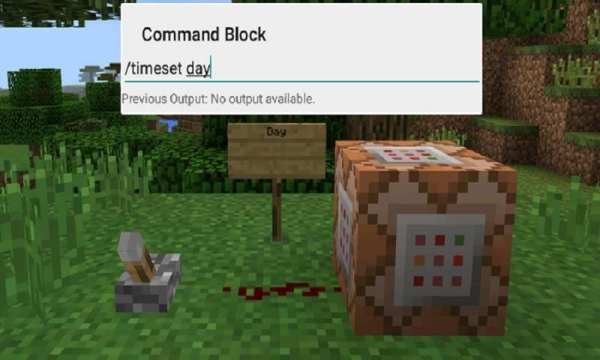
In this example we will be using the commands available in the X-Commands mod to explain how you can use redstone and the Command Block to switch time between day and night.
Begin by placing down the first Command Block which will be used for activating night-time. Tap on the block to set the command to use. Here you can also enter JavaScript, e.g.: javascript: Level.setRainLevel(1); – this would turn on rain.






Facebook Lite
4.02.5MB

Temple Run 2
4.4122.1MB

Quikr – Search Jobs, Mobiles,
4.120.8MB

Offline Music Mp3 Player- Muso
4.535.9MB

imo beta -video calls and chat
4.394.0MB

Talking Tom Cat
3.963.0MB

Mushroom Takeover
4.569.0MB

Candy Crush Saga
4.491.1MB

ShopClues
3.816.4MB

Dearmet: Video Chat, Live Talk
4.043.4MB