









DOWNLOAD IS NOT SUPPORTED IN WEB STORE!
Use the latest version of 9Apps to download APK&OBB file of games in one click!
DOWNLOAD 9APPS

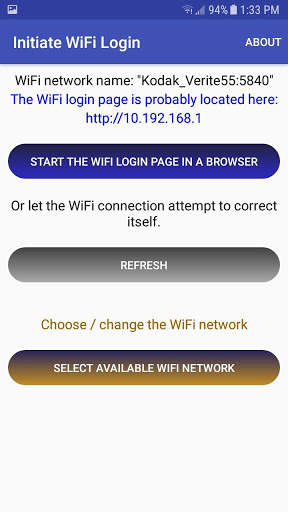
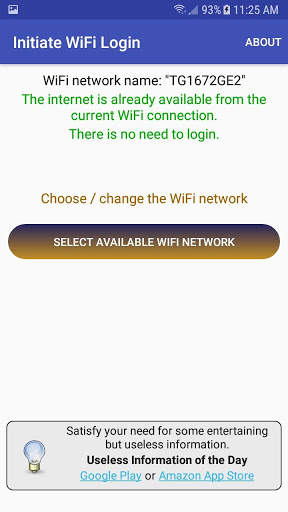
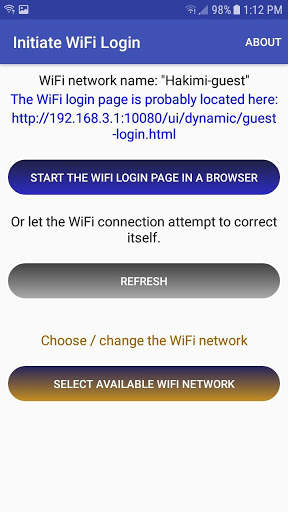
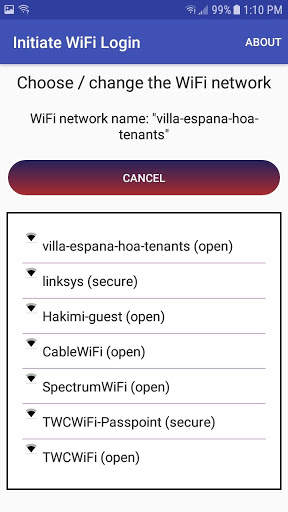
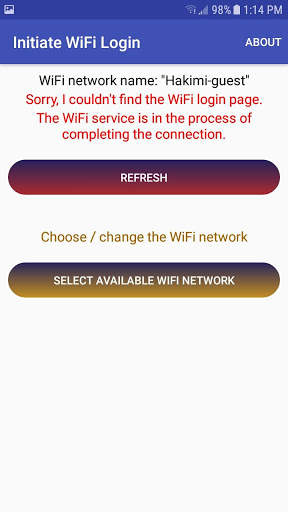
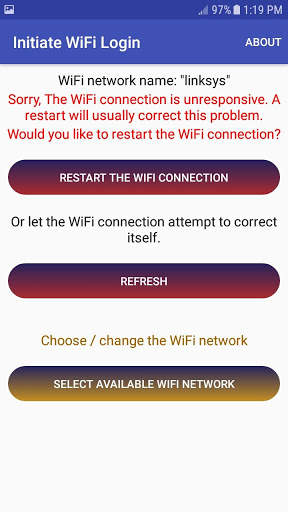
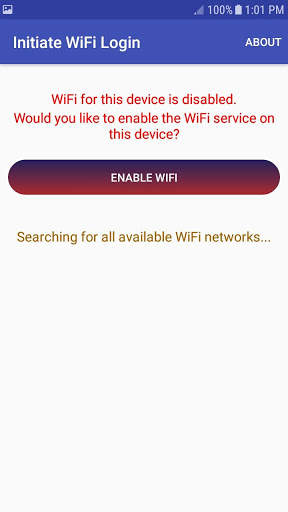
You've stopped for a cup of coffee or you've checked into a hotel.
You've connected to their WiFi but you can't get any web sites to display.
The hotel gave you a password but you never see a place to enter it.
This is usually because... Honestly, do you want to know the details?
Do you even care what the problem is or do you just want it fixed?
This simple application will usually fix the problem. Start it up and the color will tell you what to do:
Green: You're connected, the internet is yours.
Blue: Press the blue button to log in the connection with your browser.
Red: Somethings wrong with your WiFi connection, press the red button to try and fix it.
Orange: Press the orange button to select a different WiFi network.
Grey: It's optional, give it another try if you want.
It only takes a moment so before you talk to the barista or call the hotel front desk, try pressing the button.
For more information about Melon Realized:
https://www.whycanticonnect.com/
To report bugs and ask questions, check the knowledge base:
https://www.whycanticonnect.com/?q=knowledge-base


Removed the "Refresh" button when an internet connection has been established. By this point, the option is more confusing than helpful.


