
DOWNLOAD IS NOT SUPPORTED IN WEB STORE!
Use the latest version of 9Apps to download APK&OBB file of games in one click!
DOWNLOAD 9APPS
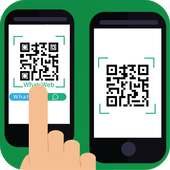
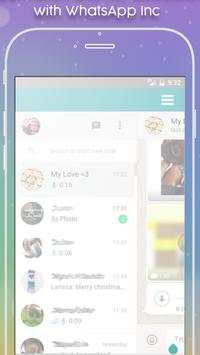

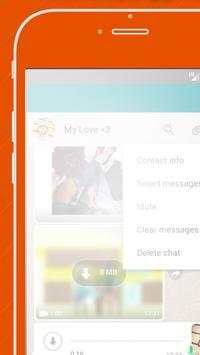
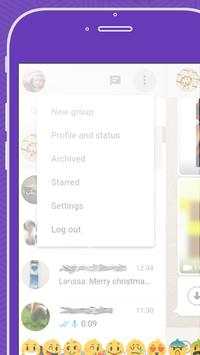
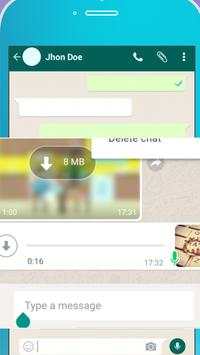
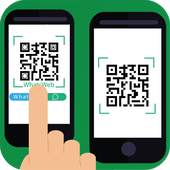
Using whatsUp Web you can read chat and send messages of the cloned multiple accounts via WhatsUp Web account Messenger or Parallel accounts by whats web.
Whatsweb Clone WhatsApp - Dual whatsapp Account on one device.
HOW TO USE
1. Install and Open whatsWeb
on mobile you want to sync/clone your to
2. Open whats on your main phone (the account you want to clone)
- On Android: Scroll to the Chats screen -> Menu -> whatsUpWEB .
3. After clicking "whatsUpWEB ", you should see a camera QR scanning screen.
4. Now scan the QR code displayed on whatsScan
whatscan app for whatsUpWEB
pro
5. Done! Sync complete! Now you can access the same whatsUpWEB
account on both devices!
- Scan the QR code to sync your account to whatsScan .
- Dual whats . Use your whats Account on dual devices simultaneously.
- Multi whats. Run multiple whats accounts on a single device. You can have 2 whats in 1 device.
- While at home, sync from your phone to tablet, so you can chat and reply from your tablet. Tablet for whats.
- Double Whats!



ShopClues
3.816.4MB

Candy Crush Saga
4.491.1MB

Temple Run 2
4.4122.1MB

Stickman Fighting
3.059.6MB

Quikr – Search Jobs, Mobiles,
4.120.8MB

imo Panggilan Video & Teks
4.394.0MB

Offline Music Mp3 Player- Muso
4.535.9MB

Talking Tom Cat
3.963.0MB

Facebook Lite
4.02.5MB

Dearmet: Video Chat, Live Talk
4.043.4MB