











DOWNLOAD IS NOT SUPPORTED IN WEB STORE!
Use the latest version of 9Apps to download APK&OBB file of games in one click!
DOWNLOAD 9APPS
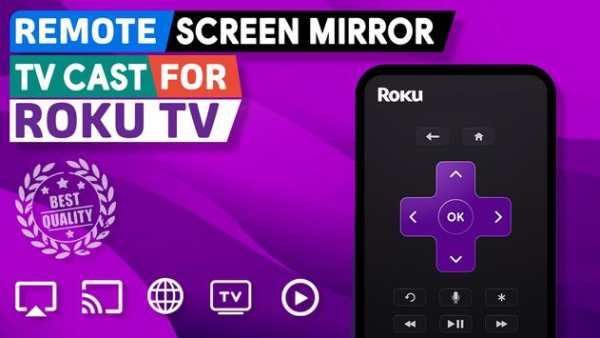
You can use the remote app to control your Roku Stick Device. Just connect your phone/tablet and your Roku Device to the same internet connection to use our app.
This app is a full-featured remote control for Roku 1, Roku 2, Roku 3, Streaming Stick & Roku TV. Also supports TCL, Insignia TV, Sharp TV and HiSense TVs.
It has main features:
- Increase/decrease TV volume
- Choose program channels/apps
- Enter text easily on web browser
- Navigate on app content
- Detects Roku automatically when app is launched
- Remote control with all the basic inputs
- Conveniently launch channels from application
- Easily install new game app with Roku store
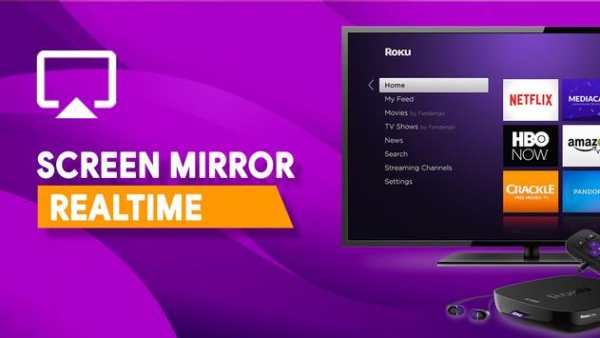
- Screen mirroring will help you stream your screen, games, video or any app to big of screen.
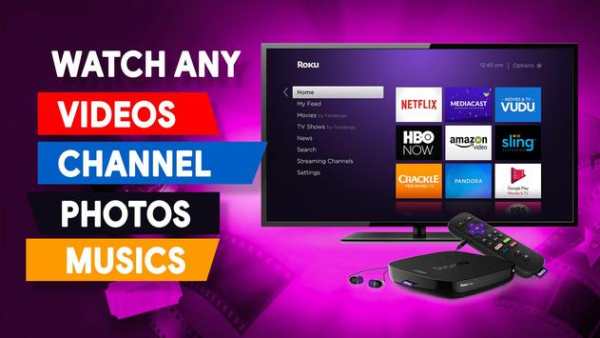
- Cast photos, videos, musics to Roku Devices
- IPTV list build in with
- Web Videos Caster for Roku
- Discover & Cast billions videos and songs
Supported TVs are:
- Roku Stick and TV Box, All Generations (Gen-1 to Gen-5)
- TCL Smart TVs with Roku
- Sharp TVs with Roku built-in
- Hi-sense TVs with Roku support
- Insignia TVs
- Other TVs with built-in Roku support.
How To Use
To use the app, please make sure your phone or pad are on the same Wi-Fi network as the Roku TV. You can check your WiFi connection from the Settings app. Once that is verified, launch the app. The app will search for your TV on the WiFi network and display it on the screen. You can tap to select it and it will connect. Once connected the app will show the Remote on the screen. You can now navigate using the remote. There is also an option to launch channels directly from the app. To do that, select the Channels option from the bottom tab bar. Also awesome Screen mirroring & TV Cast features
make More than a smart TV—a better TV
For any question/support, please contact us by send an email to appboxdesign@gmail.com
DISCLAIMER
This app is neither an official ROKU product, nor are we affiliated with the ROKU company.
Roku remote controller - TV Cast & Screen mirroring for Roku


