









DOWNLOAD IS NOT SUPPORTED IN WEB STORE!
Use the latest version of 9Apps to download APK&OBB file of games in one click!
DOWNLOAD 9APPS

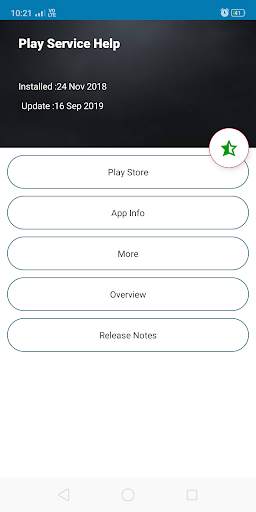
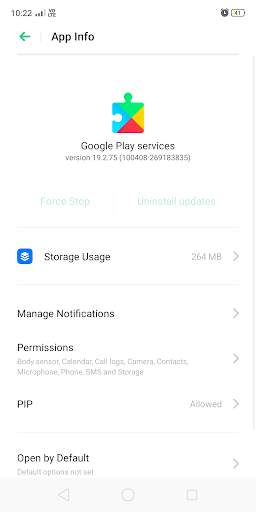
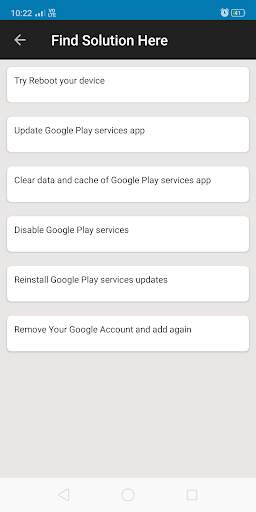
Find Play services info using this app.
Can find date of installation of play services and also update date of play services
Update play services, find some solution of “Google Play Services has Stopped Working”.
Let’s try a quick solution of play services error – click on app info inside app, now you are on Google play services app, try clear cache/data and see if you have done, if still getting same error visit app for more detail and solution.
This can helps to fix "Google Play Services has Stopped Working", using this simple steps-
-Go to Setting
-See All apps
-Tap on Google Play Services
-Tap Storage
-Clear data/clear cache.
Most of the users facing error while using play services, we have provide some solutions, you can try and fix issue and if we found valuable for you please rate us.
Note: This app is not allied with Google LLC.



First beta version released.


