











DOWNLOAD IS NOT SUPPORTED IN WEB STORE!
Use the latest version of 9Apps to download APK&OBB file of games in one click!
DOWNLOAD 9APPS
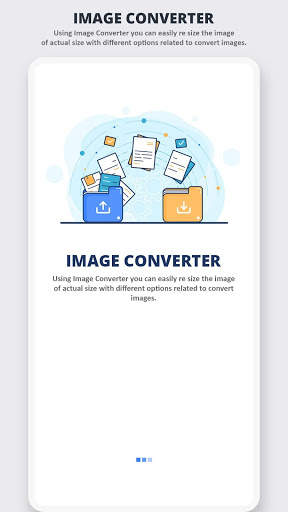
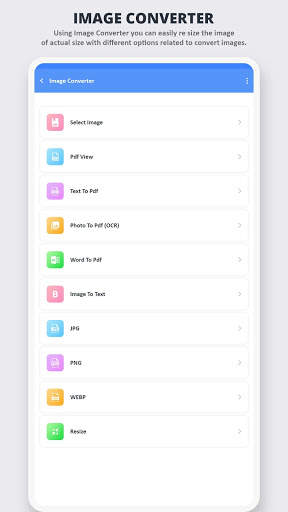
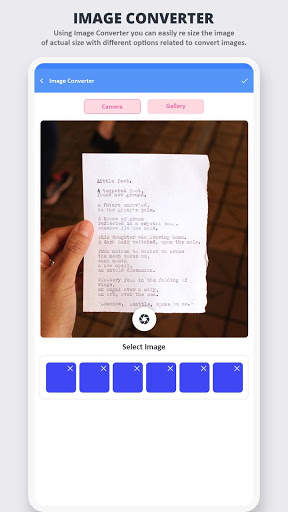
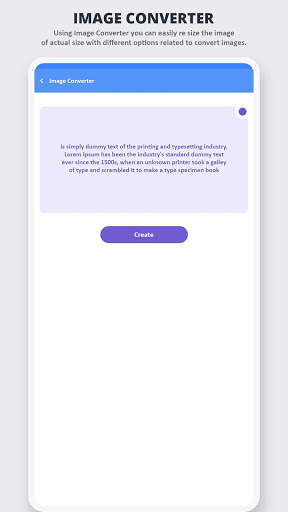
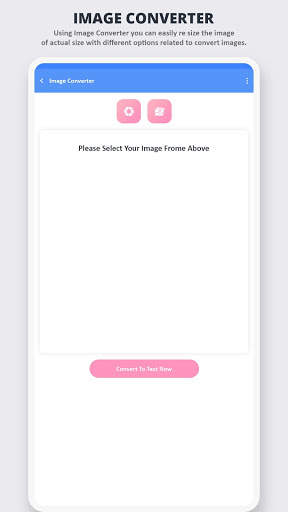
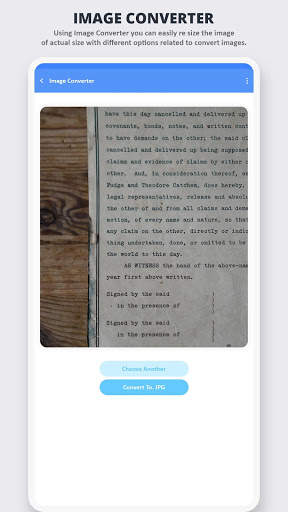
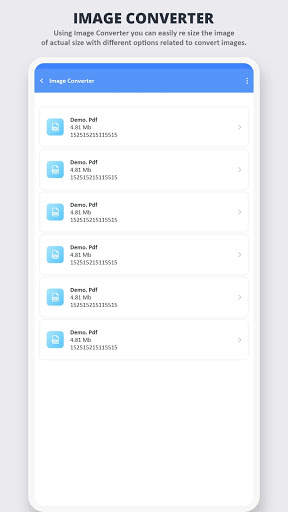
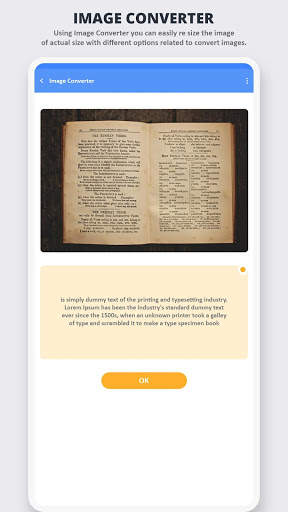
Image to PDF - PDF Converter
First, you choose any JPG files on your Android phone, select a preset PDF page size or enter page width and height, set PDF page orientation, then tap the "Convert to PDF" button to start conversion. JPG to PDF Converter uses multithreading to improve conversion speed. It only takes a few seconds to convert hundreds of image files.
Image to PDF - PDF Converter app will allow you to view the pages of PDF before converting. So, you can decide which page needs to be converted to an image.
Feature
- No need to Internet Connection.
- Smooth and easy to use.
- Nice User Interface and latest material design.
- Convert your Photos and Pictures into pdf with pdf converter.
- Convert your Text Messages into pdf format with pdf converter.
- Convert Documents from MS Office to pdf with pdf converter.
- Takes up only a few seconds.
- No limit on the number of PDFs conversion.
- Image enhancement features.
- Crop images before creating a PDF.
- Scroll PDF pages and zoom in and out.
- Edit your Photo directly.
- View or Delete PDF files.
- Extract images from PDF.
- Convert text files to PDF.
- Remove pages from PDF.
- Manage your PDF files.
- Share the created PDFs on social network.
- Easily Manage the PDF files.
Image to PDF - PDF Converter app where you can convert any PDF file pages to an image.
Image to PDF - PDF Converter app can convert JPEG to PDF or JPG to PDF or PNG to PDF.


