DOWNLOAD IS NOT SUPPORTED IN WEB STORE!
Use the latest version of 9Apps to download APK&OBB file of games in one click!
DOWNLOAD 9APPS


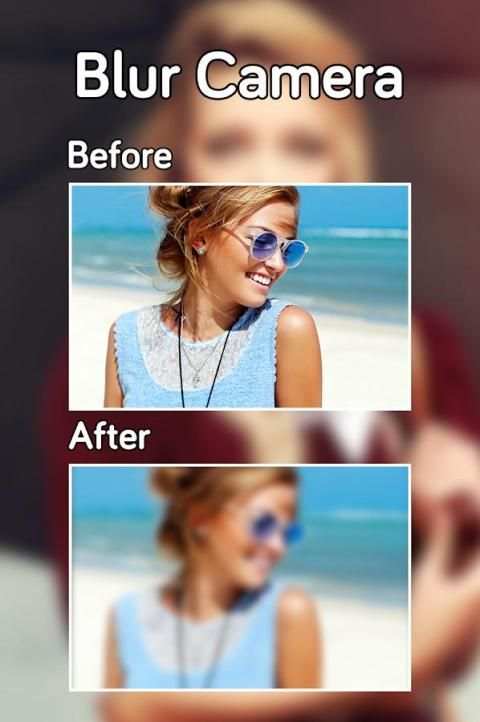
Blur Camera-Focus On Photo-Blur background Changer
In Blur Camera Blur Photo background,Focus On Photo ,Blur background Changer.
Blur Camera-Focus On Photo-Blur background Changer
is Best App for Photo Editing.this app allow you to take best picture and edit photo and make your photo background Blur and make your picture more beautiful.
Blur Camera-Focus On Photo-Blur background Changer
blurred camera,blur camera,bullet cam, blur master,blur with focus,blur selfie,blur filters
Blur Camera-Focus On Photo-Blur background Changer
captures photo with blur background, combine with filters and shapes.
Blur Camera-Focus On Photo-Blur background Changer
Blur photo background HD is an awesome photo editor for blur your background,enhance your photo,many amazing photo filters and photo effects,text on photo,add stickers on photo,draw on your photo like paint on photo!
Blur Camera-Focus On Photo-Blur background Changer
Blur Camera is a powerful and easy to use image Photo editing apps with many amazing photo effects and photo filters,and background blurring,you can also write on picture or text on photo like instatext.
--- Features ---
- This will get the background blur effect like professional photographer.
- This will blur some part of your photo image.
- This will used to changed after the strength of the effect
- Very easy to use with friendly user interface.
- On touch share
- One-tap auto enhance
- Gorgeous photo effects and frames
- Fun stickers
- Color balance
- Crop, rotate, and straighten your photo
- Adjust brightness, contrast, color temperature, and saturation
- Sharpen and blur
- Color temperature ("Warmth")
- Color Splash
- Focus (Tilt Shift)
- Draw and add text
- Create your own memes
- Cosmetic tools: fix redeye, remove blemishes and whiten teeth.
How to use Blur Image background:
1. Select an image from gallery.
2. Blurred image is shown in which you can adjust the blur transparency.
3. Select if you want to focus image or blur background.
4. You can blur or un-blur areas you want to put focus on. You can adjust the brush size to fine tune your image as well.
5. Save the photo into your sd-card or share it on your favourite social media platforms like Facebook, Twitter, Instagram, Whatsapp,etc.