









DOWNLOAD IS NOT SUPPORTED IN WEB STORE!
Use the latest version of 9Apps to download APK&OBB file of games in one click!
DOWNLOAD 9APPS
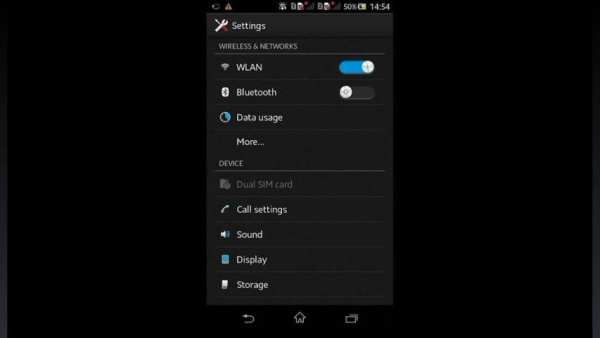
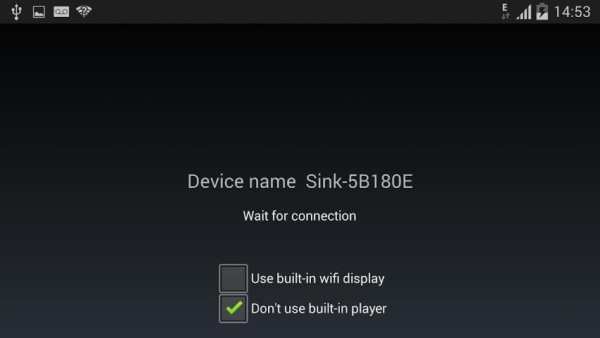
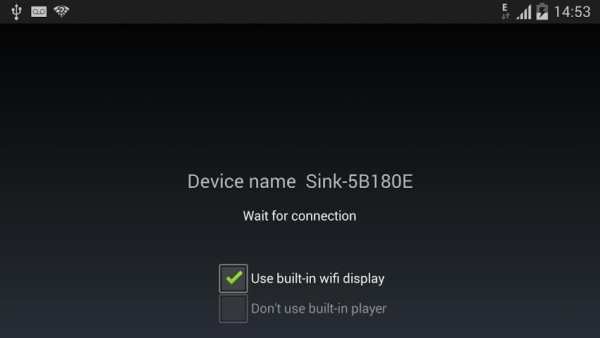
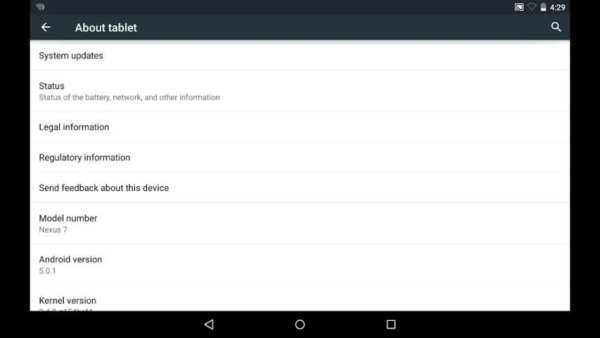
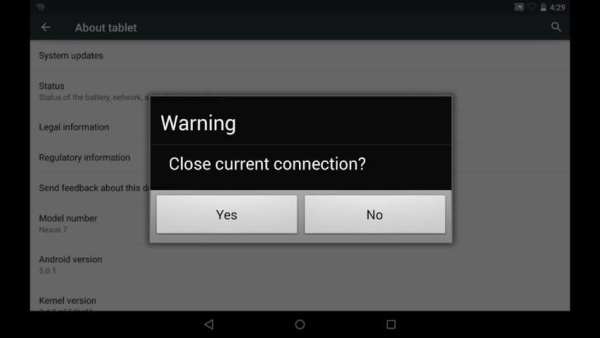
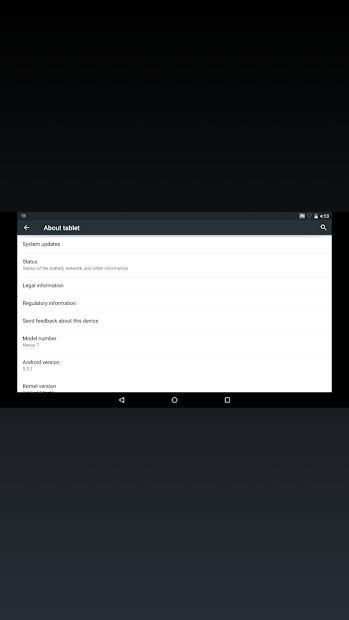
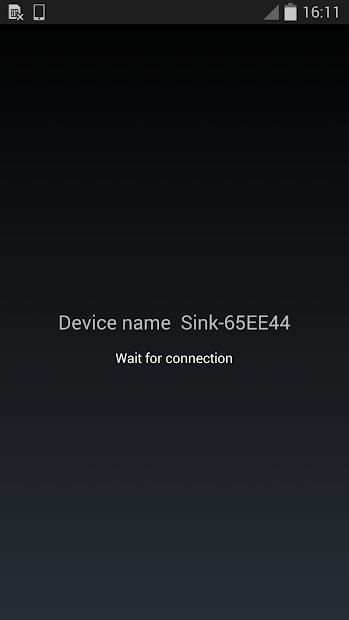
Miracast Player is an application to support cast screen between Android devices. The device running this application will be a wifi display sink and can be connected by another Android device via "Cast Screen". Usage:
1. Start the application on the 1st Android device. It will display a device name, e.g. "Sink-645A3E"
2. On the 2nd Android device, click Settings->Display->Cast Screen (Wireless Display/AllShare/Share Cast/ScreenMirror)
3. Wait until the name of the 1st device is displayed in the 2nd device
4. Click the device name to connect.
When connection is established, the two devices will have the same screen
Known issues:
1. HDCP is not supported: some devices may enforce HDCP encryption when it is running as a wifi display source, then the device running this application can't display the screen content of the source device.
2. Connection issue: sometimes the connection may not be established. Please try to turn off or turn on wifi or re-boot the devices
3. Playback issue: sometimes the two devices are connected with messages like "connected by a source", and then get issues on the following playback (e.g. blackscreen), please enable "Don't use built-in player" or "Use built-in wifi display" if they are availbe


Generate log file MiracastPlayer.txt in external storage directory. Send this file to author if you want the author to debug the app on your device.


