DOWNLOAD IS NOT SUPPORTED IN WEB STORE!
Use the latest version of 9Apps to download APK&OBB file of games in one click!
DOWNLOAD 9APPS

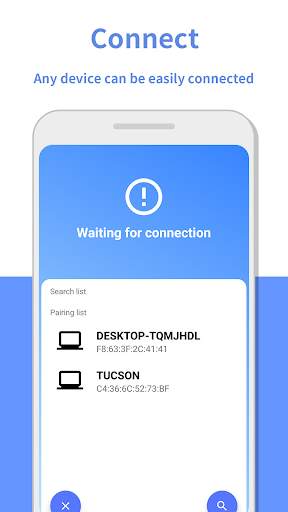
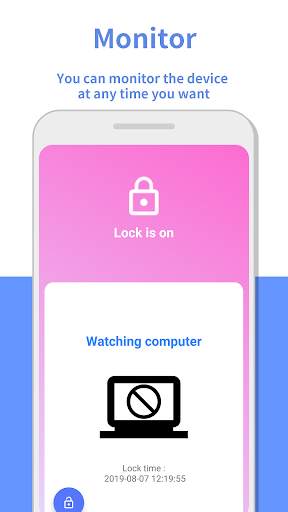
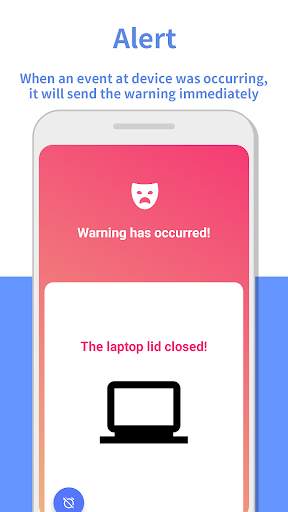
[Method]
1. Install Android App
2. Install the Windows anti-theft application for your laptop from the website linked below (www.touchmenot.sigpact.com).It is necessary to prevent the theft of a laptop computers.
3. Please follow the connection settings by referring to the "Touch Me Not" video on the download page of the site above.
[Function]
■ Lock your
laptop (computer) with smartphone
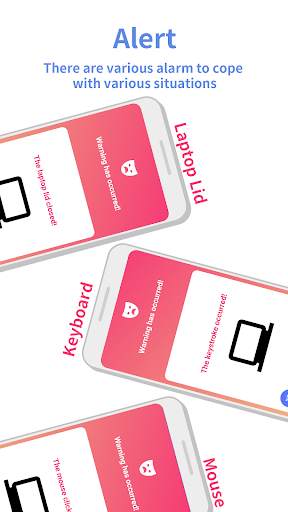
■ Real-time notification of the events occurring on the laptop after lock (key stroke, mouse click, power cable disconnection, cover closed, laptop power off, internet disconnection, dual monitor connection, unlock password attempt) for anti theft
■ Bluetooth zone departure notification, automatic re-connection and re-connection notification on return
■ Notify your smartphone via cellular data when an event occurs on your laptop when you are out of Bluetooth coverage for anti theft
■ Display your laptop unlock password on your smartphone, so you can check it on your smartphone when Bluetooth is lost and you forget your unlock password
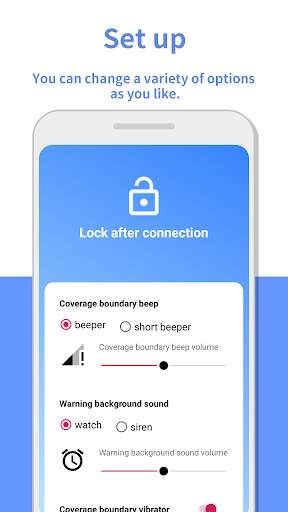
■ Beep sound selection and volume control
ⓒ2019
Signal Impact all rights reserved