






DOWNLOAD IS NOT SUPPORTED IN WEB STORE!
Use the latest version of 9Apps to download APK&OBB file of games in one click!
DOWNLOAD 9APPS
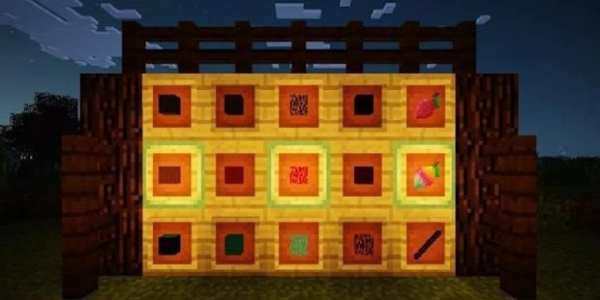
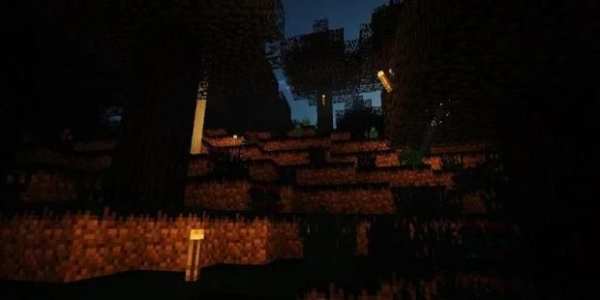
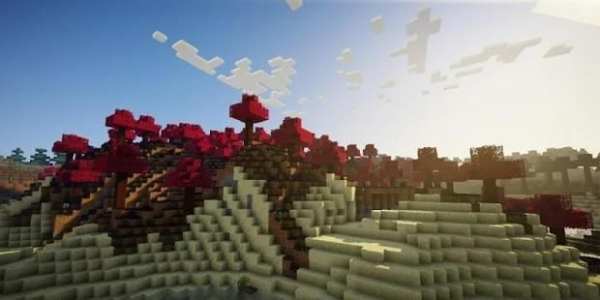
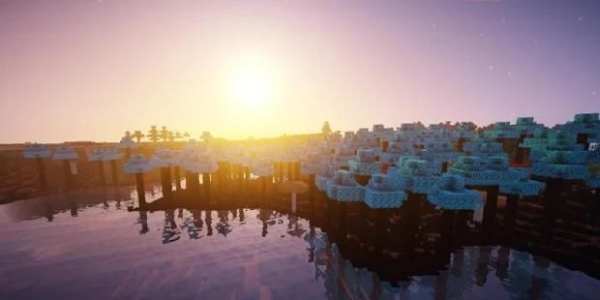
The Crystallia Mod (Crystal-Themed World)
The Crystallia Mod adds a whole new world to Minecraft. The grass is purple, the trees have a dark purple bark, and mysterious blue flesh. There’s creatures which before were unimaginable wandering around you.
Features:
3 types of gemstones (Crystalli, Eventidium, and Midnight).
New biomes! (Obsidian Forest, Crystalli Forest, Eventide Forest, and Midnight Forest).
A new fruit, as well as crystal variety; the Camquat (inside joke present, but it is a fruit nonetheless).
Pretty looking wood, all in different colors (Purple, Gray, Blue, and Fuschia).
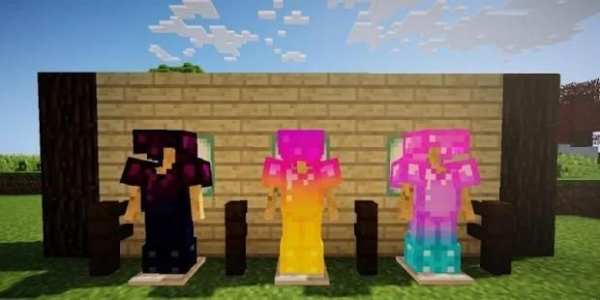
Tools and Armor (Made with love and gemstones).
Flowers to make your life prettier. (10 varieties).
How to install:
Make sure you have already installed Minecraft Forge.
Locate the minecraft application folder.
On windows open Run from the start menu, type appdata and click Run.
On mac open finder, hold down ALT and click Go then Library in the top menu bar. Open the folder Application Support and look for Minecraft.
Place the mod you have just downloaded (.jar file) into the Mods folder.
When you launch Minecraft and click the mods button you should now see the mod is installed.
The Crystallia Mod (Kristal-Bertema Dunia)
The Crystallia Mod menambahkan sebuah dunia baru untuk Minecraft. rumput ungu, pohon-pohon memiliki kulit ungu gelap, dan daging biru misterius. Ada makhluk yang sebelumnya berada mengembara tak terbayangkan di sekitar Anda.
Fitur:
3 jenis batu permata (Crystalli, Eventidium, dan Midnight).
bioma baru! (Obsidian Forest, Crystalli Forest, Eventide Forest, dan Midnight Forest).
Sebuah buah yang baru, serta berbagai kristal; yang Camquat (lelucon ini, tapi itu adalah buah tetap).
Cukup mencari kayu, semua dalam warna yang berbeda (Ungu, Abu-abu, biru, dan Fuschia).
Peralatan dan Armor (Dibuat dengan cinta dan batu permata).
Bunga untuk membuat hidup Anda lebih cantik. (10 varietas).
Bagaimana cara menginstall:
Pastikan Anda telah menginstal Minecraft Forge.
Cari folder aplikasi minecraft.
Pada jendela terbuka Jalankan dari start menu, ketik AppData dan klik Run.
Di mac finder terbuka, tahan ALT dan klik Go kemudian Perpustakaan di menu bar bagian atas. Buka folder Application Support dan mencari Minecraft.
Tempatkan mod baru saja Anda download (file .jar) ke dalam folder Mods.
Ketika Anda memulai Minecraft dan klik tombol mods Anda sekarang harus melihat mod diinstal.


