










DOWNLOAD IS NOT SUPPORTED IN WEB STORE!
Use the latest version of 9Apps to download APK&OBB file of games in one click!
DOWNLOAD 9APPS

>
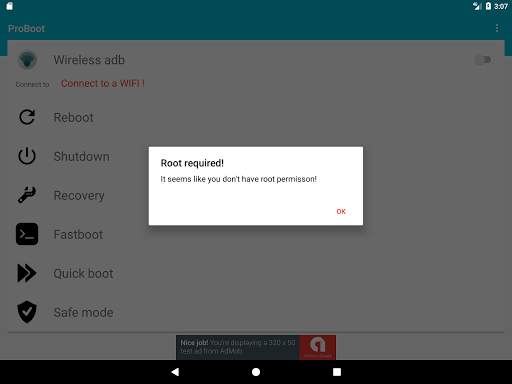
NOTE - Some of the functions
require ROOT PERMISSION
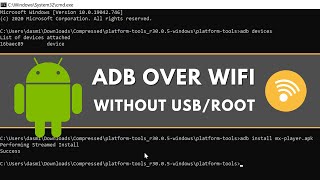
- Debug your apps over WIFI. No more USB cables.
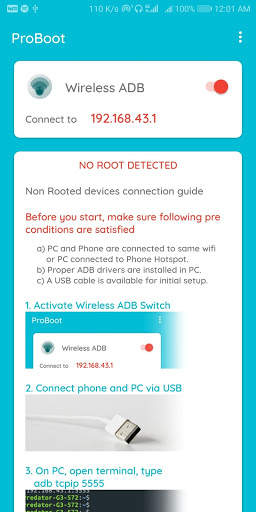
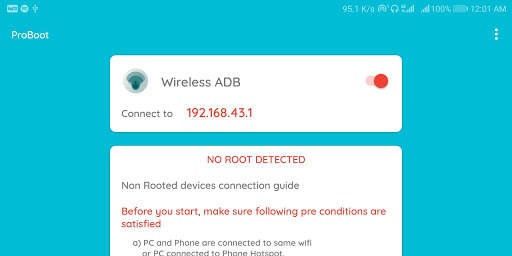
- [NON ROOT DEVICES]
Connect your ( Phone | Tab ) and your
PC on a same WIFI Connection Or open
hotspot on the device and connect PC .
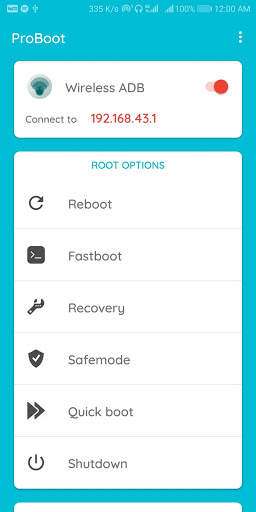
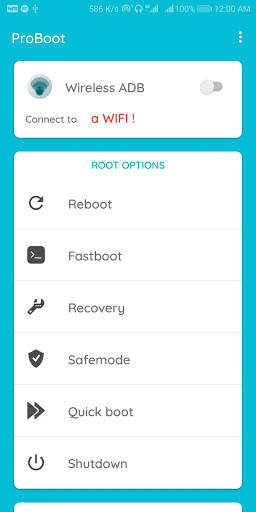
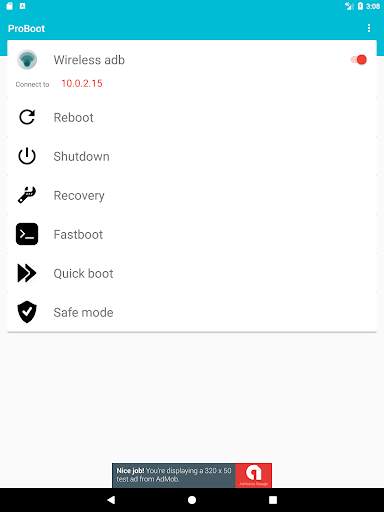
Open app and turn on the wireless adb.
You will see an ip address.
Connect Device and PC Via USB.
On PC type
ADB TCPIP 5555
On PC type
ADB CONNECT
ip_address
Remove USB Cable.
Done !
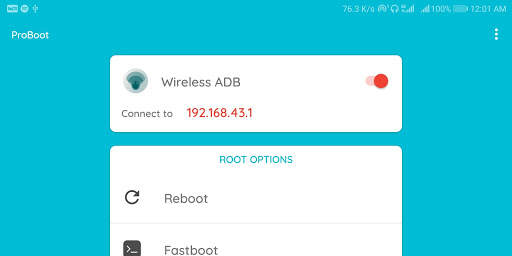
- [ROOT DEVICES]
Connect your ( Phone | Tab ) and your
PC on a same WIFI Connection Or open
hotspot on the device and connect PC .
Open app and turn on the wireless adb.
You will see an ip address
On PC type
ADB CONNECT
ip_address
Done !
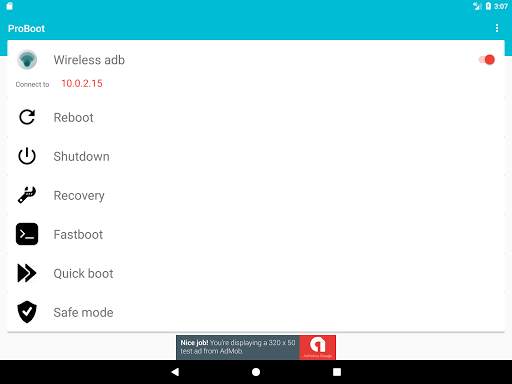
ProBoot Advanced Boot Options [ROOT DEVICES]
- Reboot
> Normal Reboot.
- Shutdown
> Normal Shutdown.
- Reboot Recovery
> Reboot into recovery mode.
> You can use Recovery mode to perform device maintenance , like installing updates or apps from your SD card
or backing up data.
- Reboot Fastboot
> Reboot into Fastboot mode.
> You can use Fastboot to flash rom.
- Quickboot
> Faster boot.
- Safemode
> Reboot into safemode
> You can only access System apps once you boot into safe mode.
> You can get back by just a reboot
Please RATE and review the app.
Bug fixes
Root-only options removed from unrooted phones


