

9Apps provide lots of India android apps. 20,000+ users downloaded Smart Office Viewer latest version on 9Apps for free every week! This app is intended for an adult audience. This hot app was released on 2019-05-17. I believe that if you are an android apps lover, you would not miss it.
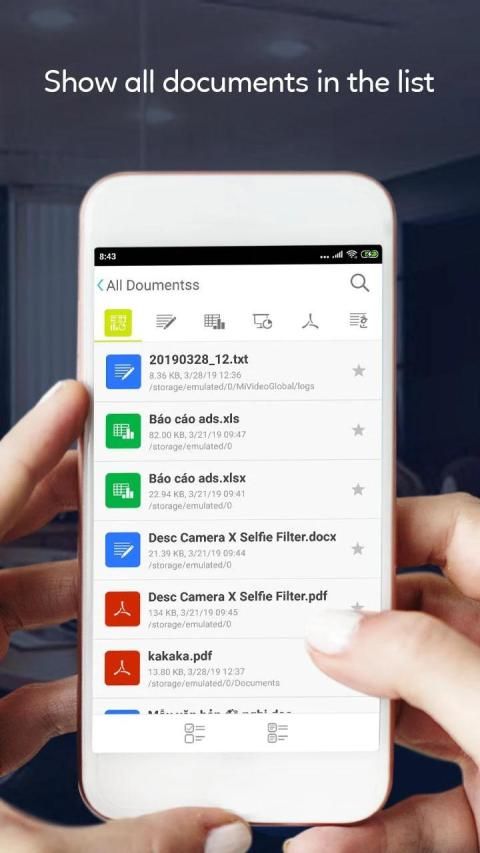
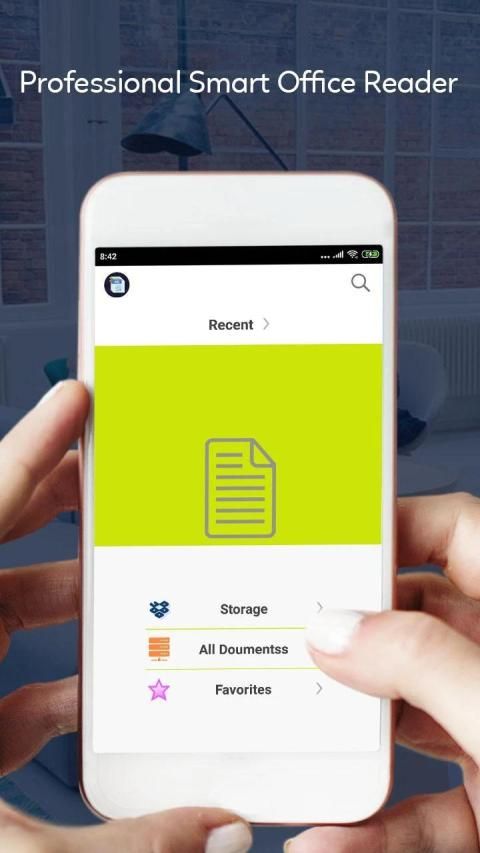
Smart Office + All Office File Manager View & Edit is an office application that allows you to read and view documents easily on multiple mobile devices. We are supported read all file documents type like doc, docx, ppt, pptx, xls, xlsx, txt and pdf.
Smart Office + All Office File Manager View & Edit as your default office viewer and directly open document file from file manager, email or web in this document reader without having to open the app.
This Smart Office + All Office File Manager View & Edit is definitely the most efficient office reader and productivity tool for reading all files.
Document Viewer + Word, Excel, Docs, Slide & Sheet is the smallest size (less than 18MB) and all+in+one complete free office on Android mobile and tablets,in which integrates all office features.
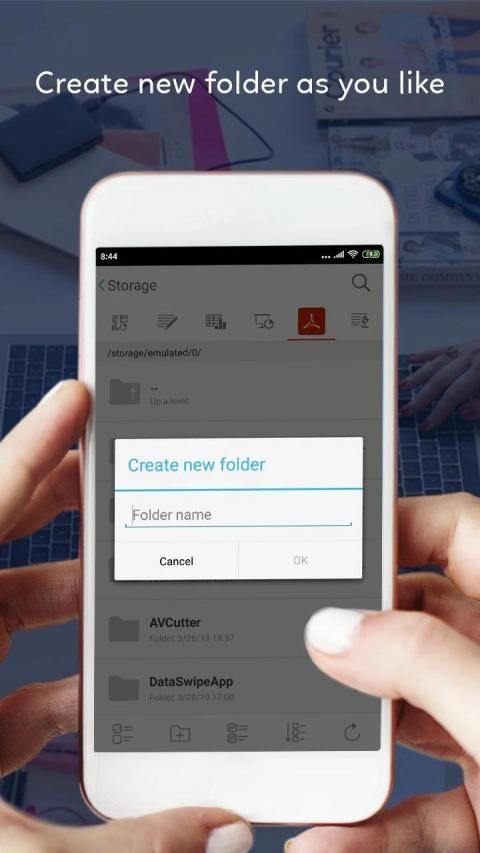
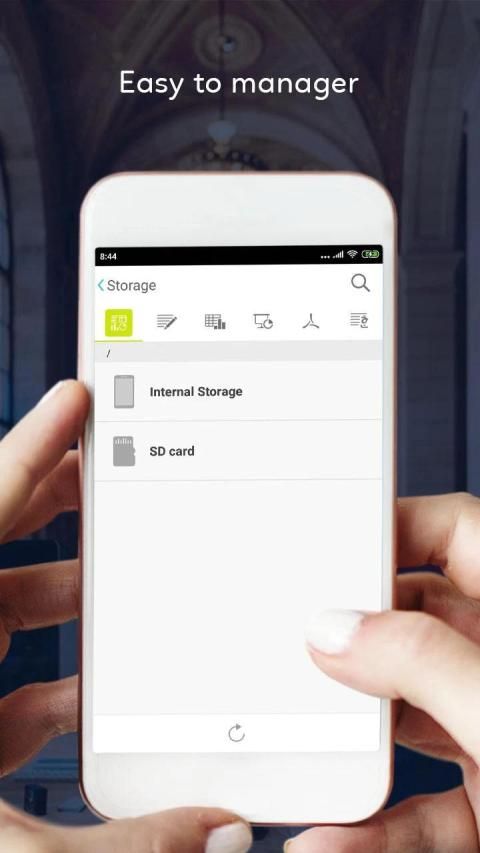
In device file store in different location like as internal and external storage and all file has a store in a different path. Now, we are giving all file easy indexing by folder structure. The folder is last of the file folder. You can easily find, open by a few clicks
Many feature of Smart Office + All Office File Manager View & Edit app
► Powerful Functions for Smart Office + All Office File Manager View & Edit
+ Free PDF Converter, PDF Reader and PDF Editor
+ Write directly on a PDF, highlight and underline text, and more
+ PDF Editor: edit pdf file with all function
+ Annotate PDFs with others in real time
+ PDF Reader, PDF Viewer
+ Fastest PDF viewing engine and smooth navigation
+ Fill PDF forms and sign documents
► Office for Android with function for Word, documents viewer
+ Read all formats files for docx viewer
+ Edit documents fastest and full option Document Editor
+ Edit documents like edit word docx file, edit excel files, txt editor
+ Copy and edit document as like ms word with docx
+ Create document (docx files)
+ Share your documents
► PPT Viewer is an great tool to find your all PPT from SD card and collect them at one place and view them
+ Support Offline mode to use easily.
+ Easy to use and very simple UI.
+ View PPT with high quality. Edit PPT easily from this app.
+ Support Various PPT features to make this tool more useable for you.
+ You can also add text in existing PPT File with custom font and styles.
+ Show PPT page in separate Mode to see in full screen.
+ Use App anywhere anytime on the GO.
+ Delete PPT easily from your device.
+ Get All PPT File at one place to perform various operation.ith single touch
+ Easy to share on single click.
+ Go to particular page on page click in horizontal view in bottom of screen.
+ Add Image To PPT File and adjust according to your requirement.
+ Jump Specific Page During reading now.
+ Change orientation view of PPT
+ Fast Scroll with zoom in and Zoom out animation.
+ You can Print PPT easily by single Click.
+ View PPT horizontally or vertically according to your choice.
+ Shows your reading page number in sliding bar
► Smart Office + All Office File Manager View & Edit with Create spreadsheets.
+ Edit spreadsheets files from OpenOffice, LibreOffice that creates and edits XLS spreadsheets,
+ Cell styles management.
+ Search for texts.
+ Insert columns / rows.
+ Delete rows / columns.
+ Find & replace text for
Smart Office + All Office File Manager View & Edit is a free office app with all+in+one feature to view, edit, share, memo and archive all types of documents anytime and anywhere.
Customize your document, letter, resume, or notes your way with robust tools that enable you to accomplish your best writing with the best format options.
Thanks for using Smart Office + All Office File Manager View & Edit. If you have questions or suggestions, please send the email support.
Smart Office + Semua Office File Manager View & Edit adalah aplikasi kantor yang memungkinkan Anda membaca dan melihat dokumen dengan mudah di beberapa perangkat seluler. Kami didukung membaca semua jenis dokumen file seperti doc, docx, ppt, pptx, xls, xlsx, txt dan pdf.
Smart Office + Semua Office File Manager Lihat & Edit sebagai penampil kantor default Anda dan langsung buka file dokumen dari file manager, email atau web di pembaca dokumen ini tanpa harus membuka aplikasi.
Smart Office + Semua Office File Manager Lihat & Edit ini jelas merupakan alat pembaca kantor dan produktivitas paling efisien untuk membaca semua file.
Document Viewer + Word, Excel, Documents, Slide & Sheet adalah ukuran terkecil (kurang dari 18MB) dan semua + dalam + satu kantor gratis lengkap di ponsel dan tablet Android, yang mengintegrasikan semua fitur kantor.
Dalam penyimpanan file perangkat di lokasi yang berbeda seperti penyimpanan internal dan eksternal dan semua file memiliki toko di jalur yang berbeda. Sekarang, kami memberikan semua pengindeksan file dengan mudah berdasarkan struktur folder. Folder adalah yang terakhir dari folder file. Anda dapat dengan mudah menemukan, buka dengan beberapa klik
Banyak fitur Smart Office + Semua Manajer File Office Lihat & Edit aplikasi
► Fungsi Kuat untuk Smart Office + Semua Tampilan Manajer File Kantor & Edit
+ Konverter PDF Gratis, Pembaca PDF, dan Editor PDF
+ Menulis langsung pada PDF, sorot dan garis bawahi teks, dan banyak lagi
+ Editor PDF: mengedit file pdf dengan semua fungsi
+ Beri anotasi PDF dengan orang lain secara real time
+ Pembaca PDF, Penampil PDF
+ Mesin penampil PDF tercepat dan navigasi yang lancar
+ Isi formulir PDF dan tandatangani dokumen
► Office untuk Android dengan fungsi untuk Word, penampil dokumen
+ Baca semua format file untuk docx viewer
+ Edit dokumen tercepat dan opsi lengkap Editor Dokumen
+ Edit dokumen seperti mengedit file docx kata, mengedit file excel, editor txt
+ Salin dan edit dokumen seperti ms word dengan docx
+ Buat dokumen (file docx)
+ Bagikan dokumen Anda
► Penampil PPT adalah alat yang hebat untuk menemukan semua PPT Anda dari kartu SD dan mengumpulkannya di satu tempat dan melihatnya
+ Mendukung mode Offline untuk digunakan dengan mudah.
+ Mudah digunakan dan UI yang sangat sederhana.
+ Lihat PPT dengan kualitas tinggi. Edit PPT dengan mudah dari aplikasi ini.
+ Mendukung Berbagai fitur PPT untuk membuat alat ini lebih bermanfaat bagi Anda.
+ Anda juga dapat menambahkan teks dalam File PPT yang ada dengan font dan gaya khusus.
+ Tampilkan halaman PPT dalam Mode terpisah untuk melihat di layar penuh.
+ Gunakan Aplikasi di mana saja dan kapan saja di GO.
+ Hapus PPT dengan mudah dari perangkat Anda.
+ Dapatkan Semua File PPT di satu tempat untuk melakukan berbagai operasi. Dengan satu sentuhan
+ Mudah dibagikan dengan sekali klik.
+ Pergi ke halaman tertentu pada klik halaman dalam tampilan horizontal di bagian bawah layar.
+ Tambahkan Gambar Ke File PPT dan sesuaikan sesuai kebutuhan Anda.
+ Langsung ke Halaman Tertentu Saat Membaca Sekarang.
+ Ubah tampilan orientasi PPT
+ Gulir cepat dengan zoom in dan Zoom out animasi.
+ Anda dapat mencetak PPT dengan mudah dengan satu klik.
+ Lihat PPT secara horizontal atau vertikal sesuai pilihan Anda.
+ Menunjukkan nomor halaman bacaan Anda di bilah geser
► Smart Office + Semua Office File Manager Lihat & Edit dengan Buat spreadsheet.
+ Edit file spreadsheet dari OpenOffice, LibreOffice yang membuat dan mengedit spreadsheet XLS,
+ Manajemen gaya sel.
+ Cari teks.
+ Sisipkan kolom / baris.
+ Hapus baris / kolom.
+ Cari & ganti teks untuk
Smart Office + Semua Office File Manager Lihat & Edit adalah aplikasi kantor gratis dengan semua + dalam + satu fitur untuk melihat, mengedit, berbagi, memo dan arsip semua jenis dokumen kapan saja dan di mana saja.
Kustomisasi dokumen, surat, resume, atau catat jalan Anda dengan alat-alat canggih yang memungkinkan Anda menyelesaikan penulisan terbaik dengan opsi format terbaik.
Terima kasih telah menggunakan Smart Office + Semua Tampilan & Edit Manajer File Kantor. Jika Anda memiliki pertanyaan atau saran, silakan kirim dukungan email.










9Apps 4.9











