
Millions of free Android apps are provide on 9apps. 20,000+ users downloaded Pdf Reader Viewer latest version on 9Apps for free every week! This app is intended for an adult audience. This hot app was released on 2019-07-01. You’ll want to use it on your own phones after you know more.
A perfect free PDF reader for office and personal use. It enables you to read, annotate, manage and edit PDF files & eBooks on mobile phones or tablets. pdf reader viewer expert ebook reader editis very fast and easy to use application.
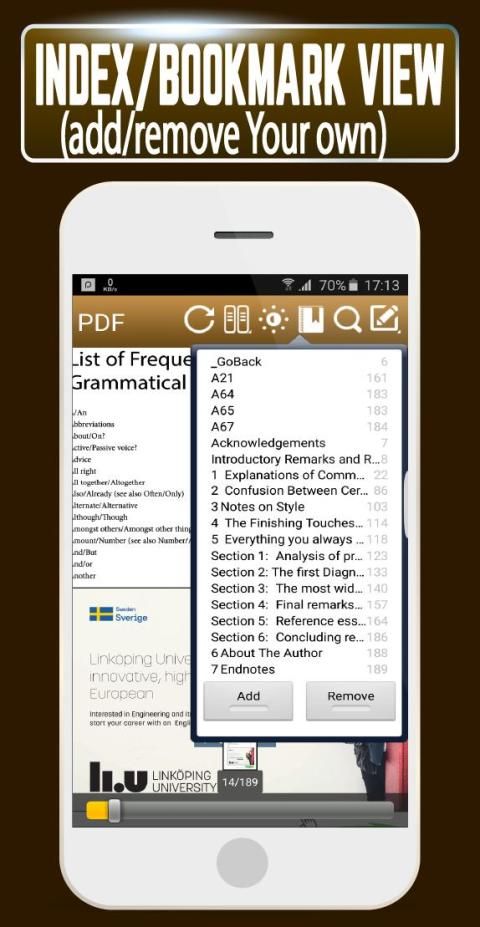
You can easily do bookmarks, highlights, handwriting, underlines, strike-through text, add a note, lock screen rotation, rename, share PDF files and many more things anytime anywhere.All the tools options will exhibit when you hold your click on them.read PDFs with ease pdf expert has one of the pdf viewers for mobile. PDF Reader is an application that is used to read the .pdf files.
✸pdf reader viewer expert ebook reader edit
• Material design user interface with smooth control
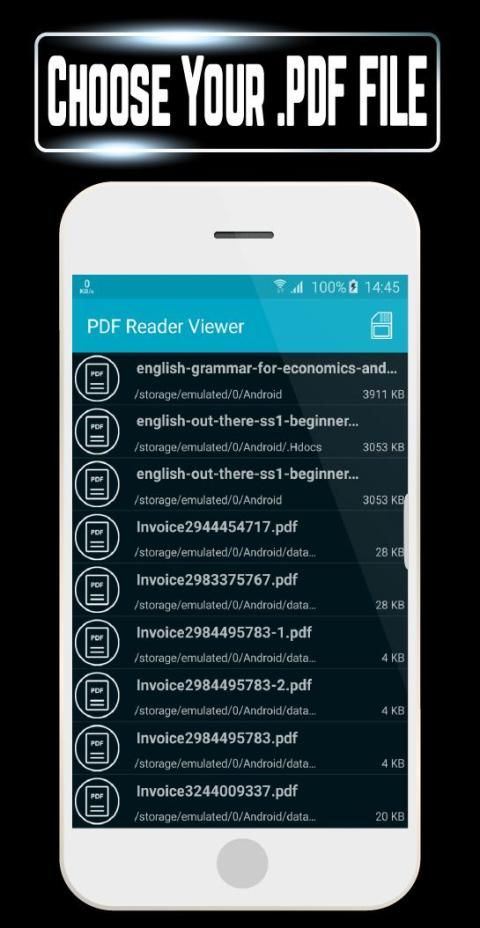
• Auto collect all PDF files from your smartphone
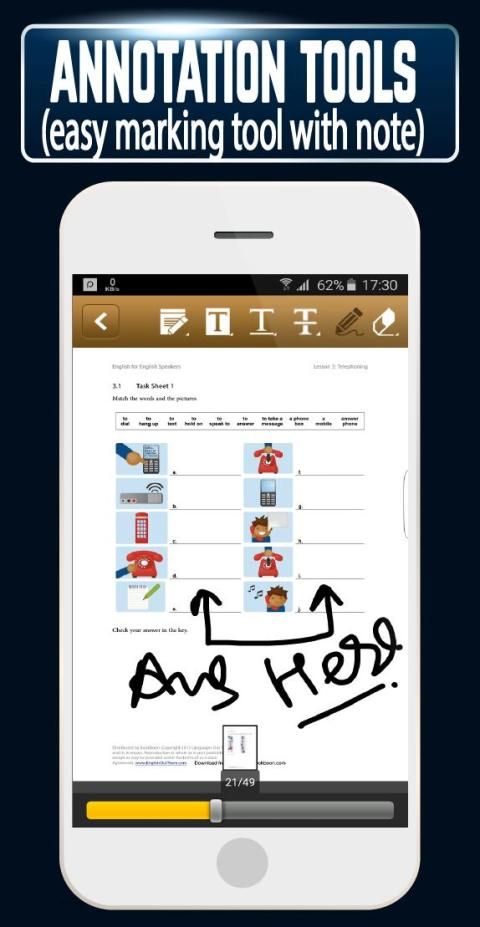
• highlight and mark up text with annotation tools.
• You can put your favorite files in favorite list with simple click on star button
• Rename, share or delete PDF files with Fast PDF Reader's built-in file manager
• Easily access to your download PDF files with file manager in ebook reader pdf reader edit expert.
• Edit text in pdf files on your mobile.
• Organize pages: Reorder, rotate, and delete them in your PDFs
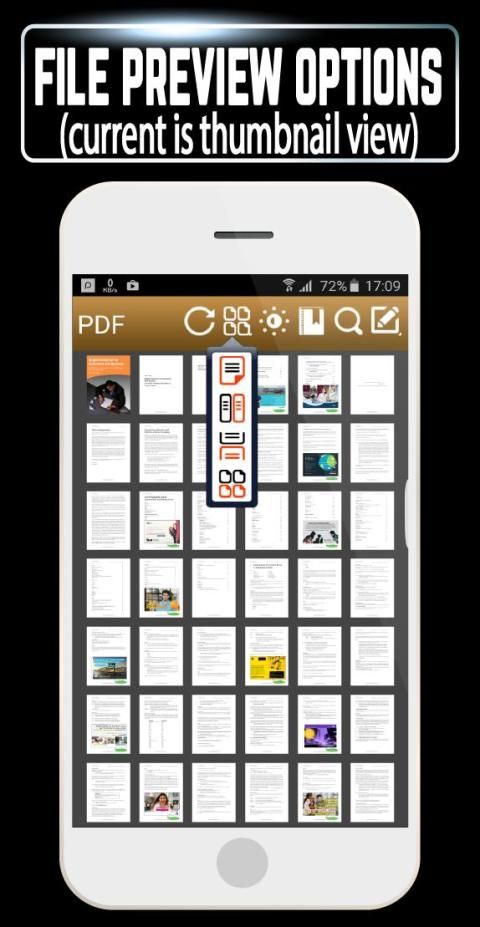
• Clicking on right icon from PDF list you can access thumbnail previews of PDF files and all other file details.
✸pdf reader viewer expert ebook reader edit:
• Fastest PDF viewing & smooth page navigation
• Best optimized for smartphones & tablets
• pdf reader viewer expert ebook reader editviewer comes with fastest speed & cutting edge memory optimization with a streamlined PDF viewing & rendering engine
• Use multiple display views, vertical scrolling while viewing single page view, continuous page view, and thumbnail view with just a single click
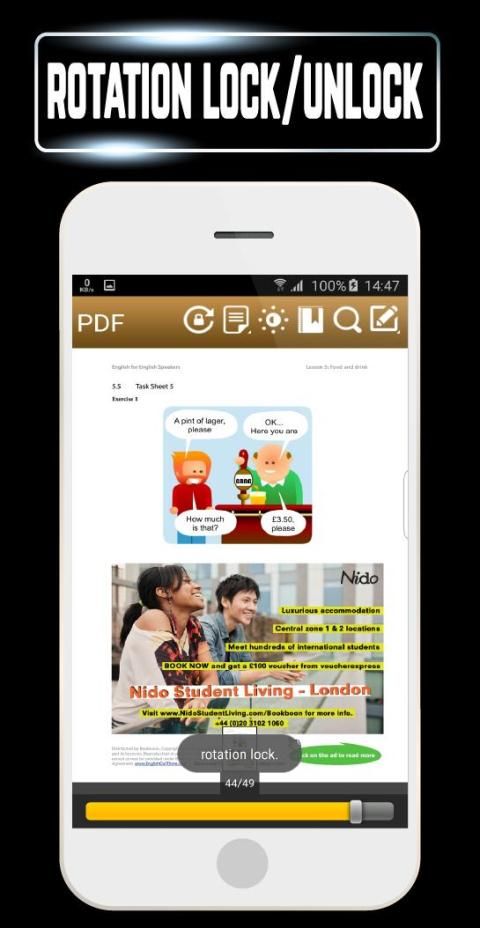
• You can control your screen rotation directly while you are reading, Use dual auto mode screen orientation - portrait or landscape, as well as the ability to lock auto rotation
• Compatible with Adobe Acrobat® and other PDF readers supporting standard document Files in ebook reader pdf reader edit expert.
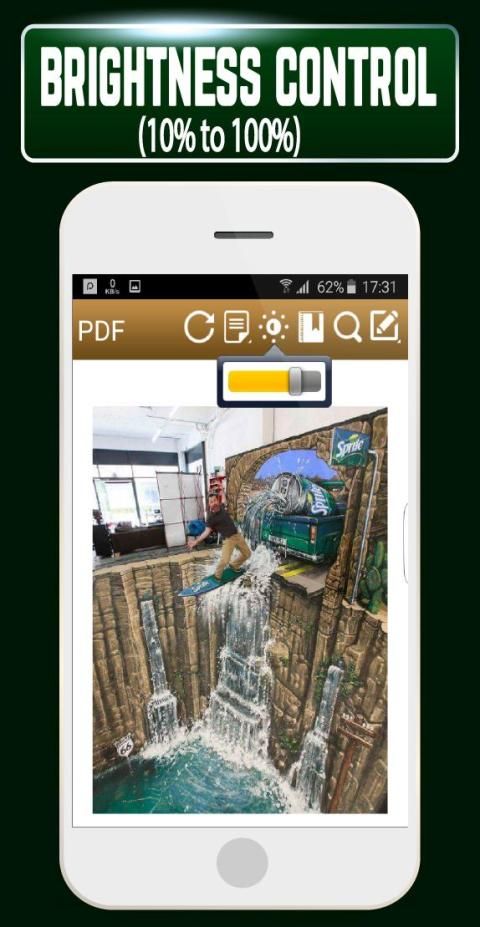
• Control and adjustment of screen brightness of the screen from 10% to 100% so you can easily use this pdf reader in night or low light, Even you can save your mobile battery power
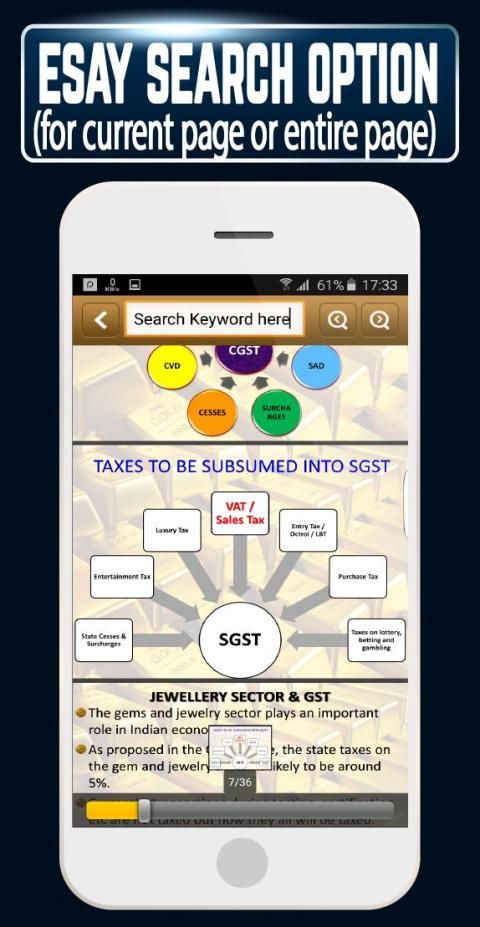
• Your desired text can be searched in the entire pdf document with the search function in ebook reader pdf reader edit expert.
• You can also read protected pdf documents with ebook reader pdf reader edit expert.
• Excellent smooth scrolling page navigation system for PDFs with thumbnail preview in ebook
reader pdf reader edit expert.
• “pinch” to zoom in and zoom out, just a double-tap on the screen is all it takes for automatic zoom as per fit your screen in pdf reader viewer expert ebook reader edit.
• Supported opds protocol, Collaboration with electronic publication sites and access to online ebook catalogs is allowed by the supported opds protocol.
✸PDF Editor & PDF Annotator
• Annotating PDF documents on PDF reader is very simple matter with the comfortable freehand drawing tool & eraser in pdf reader viewer expert ebook reader edit.
• Freehand drawing tool comes with fine control of thickness in pdf reader viewer expert ebook reader edit.
• You can also control its color, you can set annotating colors like black, red, yellow, green, blue and white
• Freehand drawing tool also come with opacity controller you can set it from 0% to 100% in ebook reader pdf reader edit expert.
• This PDF viewer contains strike-through text tool, edit the words with a horizontal line through their center in ebook reader pdf reader edit expert.
• Underline text tool function is pretty well works same as strike-through text tool, you can easily mark your important lines with different colors
• You can add your important note with title anywhere in your entire PDF document with note tool
All Annotations can be saved in the standard PDF format you can also delete with Eraser tool, just simple click on them.
Sebuah sempurna bebas PDF reader untuk kantor dan penggunaan pribadi. Hal ini memungkinkan Anda untuk membaca, keterangan, mengelola dan mengedit file PDF & eBook di ponsel atau tablet. pdf reader penampil ebook ahli pembaca editis sangat cepat dan mudah untuk menggunakan aplikasi.
Anda dapat dengan mudah melakukan bookmark, menyoroti, tulisan tangan, menggarisbawahi, pemogokan-melalui teks, menambahkan catatan, rotasi layar kunci, mengubah nama, berbagi file PDF dan banyak hal lagi kapan saja anywhere.All alat pilihan akan menunjukkan ketika Anda memegang klik Anda pada mereka PDF .read dengan mudah pdf ahli memiliki salah satu pdf pemirsa untuk mobile. PDF Reader adalah sebuah aplikasi yang digunakan untuk membaca file .pdf.
✸pdf reader penampil ebook ahli pembaca mengedit
• antarmuka Material desain pengguna dengan kontrol halus
• Auto mengumpulkan semua file PDF dari smartphone Anda
• sorot dan mark up teks dengan alat penjelasan.
• Anda dapat menempatkan file favorit Anda dalam daftar favorit dengan mudah klik pada tombol bintang
• Ganti nama, berbagi atau menghapus file PDF dengan Cepat PDF Reader built-in file manager
• Mudah akses ke Download file PDF Anda dengan file manager di ebook reader ahli pdf reader edit.
• Edit teks dalam pdf file di ponsel Anda.
• Mengatur halaman: Susun ulang, memutar, dan menghapusnya dalam PDF Anda
• Mengklik pada ikon yang tepat dari daftar PDF Anda dapat mengakses preview thumbnail dari file PDF dan semua rincian file lainnya.
✸pdf reader penampil ahli ebook reader edit:
• Tercepat PDF viewing & navigasi halaman halus
• Terbaik dioptimalkan untuk smartphone dan tablet
• pdf reader penampil ahli ebook reader editviewer datang dengan kecepatan tercepat & memotong optimasi memori tepi dengan PDF melihat ramping & rendering engine
• Gunakan tampilan layar ganda, scrolling vertikal saat melihat tampilan tunggal halaman, tampilan halaman terus menerus, dan melihat thumbnail dengan hanya satu klik
• Anda dapat mengontrol rotasi layar Anda secara langsung saat Anda membaca, Gunakan ganda layar mode auto orientasi - potret atau lanskap, serta kemampuan untuk mengunci auto rotasi
• Kompatibel dengan Adobe Acrobat dan pembaca PDF lainnya mendukung Files dokumen standar di ebook reader ahli pdf reader edit.
• Kontrol dan penyesuaian kecerahan layar layar dari 10% menjadi 100% sehingga Anda dapat dengan mudah menggunakan ini pdf reader di malam hari atau cahaya rendah, bahkan Anda dapat menghemat daya baterai ponsel Anda
• Teks Anda diinginkan dapat dicari di seluruh dokumen pdf dengan fungsi pencarian di ebook reader ahli pdf reader edit.
• Anda juga dapat membaca dokumen pdf yang dilindungi dengan ebook reader pdf ahli pembaca edit.
• Halaman bergulir sistem navigasi halus yang sangat baik untuk PDF dengan thumbnail preview di ebook
pembaca pdf reader mengedit ahli.
• “pinch” untuk memperbesar dan memperkecil, hanya double-tap pada layar adalah semua yang diperlukan untuk zoom otomatis sesuai fit layar Anda di pdf reader ahli penampil ebook reader edit.
• Didukung OPDS protokol, Kolaborasi dengan situs publikasi elektronik dan akses ke katalog online ebook diperbolehkan oleh protokol OPDS didukung.
✸PDF Editor & PDF Annotator
• dokumen Memberi Keterangan PDF di PDF reader adalah hal yang sangat sederhana dengan alat gambar tangan nyaman & penghapus di pdf reader ahli penampil ebook reader edit.
• Alat Freehand drawing dilengkapi dengan kontrol baik dari ketebalan dalam pdf reader ahli penampil ebook reader edit.
• Anda juga dapat mengontrol warna, Anda dapat mengatur warna annotating seperti hitam, merah, kuning, hijau, biru dan putih
• Freehand alat gambar juga datang dengan opacity kontroler Anda dapat mengaturnya dari 0% sampai 100% dalam ebook reader ahli pdf reader edit.
• penampil PDF ini berisi alat teks pemogokan-melalui, mengedit kata-kata dengan garis horizontal melalui pusat mereka di ebook reader ahli pdf reader edit.
• Underline fungsi alat teks cukup baik bekerja sama dengan alat teks pemogokan-melalui, Anda dapat dengan mudah menandai garis penting Anda dengan warna yang berbeda
• Anda dapat menambahkan catatan penting Anda dengan judul mana saja di seluruh dokumen PDF Anda dengan alat catatan
Semua Anotasi dapat disimpan dalam format PDF standar Anda juga dapat menghapus dengan alat Eraser, hanya klik sederhana pada mereka.
- Easily read the .pdf files at users comfort
- Easy to Zoom and note .pdf files
- Simple and one touch scan
- 100% compliant with your current pdf ecosystem.
-Lightweight: it doesn’t exhaust your device resources.
-Fast: never need to endure long waits to open pdfs.
-Secure: offer powerful file protection features to safeguard sensitive information against unauthorized -access.
Keep updating our app and share and rate ,enjoy.
Thank you..


9Apps 4.9











