





DOWNLOAD IS NOT SUPPORTED IN WEB STORE!
Use the latest version of 9Apps to download APK&OBB file of games in one click!
DOWNLOAD 9APPS
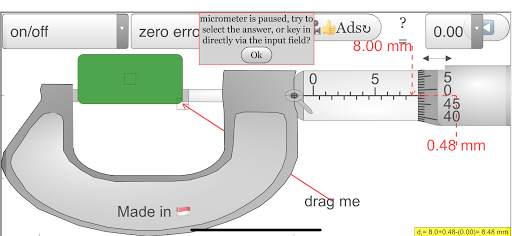
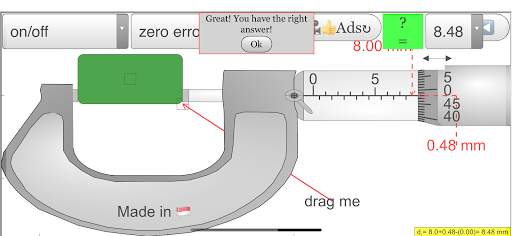
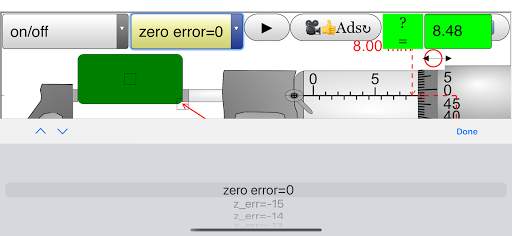
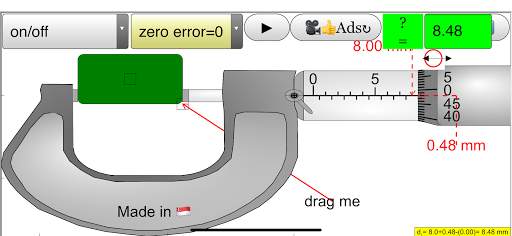
Pro
https://play.google.com/store/apps/details?id=com.ionicframework.micrometerpro222177406
Free App
https://play.google.com/store/apps/details?id=com.ionicframework.micrometerapp268865
About
An open source physics simulation based on codes written by Fu-Kwun Hwang, Loo Kang WEE
more resources can be found here
http://iwant2study.org/ospsg/index.php/interactive-resources/physics/01-measurements
Introduction
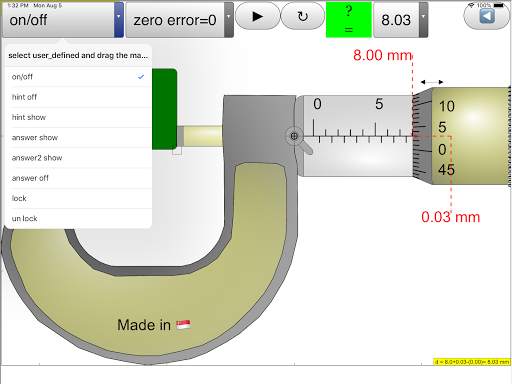
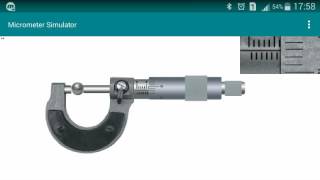
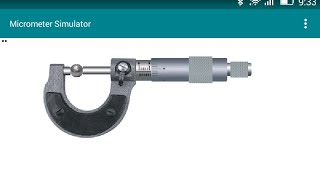
Micrometers use the principle of a screw to amplify small distances that are too small to measure directly into large rotations of the screw that are big enough to read from a scale. The accuracy of a micrometer derives from the accuracy of the thread form that is at its heart. The basic operating principles of a micrometer are as follows: The amount of rotation of an accurately made screw can be directly and precisely correlated to a certain amount of axial movement (and vice-versa), through the constant known as the screw's lead. A screw's lead is the distance it moves forward axially with one complete turn (360°). (In most threads [that is, in all single-start threads], lead and pitch refer to essentially the same concept.) With an appropriate lead and major diameter of the screw, a given amount of axial movement will be amplified in the resulting circumferential movement. The micrometer has most functional physical parts of a real micrometer.
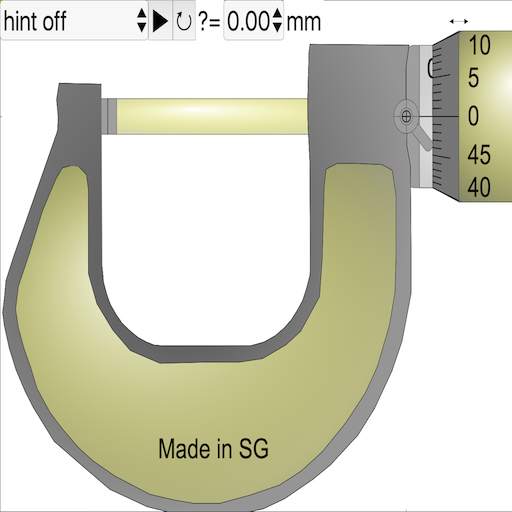
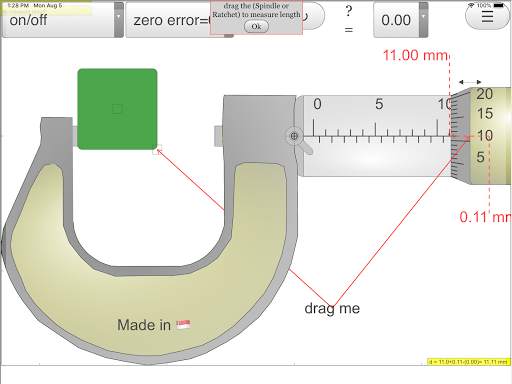
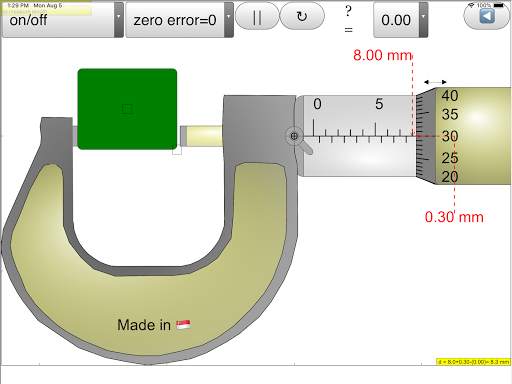
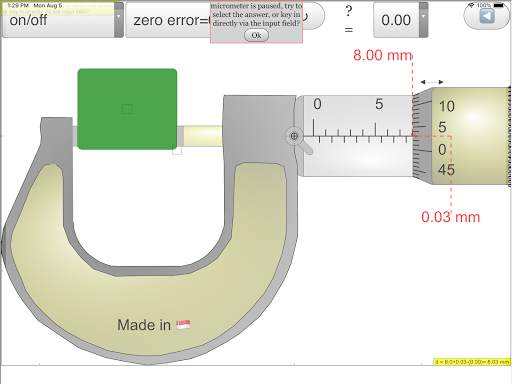
Frame ( Orange ) The C-shaped body that holds the anvil and barrel in constant relation to each other. It is thick because it needs to minimize expansion, and contraction, which would distort the measurement. The frame is heavy and consequently has a high thermal mass, to prevent substantial heating up by the holding hand/fingers. has a text 0.01 mm for the smallest division of instrument has a text 2 rounds = 100 = 1.00 mm to allow the association to actual micrometer
Anvil (Gray) The shiny part that the spindle moves toward, and that the sample rests against.
Sleeve /barrel/stock (Yellow) The stationary round part with the linear scale on it. Sometimes vernier markings.
Lock nut / lock-ring / thimble lock (Blue) The knurled part (or lever) that one can tighten to hold the spindle stationary, such as when momentarily holding a measurement.
Screw (not seen) The heart of the micrometer It is inside the barrel.
Spindle (Dark Green) The shiny cylindrical part that the thimble causes to move toward the anvil.
Thimble (Green) The part that one's thumb turns. Graduated markings.
Ratchet (Teal) (not shown ) Device on end of the handle that limits applied pressure by slipping at a calibrated torque.
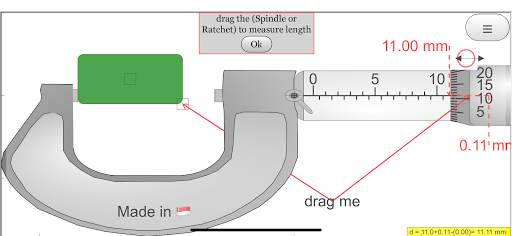
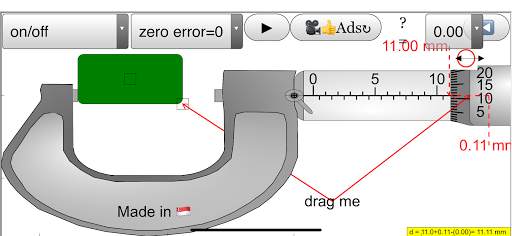
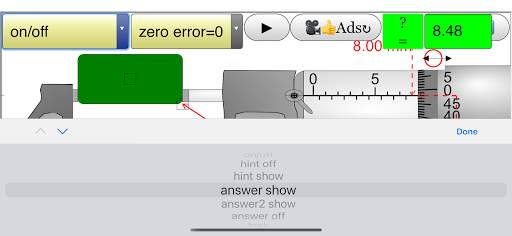
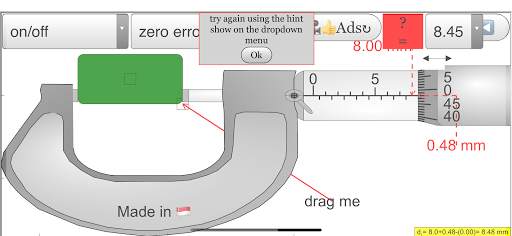
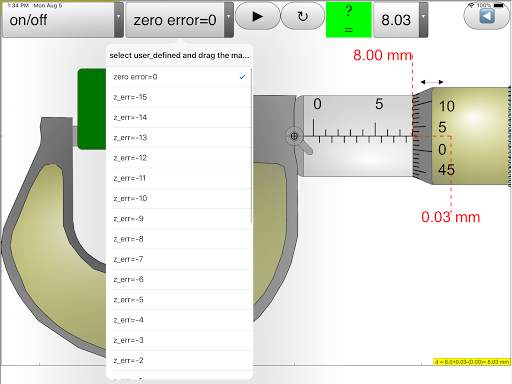
This applet has an object (Black) with the slider on left top to control the y-motion of the object into the anvil and spindle (jaws), the graphics also allows drag action. with the slider on left bottom to control the x-size of the object into the anvil and spindle (jaws). On the left bottom slider is the zero error control to allow of exploring with if the micrometer has either 0.15 mm (max) or -0.15 mm (min) zero error.
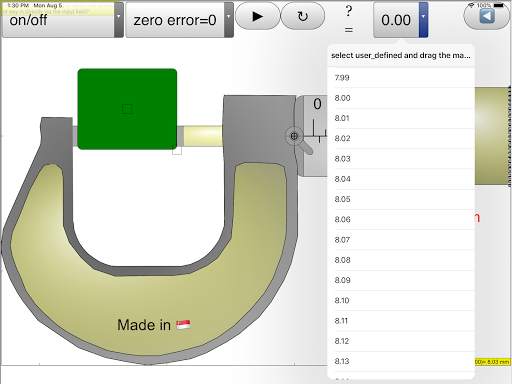
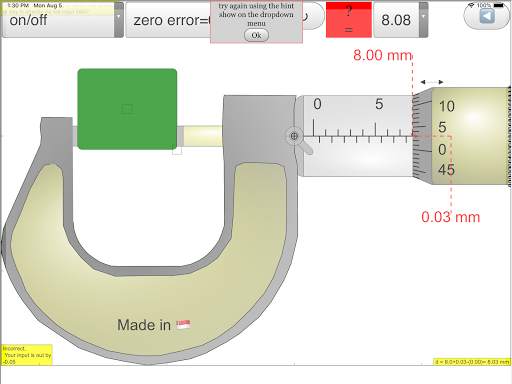
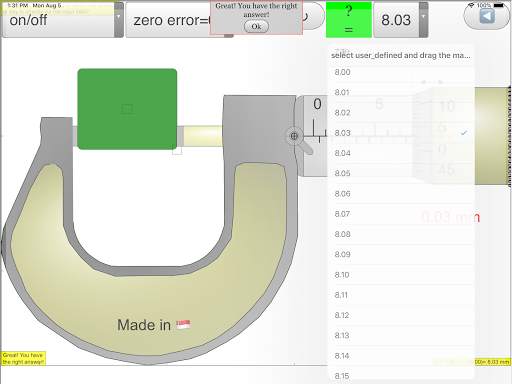
There are checkboxes: hint: guidelines and arrows to indicate the region of interest plus the accompanying rationale for the answer. answer: shows the measurement d = ??? mm lock: allows simulating of the lock function in real micrometer which disable changes to the position of the spindle then by the measurement is unchangeable. On the bottom, there is a green slider to control the position of the spindle, drag on any part of the view also drags the spindle.
Interesting Fact
This simulation has object detection and hints targeted for O level Physics education, the zero error is also built in which many other apps do not have.



enhancement and bug fixes
added ads mobs


