






DOWNLOAD IS NOT SUPPORTED IN WEB STORE!
Use the latest version of 9Apps to download APK&OBB file of games in one click!
DOWNLOAD 9APPS

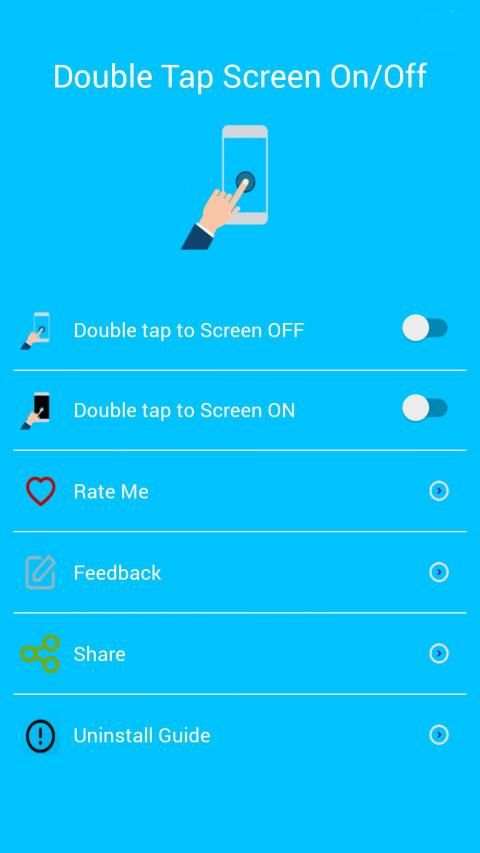

Double Tap Screen On and Off Pro:
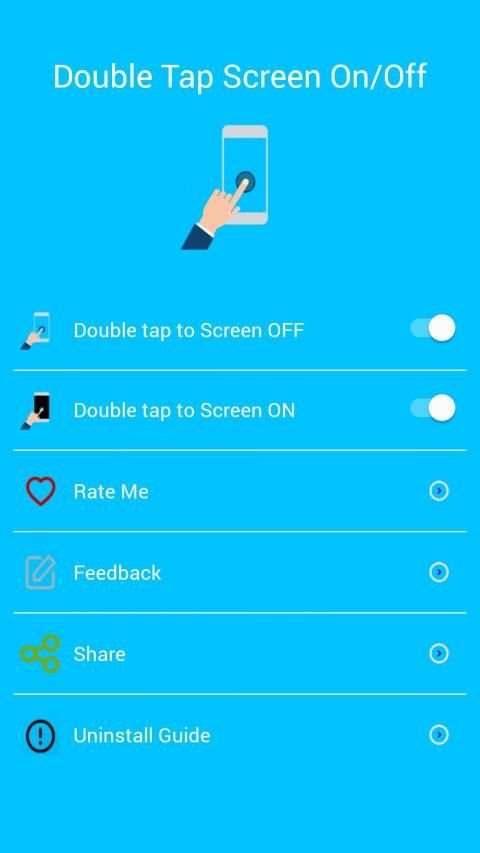
Double Tap Off / ON is an application that helps you protect the power button. Double Tap OFF also allows you to turn off the screen quickly by touching the Home screen twice. Just a touch to lock and turn off the screen.
Sometimes difficult to press the power button, or you want to preserve the physical power button. The Smart Screen On Off app and the feed head float can help minimize the use of the power button anytime and anywhere.
★ Different types of buttons:
- Show on the home screen
- Show in the notification
- Float on other apps!
★ CHARACTERISTICS:
- Double-tap the home screen to turn off the screen.
- Cover the proximity sensor to turn on the screen (if it is not, press Always visible).
- Double-tap the Always On power icon to activate the screen.
- Provide a lock screen shortcut on the home screen.
★ UNINSTALL INSTRUCTIONS DOUBLE TAP APPLICATION:
- Open the Double Tap Off application.
- Select the Uninstall button to uninstall the application.
Note:
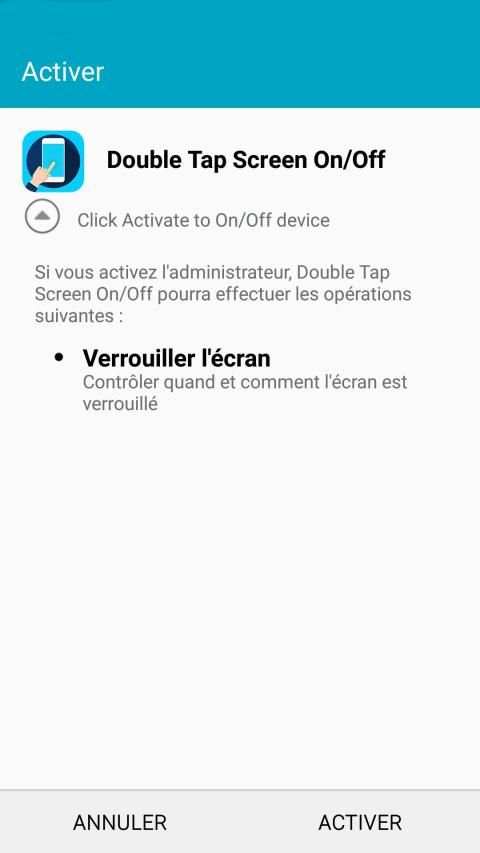
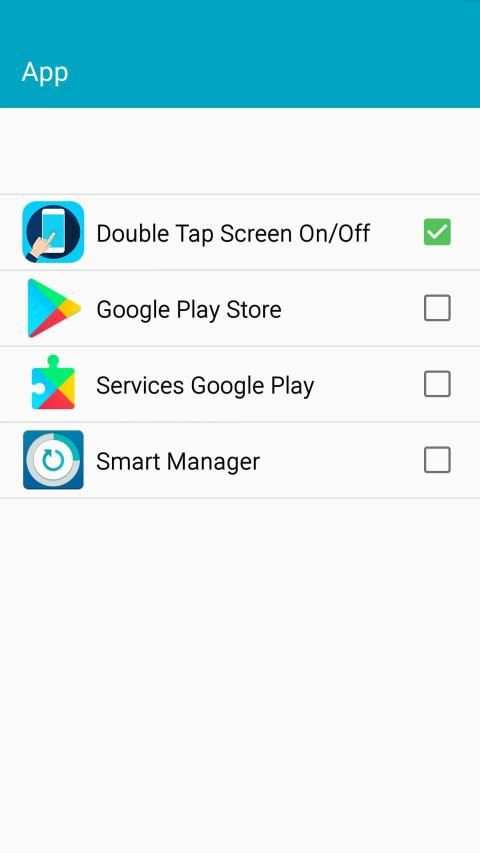
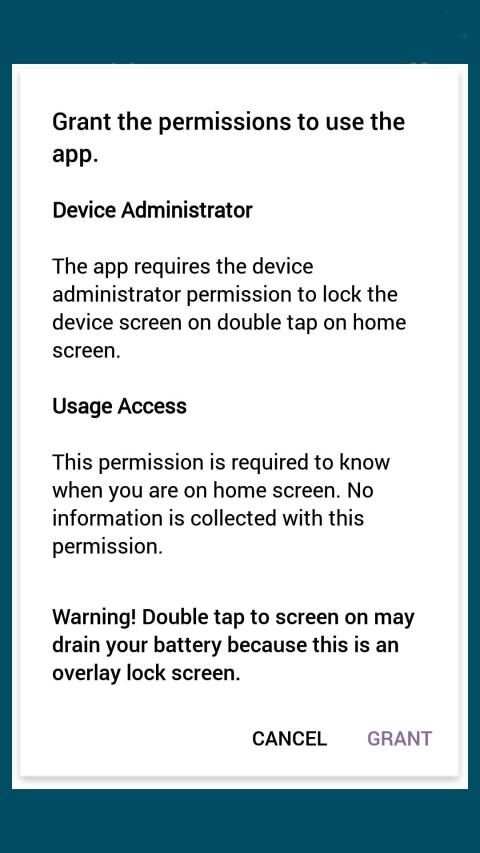
This application uses Device Administrator authorization. It is needed and used only to lock the device when using the application. You must enable the administration before you can use it. In addition, you must disable administration before you can uninstall.
FEEDBACK:
If you encounter a problem while using the application, please give us some comments that we will check and update as soon as possible.
Tap Layar ganda On dan Off Pro:
Double Tap Off / ON adalah sebuah aplikasi yang membantu Anda melindungi tombol power. Double Tap OFF juga memungkinkan Anda untuk mematikan layar dengan cepat dengan menyentuh layar Home dua kali. Hanya sentuhan untuk mengunci dan mematikan layar.
Kadang-kadang sulit untuk menekan tombol power, atau Anda ingin melestarikan tombol daya fisik. Smart Layar Pada aplikasi Off dan float kepala pakan dapat membantu meminimalkan penggunaan tombol power kapan saja dan di mana saja.
★ Berbagai jenis tombol:
- Tampilkan pada layar awal
- Tampilkan dalam pemberitahuan
- Melayang pada aplikasi lain!
★ KARAKTERISTIK:
- Double-tap layar awal untuk mematikan layar.
- Tutup sensor jarak untuk menghidupkan layar (jika tidak, tekan Selalu terlihat).
- Double-tap kekuatan ikon Always On untuk mengaktifkan layar.
- Menyediakan shortcut layar kunci di home screen.
★ UNINSTALL INSTRUKSI DOUBLE TAP APLIKASI:
- Buka aplikasi Double Tap Off.
- Pilih tombol Uninstall untuk meng-uninstall aplikasi.
catatan:
Aplikasi ini menggunakan Perangkat Administrator otorisasi. Hal ini diperlukan dan digunakan hanya untuk mengunci perangkat saat menggunakan aplikasi. Anda harus mengaktifkan administrasi sebelum Anda dapat menggunakannya. Selain itu, Anda harus menonaktifkan administrasi sebelum Anda dapat menghapus.
KOMENTAR:
Jika Anda mengalami masalah saat menggunakan aplikasi, tolong beri kami beberapa komentar bahwa kita akan memeriksa dan memperbarui sesegera mungkin.


Bug fixes.


