डाउनलोड वेब स्टोर में समर्थित नहीं है!
एक क्लिक में एपीके एंड ओबीबी फाइलें डाउनलोड करने के लिए 9Apps के नवीनतम संस्करण का प्रयोग करें
DOWNLOAD 9APPS

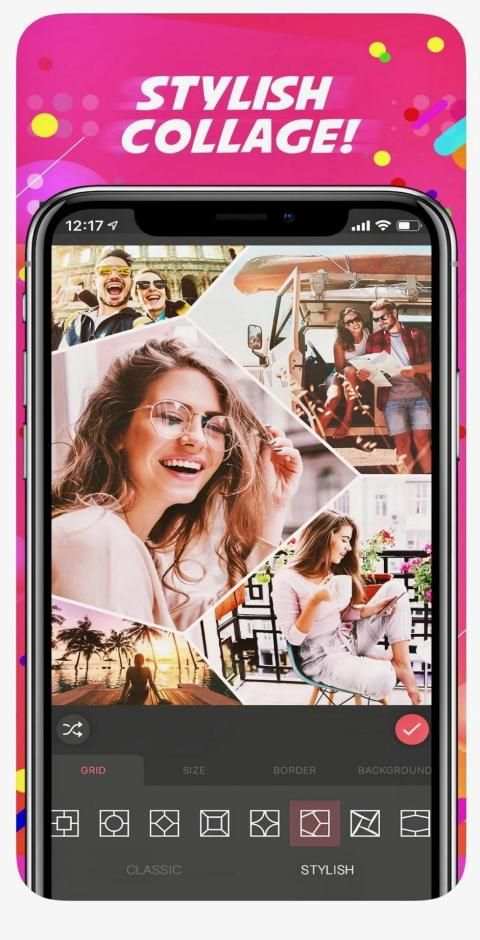
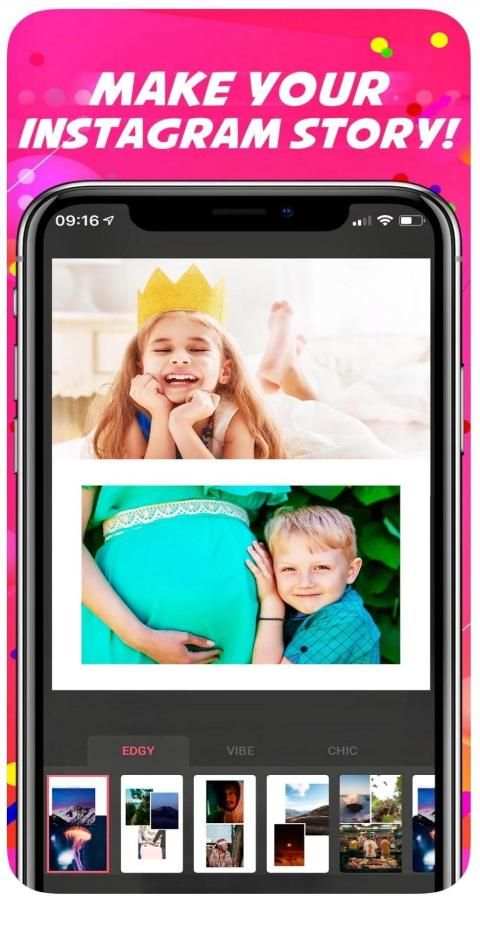
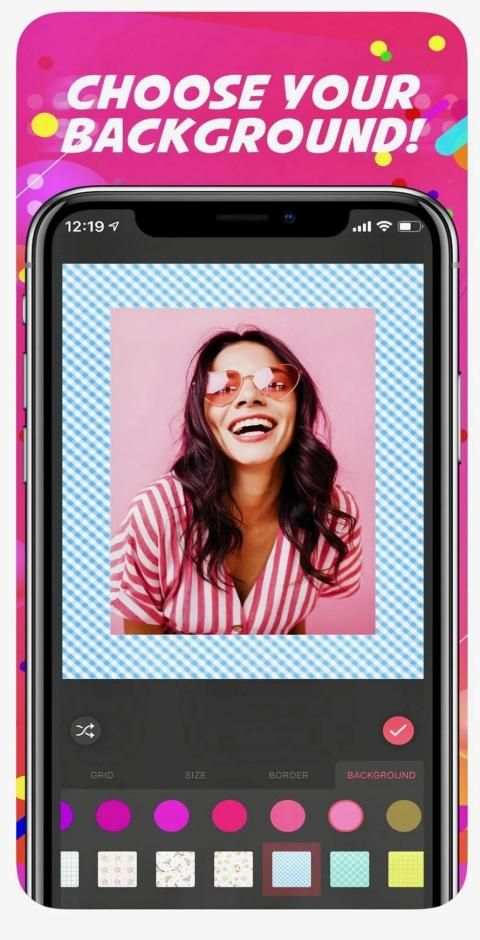
COLLAGE MAKER AND GRIDS
PicsArt’s collage maker provides 100s of free templates, & the PicsArt community uploads 1000s of new images every day that can be used as backgrounds. PicsArt lets you make grid style pic collages, templated collages & freestyle arrangement collages.
PHOTO EDITOR
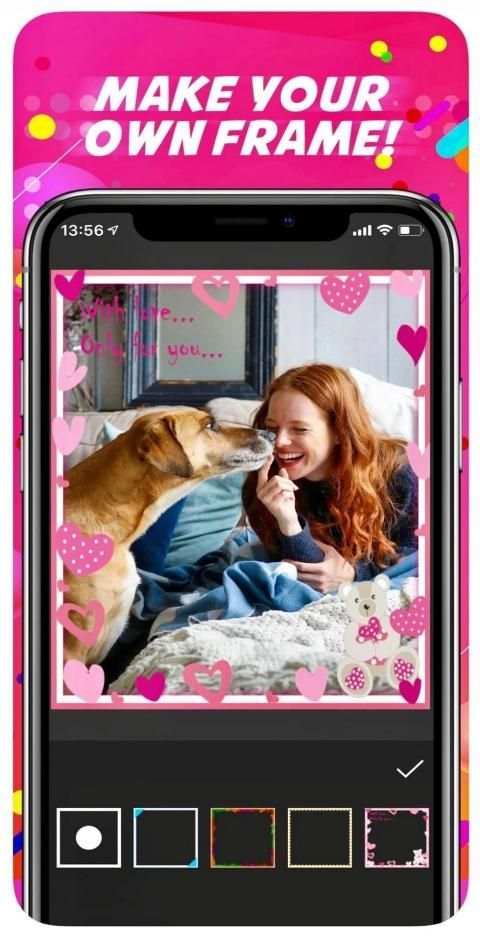
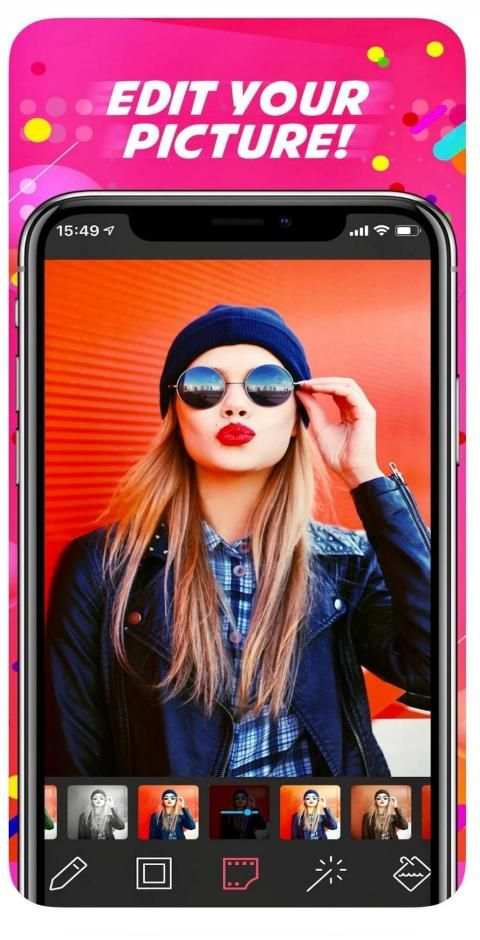
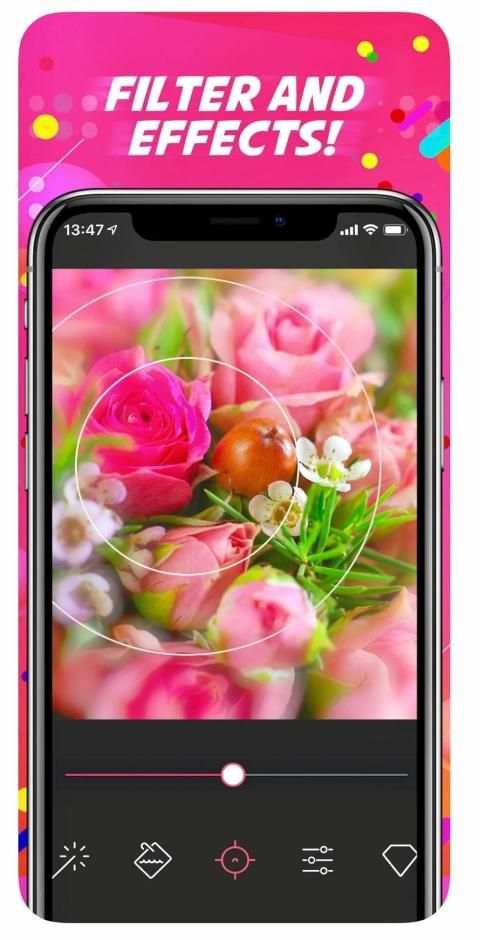
With 1000s of amazing features PicsArt includes tools to create cutouts, crop, stretch, clone, add text & adjust curves. It also has a full library of artistic photo filters (including HDR), frames, backgrounds, borders, callouts & more. All tools have a brush mode for fine-tuning & applying selectively on just part of your photo. PicsArt provides 100s of fonts for adding text to your pictures & creating memes. PicsArt also provides a rapidly evolving set of AI-powered effects. PicsArt allows you to make double exposures using layers with adjustable transparency.
FREE STICKERS, CLIPART & STICKER MAKER
PicsArt’s Cutout Tool lets you make & share custom stickers for everyone to use. You can use the custom stickers by adding them to your pictures, using for remixing others’ images, or even saving them to your collections & sharing them via iMessage.
DRAWING & CAMERA
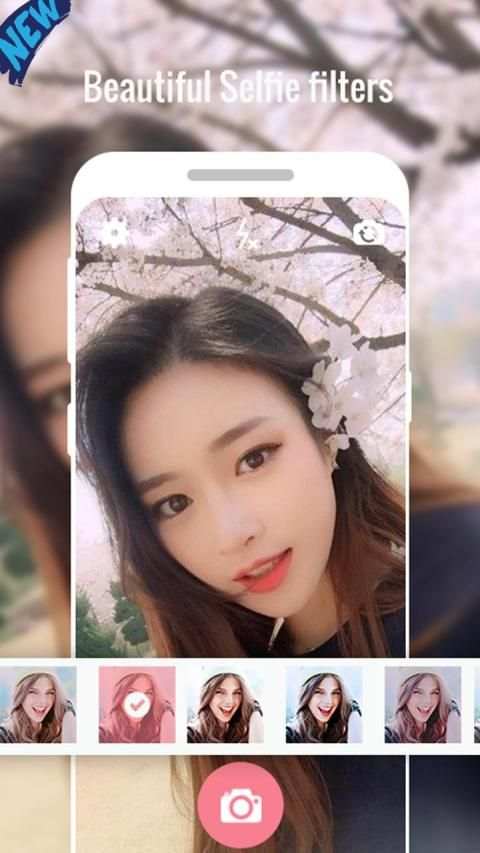
PicsArt Draw includes customizable brushes, layers & professional drawing tools. Additionally, the PicsArt Camera lets you snap pictures with live effects; it is your new go-to sticker maker.
PHOTO REMIX AND FREE-TO-EDIT IMAGES
We *invented* image remixing on mobile! It means you can take any image that’s free-to-edit in PicsArt, add your own personal touch by editing it & then share it back to the PicsArt HD community.
CREATIVE CONTESTS AND PHOTO CHALLENGES
PicsArt’s HD photography and editing challenges are an easy & fun way to learn new editing tricks. Daily challenges are a popular way to find inspiration, where users upload 1000s of cool photos, collages & edits.
Key Features:
+ One-tap auto enhance
+ Photo filters
+ Gorgeous photo effects and frames
+ Fun stickers
+ Color balance
+ Crop, rotate, and straighten your photo
+ Adjust brightness, contrast, color temperature, and saturation
+ Sharpen and blur
+ Color temperature ("Warmth")
+ Color Splash
+ Focus (Tilt Shift)
+ Draw and add text
+ Create your own memes
+ Photo collage feature help you combine multiple photos with various frame patterns
+ Share to social network
+ éditeur de fotos
* 1000s of amazing photo editing features that are fun and easy to use
* Edit photos with friends. It’s cool.
* New magic AI-powered effects to add art to your photos
* free form collage, and collage layouts
* Free and premium photo stickers and collage packs
* Add text with multiple fonts and text effects* Freely share to social media
कोलाज निर्माता और GRIDS
PicsArt का कोलाज़ निर्माता 100 निःशुल्क टेम्पलेट प्रदान करता है, और PicsArt समुदाय हर दिन नई छवियां अपलोड करता है, जिन्हें पृष्ठभूमि के रूप में उपयोग किया जा सकता है। PicsArt आपको ग्रिड शैली के चित्र कोलाज, टेम्पलेटेड कोलाज और फ्रीस्टाइल व्यवस्था कोलाज बनाने की सुविधा देता है।
तस्वीर संपादक
कमाल की विशेषताओं के साथ PicsArt में कटआउट, क्रॉप, स्ट्रेच, क्लोन बनाने, टेक्स्ट जोड़ने और कर्व्स एडजस्ट करने के टूल शामिल हैं। इसमें कलात्मक फोटो फिल्टर (एचडीआर सहित), फ्रेम, पृष्ठभूमि, सीमाएं, कॉलआउट और बहुत कुछ की पूरी लाइब्रेरी है। सभी उपकरणों में आपकी तस्वीर के ठीक हिस्से पर ठीक से ट्यूनिंग और आवेदन करने के लिए एक ब्रश मोड है। PicsArt आपके चित्रों में पाठ जोड़ने और मेम बनाने के लिए 100s फोंट प्रदान करता है। PicsArt एआई-संचालित प्रभावों का तेजी से विकसित होने वाला सेट भी प्रदान करता है। PicsArt आपको समायोज्य पारदर्शिता के साथ परतों का उपयोग करके डबल एक्सपोज़र बनाने की अनुमति देता है।
मुफ़्त स्टिकर्स, क्लिपर और स्टिक मेकर
PicsArt का कटआउट टूल आपको सभी के लिए कस्टम स्टिकर बनाने और साझा करने देता है। आप कस्टम स्टिकर का उपयोग करके उन्हें अपने चित्रों में जोड़ सकते हैं, दूसरों की छवियों को रीमिक्स करने के लिए, या यहां तक कि उन्हें अपने संग्रह में सहेजने और iMessage के माध्यम से साझा करने के लिए उपयोग कर सकते हैं।
ड्रिलिंग और कैमरा
PicsArt ड्रा में अनुकूलन योग्य ब्रश, परतें और पेशेवर ड्राइंग टूल शामिल हैं। इसके अतिरिक्त, PicsArt कैमरा आपको लाइव इफ़ेक्ट के साथ चित्रों को स्नैप करने देता है; यह आपका नया गो-टू स्टीकर निर्माता है।
फोटो रिमिक्स और फ्री-टु-एडिट इमेजेस
हमने मोबाइल पर रीमिक्सिंग * का आविष्कार किया! इसका मतलब है कि आप कोई भी छवि ले सकते हैं, जो कि पिक्सआर्ट में फ्री-टू-एडिट है, इसे एडिट करके अपना निजी टच जोड़ें और फिर इसे पिक्सआर्ट एचडी समुदाय में वापस साझा करें।
रचनात्मक सामग्री और फोटो चैनल
PicsArt की HD फ़ोटोग्राफ़ी और संपादन चुनौतियाँ नई संपादन ट्रिक्स सीखने का एक आसान और मज़ेदार तरीका है। प्रेरणा प्राप्त करने के लिए दैनिक चुनौतियाँ एक लोकप्रिय तरीका है, जहाँ उपयोगकर्ता विभिन्न प्रकार के कूल फोटो, कोलाज और संपादन करते हैं।
प्रमुख विशेषताऐं:
+ एक-नल ऑटो वृद्धि
+ फोटो फिल्टर
+ भव्य फोटो प्रभाव और फ्रेम
+ मज़ा स्टिकर
+ रंग संतुलन
+ फसल, बारी बारी से, और अपनी तस्वीर को सीधा
+ चमक, इसके विपरीत, रंग तापमान, और संतृप्ति समायोजित करें
+ तेज और धुंधला
+ रंग तापमान ("गर्मी")
+ रंग स्पलैश
+ फ़ोकस (झुकाव शिफ्ट)
+ ड्रा और टेक्स्ट जोड़ें
+ अपनी खुद की मेम बनाएँ
+ फोटो कोलाज सुविधा आपको विभिन्न फ़्रेम पैटर्न के साथ कई फ़ोटो को संयोजित करने में मदद करती है
+ सामाजिक नेटवर्क पर साझा करें
+ éditeur de fotos
* अद्भुत फोटो संपादन सुविधाओं के मजेदार और उपयोग करने में आसान है
* दोस्तों के साथ तस्वीरें संपादित करें। यह बढ़ीया है।
* अपनी तस्वीरों में कला जोड़ने के लिए नया जादू AI- संचालित प्रभाव
* मुक्त रूप महाविद्यालय, और महाविद्यालय लेआउट
* नि: शुल्क और प्रीमियम फोटो स्टिकर और कोलाज पैक
* कई फोंट और पाठ प्रभाव के साथ पाठ जोड़ें * सोशल मीडिया पर स्वतंत्र रूप से साझा करें