













DOWNLOAD IS NOT SUPPORTED IN WEB STORE!
Use the latest version of 9Apps to download APK&OBB file of games in one click!
DOWNLOAD 9APPS

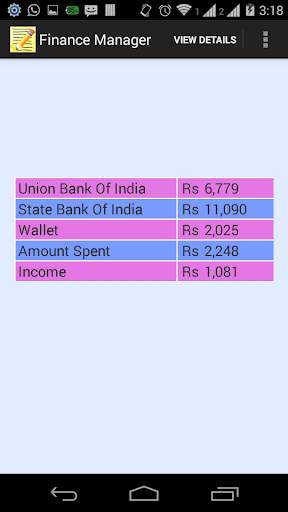
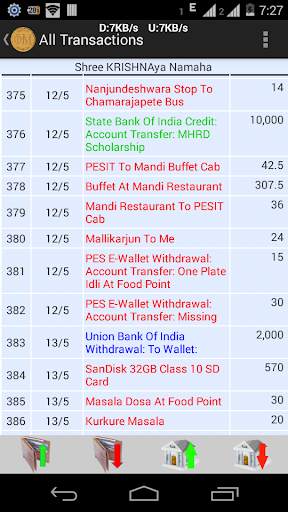
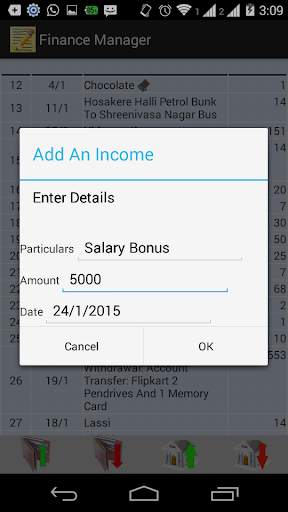
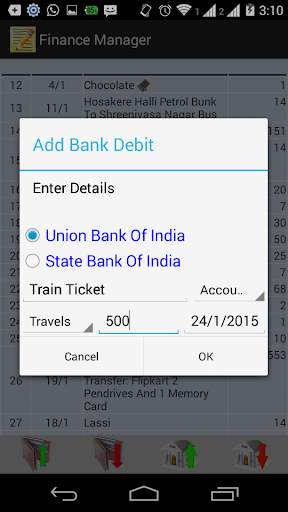
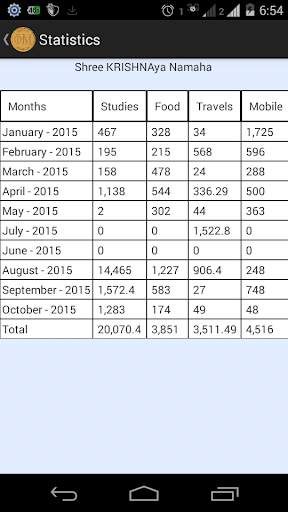
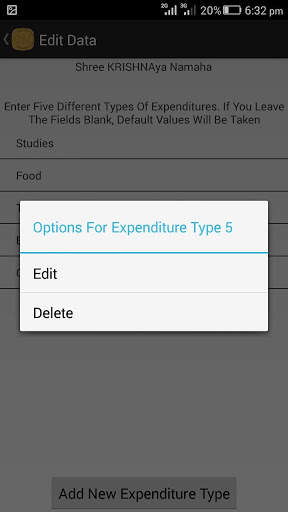
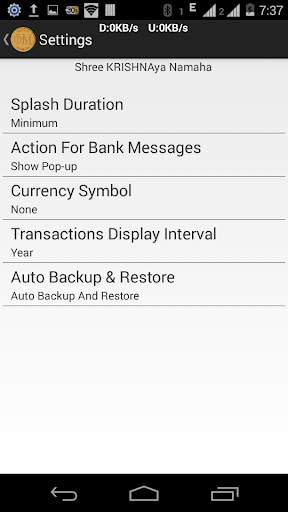
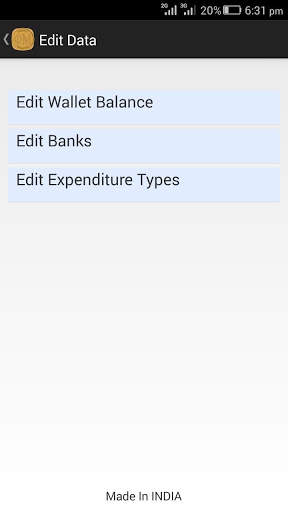
Not knowing where your hard earned money is spent? Want to keep track of your expenditures? Then this app is made for you. Just enter the amount you've once after installing the app and then start adding the transactions you make. The app will keep track of your expenditures for you. It has ability to directly read the msgs (credit and debit) from your banks and update automatically. Note that this app doesn't require any internet connection and your details will never be shared with anyone. You can even see statistics about your expenditures and export data to SD card after the end of month to a doc file. So what are you waiting for, download the app for free and you'll never miss your money again.
Version Log:
v4.4.1 (Mandatory Update from v4.4.0. Others optional)
1. Critical bug fix
v4.4.0 (Optional update)
1. While adding a transaction, wallet/bank/expenditure_types won't be selected automatically. Select hint will be displayed
2. You can display and restore your deleted wallets/banks/expenditure_types
3. Under the hood fixes
v4.3.7 (Optional update)
1. Filtering added for Statistics.
2. Export Activity completely revamped. Added support to export data in PDF format. Option to select any custom date range.
3. App supports only devices with android version 16.
4. UI improvements and under the hood improvements.
v4.3.2 (Recommended update)
1. Transactions Filtering added
2. In Transactions Activity, 50 transactions will be displayed by default. Click on "Show More" to display more transactions.
3. Option to exclude transaction from counters added.
4. Daily Backup (beta) added.
5. UI improvements and under the hood improvements.
v4.0.8
New and better UI
Can add more than 1 wallet
Can add transactions involving transfer of money between wallets and banks
Faster and Better backend
v 3.5.5
Colour Coding in Exported File Added
v 3.5.4
(Optional)
1. Searching of Transactions added
2. Filtering of Transactions added
v 3.5.2
(Recomended)
1. Transactions will be colour coded:
Debits
- Red Colour
Credits
- Green Colour
Others
- Blue Colour
2. During Splash Screen, percentage read will be dynamically shown in a progress bar
3. Tips and FAQs added
4. GUI enhancement
5. Lots of Bug Fixes and minor improvements


