free video downloading on 9Apps

Free download latest free video downloading for Android here and enjoy it with your phone. Below you can download a list of top and latest apps related to free video downloading . 9APPS is a fast, safe app store. With 9APPS, you can save a lot of time on searching and downloading apps.

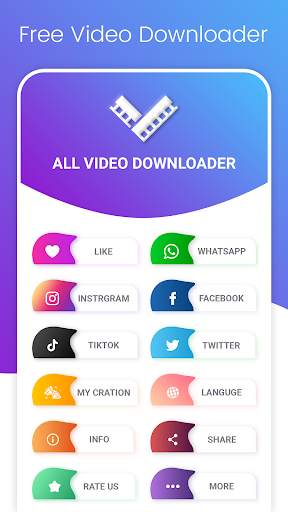
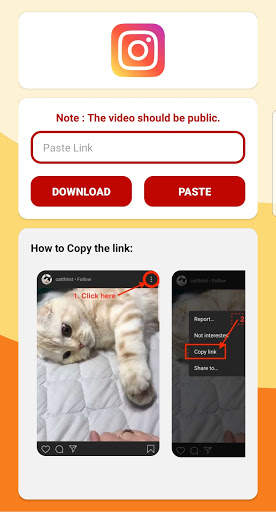
#1 Downloader - Free All Video Downloader App

Downloader - Free All Video Downloader App
Rating: star 3.8 | Version: 5.0 | Size: 8.7MB
Downloader - Free All Video Downloader App screenshot 1 Downloader - Free All Video Downloader App screenshot 2 Downloader - Free All Video Downloader App screenshot 3

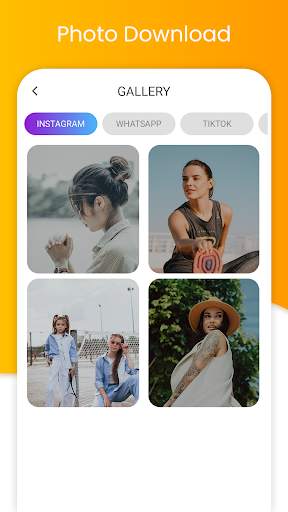
Einfach, Video aus dem Internet herunterzuladen! - Laden Sie Videos einfach direkt aus dem Internet auf Ihr Gerät herunter.Alle Formate werden unterstützt
* Funktionen:
- Überprüfen Sie den Fortschritt in der Download-Leiste
- Full-Featured Download-Manager, um sich anzumachen, wiederherzustellen, wiederherzustellen und zu entfernen
- Wiedergabe von Videos direkt aus der Anwendung
- Sie können den Videoordner ändern
- Unbegrenzte Website & Support Alle Formate
- Leicht teilen Videos mit deinen Freunden
- Laden Sie etwas einfach von URL
Danke, dass Sie unserenApp.

...

👉 For More Detail of Downloader - Free All Video Downloader App

#2 Video Downloader

Video Downloader
Rating: star 4.5 | Version: 1.8 | Size: 10.1MB
Video Downloader screenshot 1 Video Downloader screenshot 2 Video Downloader screenshot 3

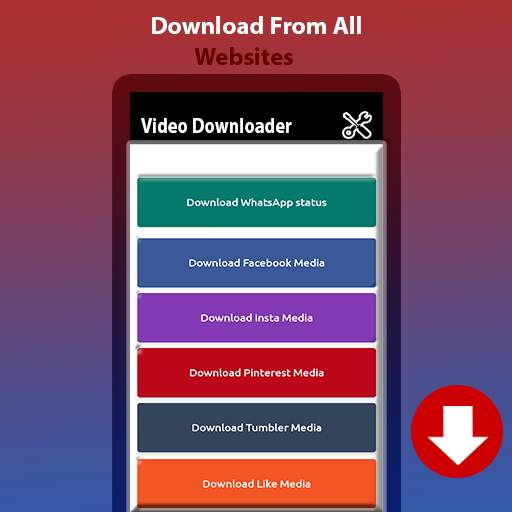
Video downloading app that can help you to save videos from different social media platforms.
In this app, you can save videos from any social media platforms with few clicks away.
It’s a very easy and simple app. Just copy the URL link of the video and paste it on the relative tab then click on the download button. Your selected video will automatically download and save into the gallery.
You can view and play videos from phone gallery and also from the app gallery tab.
This app is available in three different languages English, Hindi and Arabic. You can use it in your desired language.
Why use Down loader:
Because it’s very easy and one click away from your gallery. Just Copy, Paste and Download.
Download Videos From:
Facebook Video Downloader
Whats app Status Downlaoder
Instagram Video Downloader
Twitter Video Downloader
Tiktok Video Downloader
How to Use Video Down loader:
•Click on Button of social media button.
•Copy URL from the video platform.
•Paste it on Neo Video down loader app.
•Click on the download button.
•Your video is successfully saved in your gallery.

...

👉 For More Detail of Video Downloader

#3 AllVid - Video Downloader - All Video Downloader

AllVid - Video Downloader - All Video Downloader
Rating: star 4.2 | Version: 14.09.23.built.001 | Size: 6.9MB
AllVid - Video Downloader - All Video Downloader screenshot 1 AllVid - Video Downloader - All Video Downloader screenshot 2 AllVid - Video Downloader - All Video Downloader screenshot 3

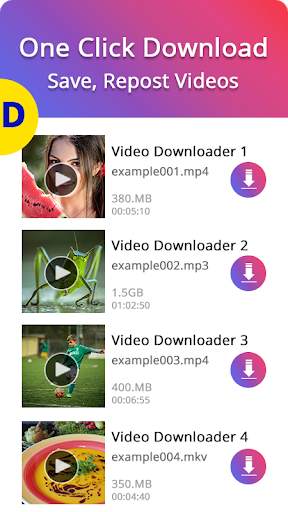
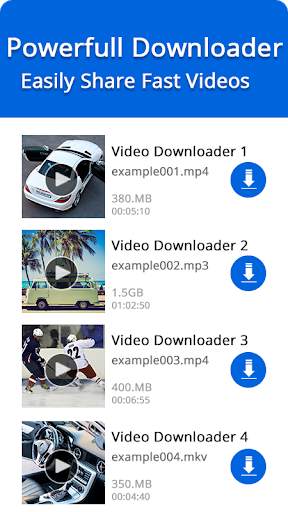
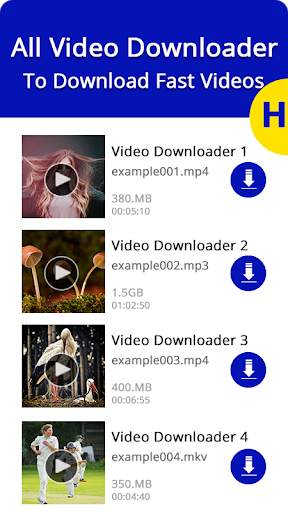
Der beste Weg, Videos herunterzuladen, offline anzusehen, durch Social-Media-Apps anzutauschen.
Video Downloader Um alle Videos Clips und Foto von Social Media-Apps herunterzuladen, speichern Sie Videos, Repost-Videos und beobachten Sie Videos Offline. Laden Sie alle Videos-Clips herunter, die Social Media-Apps bilden. Support 10+ Social Media-Plattformen 100% kostenlos!
Alle Video-Downloader ist nur Tool, um Videos herunterzuladen, offline zu sehen, und alle Videos teilen sich ganz einfach durch Facebook, Twitter, Tiktok, Instagram und andere Social Media-Netzwerke.
App Highlights & Social Media-Apps unterstützen: -
1. Video Downloader für Facebook
Alles Video Downloader 2020 Ermöglicht das Herunterladen von Video- und Social Media-Clip von Facebook mithilfe des Video-Links oder der URL ohne Anmeldung
LIDE-Download von Facebook?
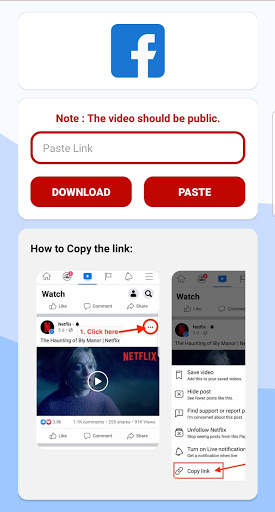
Methode 01 Verwendung " 🔗 Link kopieren "
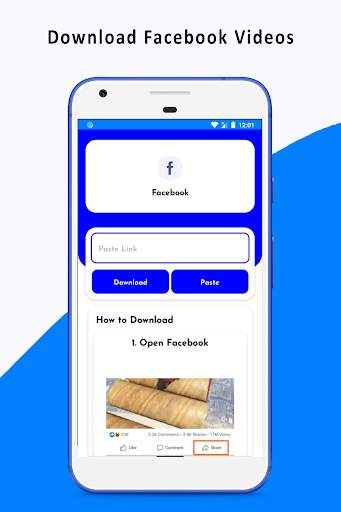
① - Facebook-Antrag auf Facebook
② - Drücken Sie auf" ⋮ 3 dot "Symbol aus Facebook-Antrag
③ - Klicken Sie auf den Link" 🔗 Copy-Link "
④ - Öffnen Sie Video-Downloader-App und klicken Sie auf Facebook
⑤ - Klicken Sie auf Video, um den Download zu starten, um das Download zu starten, um das Download zu starten. Foto & Video Downloader für Instagram
Laden Sie alle Videos und ein Foto direkt aus den Instagram-Apps herunter mit super Fast HD-Video-Downloader & Repost-Videos
WOHNUNG VIDEO & Foto Download von Instagram?
Methode 01 Verwendung " 🔗 Link kopieren "
① - Öffnen Instagram Antrag
② - Drücken Sie auf" ⋮ 3 Punkt "Symbol aus Instagram-Antrag
③ - Drücken Sie auf" Link kopieren "
④ - Video öffnen Downloader-App und klicken Sie auf Video Auf Instagram
⑤ - Klicken Sie auf Video oder ein Bild, um den Herunterladen zu starten, um das Download zu starten
3. Video Downloader für IG TV
Möchten Sie IG TV-Video mit schnellen Geschwindigkeit herunterladen? Versuchen Sie diesen schnellen Video-Downloader auf dem Markt
Zazzle.de Downloads von Videos herunterladen von IG TV?
Methode 01 Verwenden Sie "🔗 Copy Link"
① - Open IG TV-Antrag
② - Drücken Sie auf " ⋮ 3 DOT
"Symbol von IG TV-Antrag
③ - Drücken Sie auf" Link kopieren "
④ - Video öffnen Downloader-App und klicken Sie auf IG TV
⑤ - Klicken Sie auf Video, um den Download zu starten, um den Download zu starten BR> 4. Video Downloader für Twitter
Die besten Video-Downloader-Apps Ermöglicht das Herunterladen von Video direkt von der Twitter-App auf Ihr Gerät und Retweet
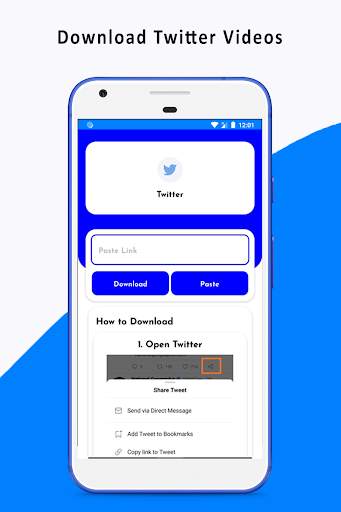
Zazzle.de Zazzle.de Zazzle.de Zazzle.de Zazzle.de Zazzle -.de/UFE > ① - Twitter-Antrag öffnen
② - Drücken Sie auf "Freigeben" -Symbol aus Twitter-Antrag
③ - Drücken Sie auf "🔗 Copy Link to Tweet"
④ - Öffnen Sie Video Downloader App und klicken Sie auf Twitter
⑤ Klicken Sie auf Video, um den Download zu starten, um das herunterzuladen
5. Statusschoner für WhatsApp
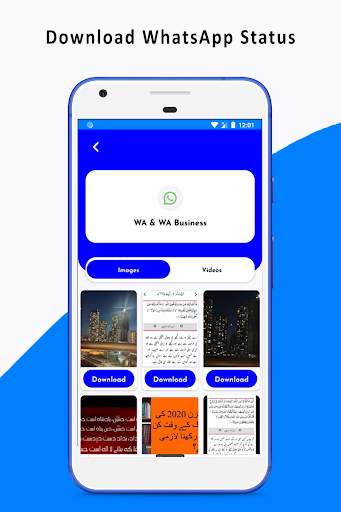
Statusschoner für WhatsApp ist eine Anwendung, mit der Sie Videos und Fotos aus WhatsApp-Status speichern können.
So speichern Sie Videos und Fotos von WhatsApp?
Methode 01 ① - WhatsApp-Application
② - Sehen Sie sich den Status an, den Sie auf Ihrem Telefon speichern möchten
③ - Öffnen Sie Video-Download-App und klicken Sie auf WhatsApp
④ - Klicken Sie auf Video oder ein Bild, um den Download zu starten
4. Video Downloader für TIKTOK
Laden Sie alle neuesten HD-Videos-Clips oder kurze Videos von TIK TOK herunter, um sie nur auf einem einzelnen Registerkarten zu verwenden "
① - Öffnen Sie Tiktok-Applikation
② - Klicken Sie auf das Symbol" ↷ Share "
③ - Drücken Sie auf dem Symbol" 🔗 Copy-Link "
④ - Video öffnen Downloader-App und klicken Sie auf Tiktok
⑤ - Klicken Sie auf Video, um den Herunterladen zu starten, um das Herunterladen zu starten
Wichtiger Hinweis: -
◉ Video-Downloader ist nicht mit einem Social-Media-Standort verbunden oder autorisiert. Es ist nur das Werkzeug, Videos herunterzuladen und offline anzusehen.
◉ Alle nicht autorisierten Aktionen (Wiederholung oder Herunterladen von Inhalten) und / oder Verstöße gegen geistige Eigentumsrechte sind die alleinige Verantwortung des Nutzers
◉ Diese Anwendung wird erstellt für 13+ Menschen.

...

👉 For More Detail of AllVid - Video Downloader - All Video Downloader

#4 Free Video Downloader

Free Video Downloader
Rating: star 4.8 | Version: 2.3 | Size: 7.8MB
Free Video Downloader screenshot 1 Free Video Downloader screenshot 2 Free Video Downloader screenshot 3

Dieser Video-Downloader kann Ihnen dabei helfen, Videos von Ihren vielen Social-Media-Plattformen (Facebook, Instagram .....) herunterzuladen und zu speichern.
Sie können einfach hochwertige Videos herunterladen, indem Sie einfache Schritte folgen und in der Verlaufsliste überprüfen.

...

👉 For More Detail of Free Video Downloader

#5 Free Video Downloader

Free Video Downloader
Rating: star 4.8 | Version: 1.0 | Size: 6.5MB
Free Video Downloader screenshot 1 Free Video Downloader screenshot 2 Free Video Downloader screenshot 3

Has it ever happened to you that you liked a video on your favorite social media platform and want to save it on your mobile so that you can watch it later? Even in offline? Only it is possible if you download the video and save it on your device. But sadly all these social platforms don't let you download and store it on your mobile, right?
What if we tell you that now you can download and store all the videos you like on social media including WhatsApp, Instagram, Facebook, Tumblr, Pinterest & Like in just a simple click? You can share & watch all your favorite videos at anytime, anywhere, even if there is no internet connection on your phone.
Shocked?
Let us introduce you the best Free Video Downloader
With easy-to-use interface and powerful Social Media Video Downloader, you simply can browse & download your favorite videos at ease with a simple click with this App. Free Video Downloader has been designed in a very user-friendly way that allows you to pause and resume your Video downloads at any time. It also lets you download multiple videos in the background. Moreover, it is absolutely FREE!
How To Download Videos:
The Usual Way
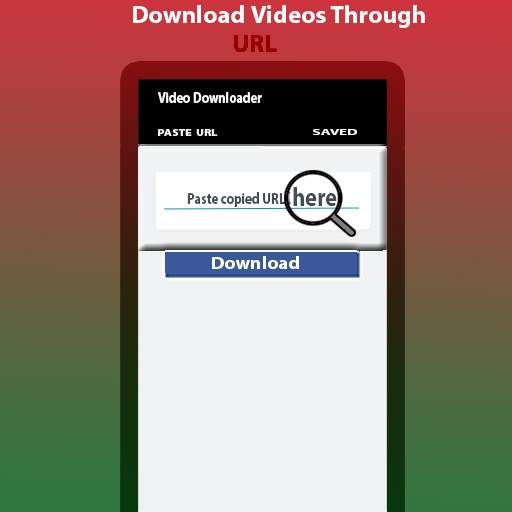
1. Open your Social media App and copy the URL you want it on your device.
2. Now just paste the copied URL on Free Video Downloader to download.
We have also put a power mode where you need to set "Auto download mode" "ON" in the app settings.
Now Just Copy any URL from your social media app and Bingo! Your Free Video Downloader starts downloading automatically that particular Video. YES! It is that easy.
Check out other salient features of this social media video downloader:
* Play videos with the powerful built-in player
* Download HD videos with one click
* Large file download supported
* Download multiple files at the same time
* Full-featured download manager to pause, resume and remove downloads
* Download videos in the background
* SD card supported
* All download formats supported, MP3, M4A, MP4, M4V, MOV, AVI, WMV etc.( even you can download images of any format)
* Easy to use interface
* Fast download speed
* Check the progress in the download bar
* Download video, music and pictures
*Instagram Video Downloader
*Facebook Video Downloader
*Like Video Downloader
*Tumblr Video Downloader
*Pinterest
Video Downloader
Convinced? Now Download this completely Free Social Media Video Downloader & ENJOY!
Important notes:
•This Video Downloader is not authorized by any social media (Instagram, Facebook, Like, Tumblr, Pinterest or Like) apps.
•Any unauthorized actions and/or violations of intellectual property rights is the sole responsibility of the user.
•This App requires permission to read and write SD card - to save your downloaded files to SD card.

...

👉 For More Detail of Free Video Downloader

Search Results

1/20

You may like

DOWNLOAD IS NOT SUPPORTED IN WEB STORE!
Use the latest version of 9Apps to download APK&OBB file of games in one click!
DOWNLOAD 9APPS