
DOWNLOAD IS NOT SUPPORTED IN WEB STORE!
Use the latest version of 9Apps to download APK&OBB file of games in one click!
DOWNLOAD 9APPS

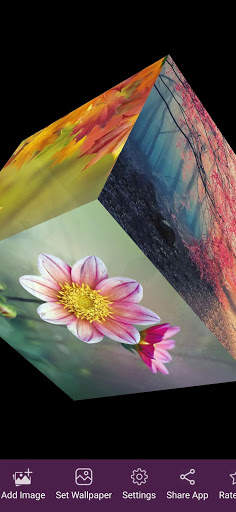
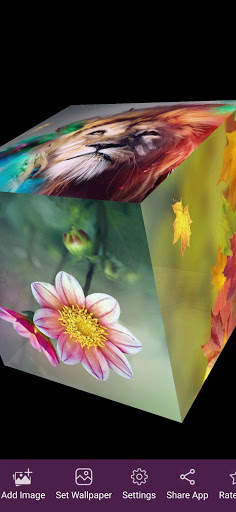
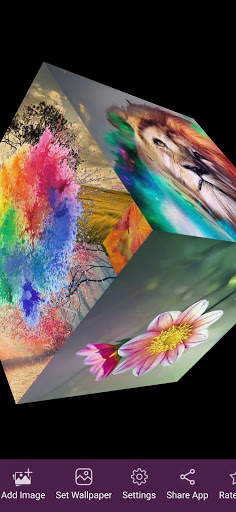
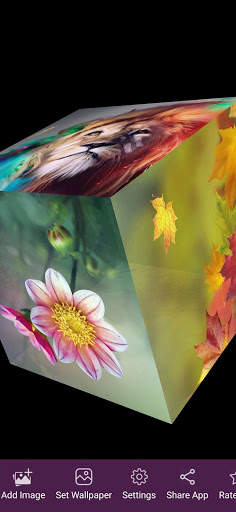
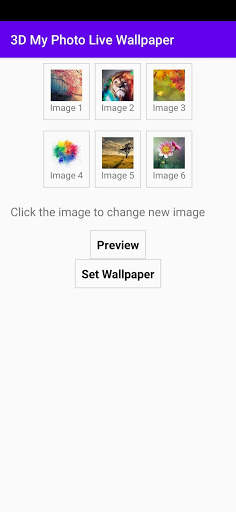
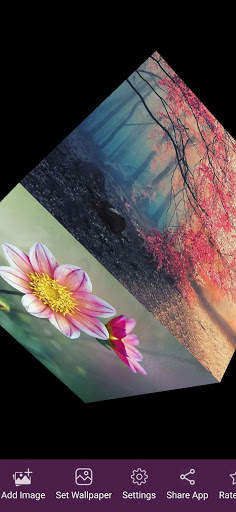
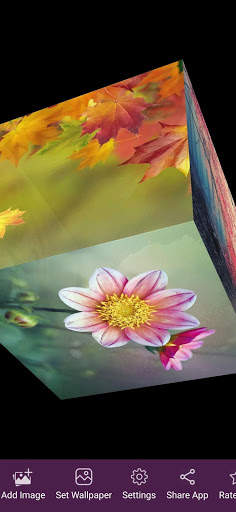
Live Wallpaper changing your phone looks better. Now you can put your six photo onto your wallpaper at once.
Just select your 6 six photos. the app will form a cube shape wallpaper. you can set this as on your live wallpaper.
How to use:
1. Open My Photo 3D Live Wallpaper.
2. Select my photo from gallery.
3. just Click Preview 3D Live Wallpaper.
4. now you can set this cude live wallpaper as your phone background.
Features:
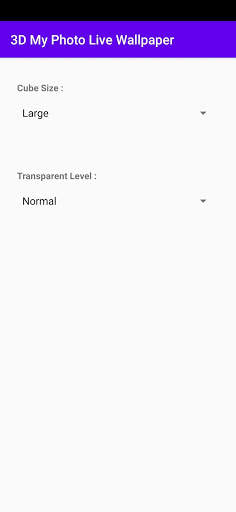
1. You can set Cube size of my Photo 3D Live Wallpaper.
2. Set my Photo transparency of 3D Live Wallpaper.
3. You can roatate your my photo cube at any angle.
4. my photo cube will smoothly rotate and become slowly.
5. My Photo 3D Live Wallpaper using Opengl technology so it will be low battery consume.
![Girl Behind Curtains | [4K] | Anime Mystery Live Wallpaper now has 1754621 views! screenshot 1](https://i.ytimg.com/vi/8FFqFSOBHzU/mqdefault.jpg)