














DOWNLOAD IS NOT SUPPORTED IN WEB STORE!
Use the latest version of 9Apps to download APK&OBB file of games in one click!
DOWNLOAD 9APPS

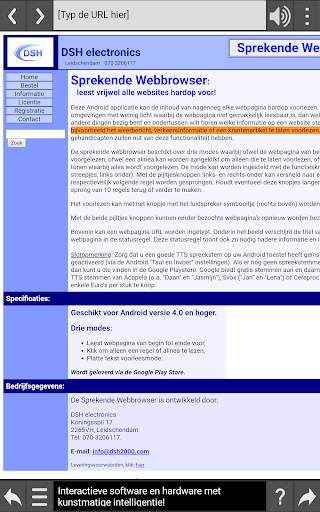
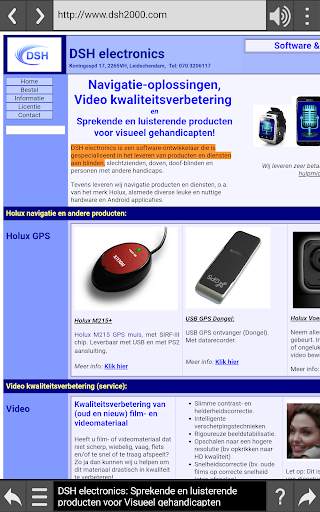
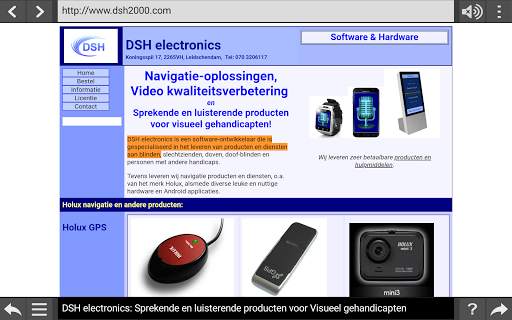
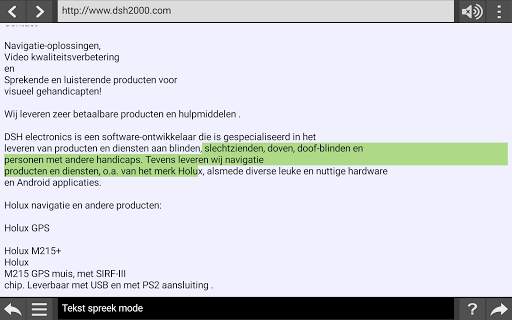
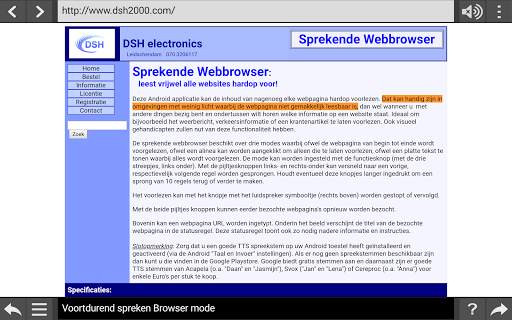
This Android application can read the contents of almost any web page aloud. This can be useful in low-light environments where the web page is not easily readable, or when you are busy with other things and in the meantime want to hear what information is on a particular website. For example ideal to read things like, the weather forecast, traffic information or a newspaper article aloud. Visually impaired people will also benefit from this functionality.
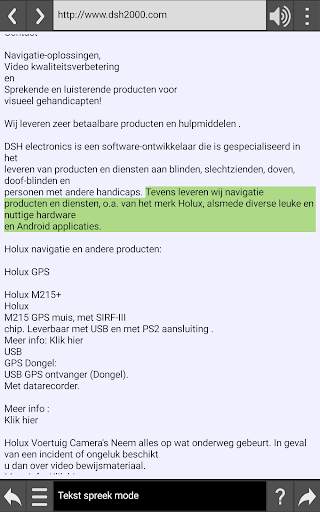
The Speaking web browser has three modes whereby either the webpage is read from start to finish, or a paragraph can be clicked to have it read separately, or show a plain text where everything is read aloud. The mode can be set with the function button (with the three dashes, bottom left). You can use the arrow buttons on the bottom left and bottom right to jump to the previous or next line more quickly. If necessary, keep these buttons pressed longer to make a jump of 10 lines back or forth.
Reading aloud can be stopped or continued with the button with the loudspeaker symbol (top right).
Previously visited web pages can be visited again with the two arrow buttons.
At the top a web page URL can be entered. The title of the visited webpage appears in the status line at the bottom of the screen. This status line also shows further information and instructions if necessary.
Remark: Make sure you have installed and activated a good TTS speaking voice on your Android device (via the Android "Language and Input" settings). If no speaking voices are available yet, you can find them in the Google Playstore.
First release of our new Speaking Browser!


